⚡ Upgrade your legacy laptop — because vintage deserves velocity!
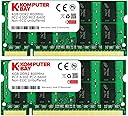
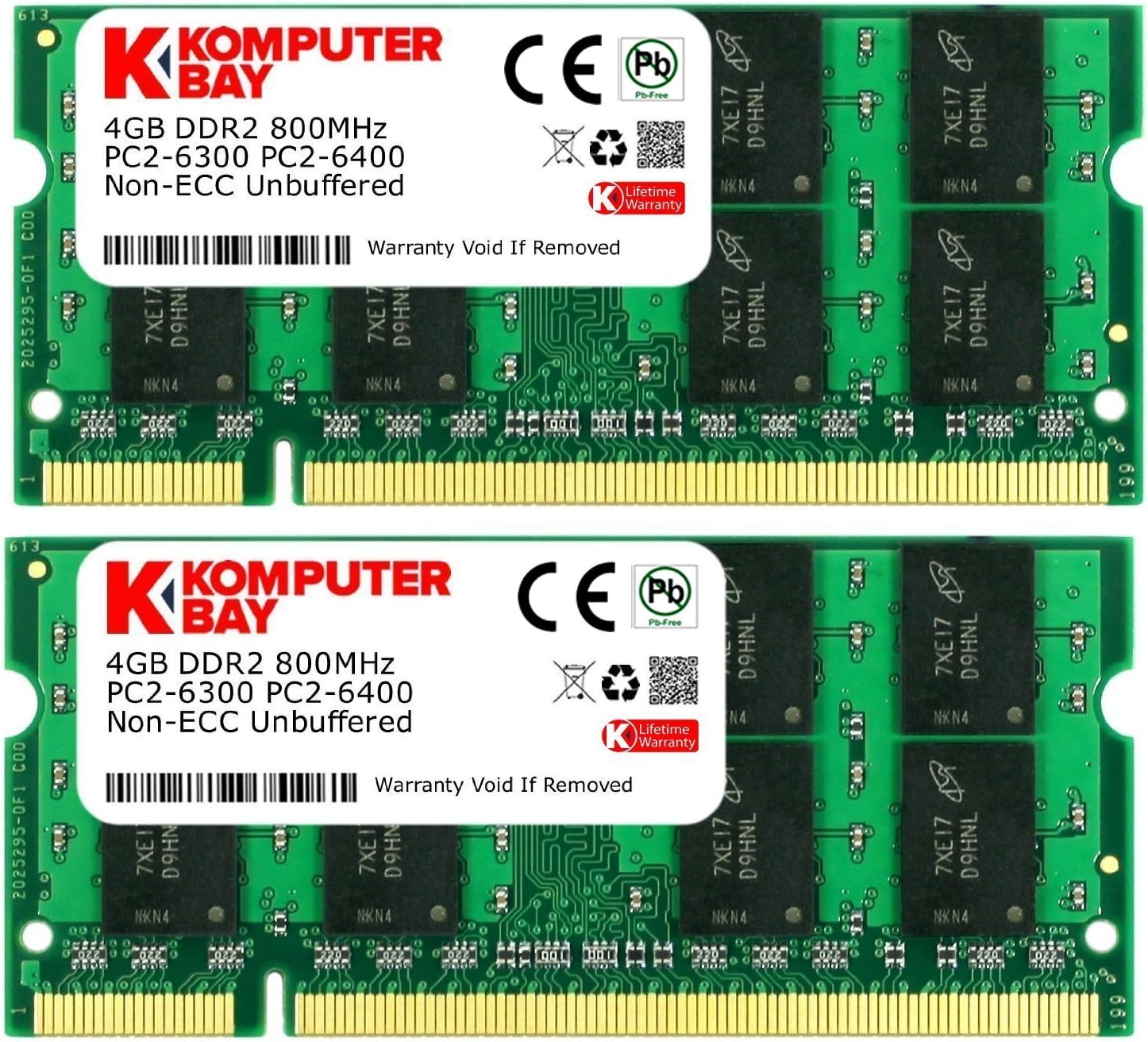
Komputerbay’s 8GB (2x4GB) PC2-6400 DDR2-800 SoDIMM kit delivers a reliable, dual-channel memory upgrade for laptops, featuring tested Micron modules running at 800 MHz with low 1.8V power consumption. Lightweight and backed by a lifetime warranty, it’s the perfect choice to extend the life and performance of older notebooks without compromise.
| ASIN | B003D18Q7W |
| Additional Features | Lightweight |
| Brand | KOMPUTERBAY |
| Compatible Devices | Laptop |
| Computer Memory Size | 8 GB |
| Customer Reviews | 4.4 out of 5 stars 779 Reviews |
| Data Transfer Rate | 800 MHz |
| Form Factor | SO-DIMM |
| Global Trade Identification Number | 05052239653545 |
| Item Weight | 22.68 g |
| Manufacturer | KOMPUTERBAY |
| Memory Speed | 800 MHz |
| Number of Pins | 200 |
| RAM Memory Technology | DDR2 |
| RAM Size | 8 GB |
| Special Feature | Lightweight |
| Voltage | 1.8 Volts |
J**R
Komputerbay Who? This is Who!
I have a HP G61-631NR laptop. HP's website says it only supports 4GB max memory. I decided to run "sudo dmidecode -t memory" in Debian Linux, it replied back that the laptop was capable of 8GB. I jumped on it to get these sticks of RAM to try them. Worst case scenario, the laptop wouldn't see all the memory and send them back to Amazon as wrong item ordered. The memory works as expected, and I am using the laptop they are in to write this. For DDR2-800, they are very responsive. I've put these sticks through numerous battery tests like MemTest86+, and they laughed at what I was throwing at them. Needless to say, I will be looking at Komputerbay again when I want to revive some of my older systems. Don't let the not so well known name throw you off. These are great quality products. Will buy again. john@phobos:~$ sudo dmidecode -t memory # dmidecode 3.0 Getting SMBIOS data from sysfs. SMBIOS 2.6 present. Handle 0x0012, DMI type 16, 15 bytes Physical Memory Array Location: System Board Or Motherboard Use: System Memory Error Correction Type: None Maximum Capacity: 8 GB Error Information Handle: No Error Number Of Devices: 2 Handle 0x0013, DMI type 17, 28 bytes Memory Device Size: 4096 MB Type: DDR2 Speed: 800 MHz Manufacturer: Micron Technology Serial Number: 2C00000000000000011010D233C17F Part Number: 16HTS51264HY-800A1 Handle 0x0015, DMI type 17, 28 bytes Memory Device Size: 4096 MB Type: DDR2 Speed: 800 MHz Manufacturer: Micron Technology Serial Number: 2C00000000000000011010D233C17F Part Number: 16HTS51264HY-800A1
P**1
Great value, works perfect! This is CL 6 memory.
What a great deal from a great seller! This is the second high-value item I have purchased from Komputerbay, and both items are exactly as described, work perfectly, and are bargain-priced. This memory installed without any problems, and runs at least as cool as the HP memory it replaced (if not a bit cooler). And what a great price! Komputerbay's items are also Amazon Prime eligible, which is important to me. They state in the product description that they individually test each memory module before shipping. That is a very unusual quality control measure and is one of the reasons they have earned my loyalty. After my experience with two of their products, I will be proactively looking for Komputerbay items for my future purchases. By the way, when it arrived, I was able to verify on the package labeling that this item is CL 6 memory, which I had to assume when I ordered, as it wasn't stated anywhere in the listing. Hope that info helps you.
E**R
The Right RAM Cards for HP Pavillion Dv7
I bought this product for my HP pavilion dv7 computer. I recommend opening your computer to make sure the card you are about to buy matches what's in your computer. The Komputerbay 8GB (2x4GB) RAM cards were a perfect match for my computer and were very easy to install. I found the how to video on Youtube that was very helpful for the install. I included pics of the process because there weren't any HP dv7 pics available. Once I installed the cards my computer booted up without a problem & it took a few start ups and opening all of my programs, to get the speed I was expecting. Now I am pleasantly pleased with its speed & performance.
A**R
they worked on my computer
I used them on my Dell Latitude 6400, even I though they won't fit in my computer and I asked the seller about compatibility, I never got an answer and I took the risk by buying them. Fortunately, they worked in my computer and now I have 8 GB of memory in my working computer (factor that I really like it), however, even I have noticed a better running in some applications, these memories do not maximize my computer enormously. Only enough to speed up some tasks and a little less waiting time for some others but nothing to be impressed. Conclusion, since these fits mainly in corporate computers, if the company is paying for those go ahead, if not keep your money or try some other brand.
A**.
The Cost Is Absurd, but It Is Something Other Buyers Must Accept
It works instantaneously after installation. As the census established from other people’s reviews, it appears to be good-to-exceptional R.A.M. Currently - only after mere days - ‘Load’ speeds have considerably increased. I haven’t tested the ‘Read’, ‘Write’ and ‘Transfer’ speeds yet. Leaving a 5-star rating, however, is questionable because of the astronomically high price. Finding the particular kind of R.A.M. I needed wasn’t a cursory research effort, as far as buying options are concerned. While the type I needed was particular, I am very surprised at the cost. If there was a way to leave this rating with an accompanying stipulation; the stipulation is simply the cost.
A**C
Great Deal on Great Memory!
After a lengthy search, KOMPUTERBAY offered the best price on the memory I needed for my laptop when comparing apples to apples. I had a few reservations about purchasing from a new seller, but everyone is new when they first start. The RAM memory was a direct fit as advertised and has been working with no issues for six weeks now. My computer is faster than it has ever been. The 64-bit Windows 7 operating system definitely likes 8 GB of RAM much better than 4 GB. KOMPUTERBAY provided quick shipping at no extra cost through the U.S. Postal Service. Overall, I'm very happy with my purchase from KOMPUTERBAY. I will definitely look to them again for my memory or storage needs.
A**S
I would like to say that for the cards I was looking ...
Amazon has stated recently stated in an email to me that Komputerbay is lacking in reviews and is a "largely unknown" company whiten the amazon community. I would like to say that for the cards I was looking for; and taking the risks of ordering from this "largely unknown" company, they arrived as presented and preform (and are currently preforming) as outlined on the specifications page. Overall i am pleased that i can buy an older card (~2010) and still receive new new and accurately specked to current software. As of now i have had these cards in my laptop for 3 months and they have functioned without error. I would recommend this company to others and plan to return upon the purchase of a new laptop to spec newer cards against their competition, I'm confident that; as was true in this case, they will be on par with the leading brands and more fairly priced.
R**7
Easy Laptop upgrade
To everyone who ever feared removing the screws from the back of your laptop relax. This upgrade is about the easiest thing you can do to improve your laptop's performance. The product arrived in one of those bubble wrap envelopes through regular postal service. I didn't pay for the extra fast delivery because I wasn't in a big hurry. To install the memory all I had to do was disconnect my laptop (a dell 1555), remove the battery, remove three small screws from the back of my laptop and remove the old memory by gently pulling the springs that secured the memory in the socket and popping them out. Next I opened the envelope, found the memory in a small plastic case that easily opened with my fingers, oriented the first memory card to insert in the first slot and let it pop into place. I repeated the process with the second memory card, replaced the cover, inserted the screws, reinstalled the battery, plugged in the power supply and turned it on. The bios immediately recognized the new memory and adjusted itself accordingly. Honestly it took longer to write this than it did to replace the memory in my laptop. I used the old memory from my dell to upgrade an older HP pavillion from 1gb to 4gb. Now that's what I call recycling. Oh yeah I pitched the two 512mb memory cards from the dell in the trash. If this wasn't easy enough there are plenty of how to videos on Ehow and youtube to walk you through this simple yet valuable upgrade. Now for the good news. My system is running faster and handles web surfing and computations even faster. I am pleased with my decision to take my upgrade into my own hands and recommend that others use the maximum RAM their systems will allow.
Trustpilot
1 month ago
3 days ago