Desertcart purchases this item on your behalf and handles shipping, customs, and support to Slovakia.
🖨️ Print smarter, faster, greener — because your office deserves the best.
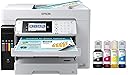
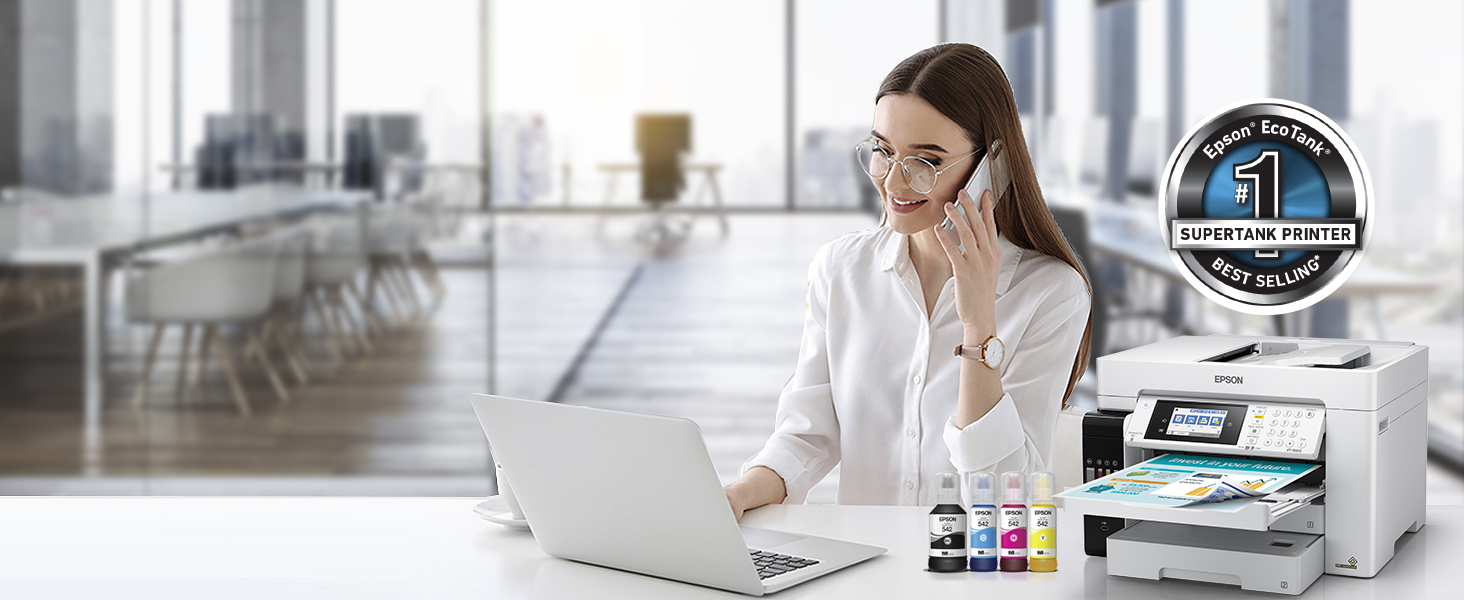
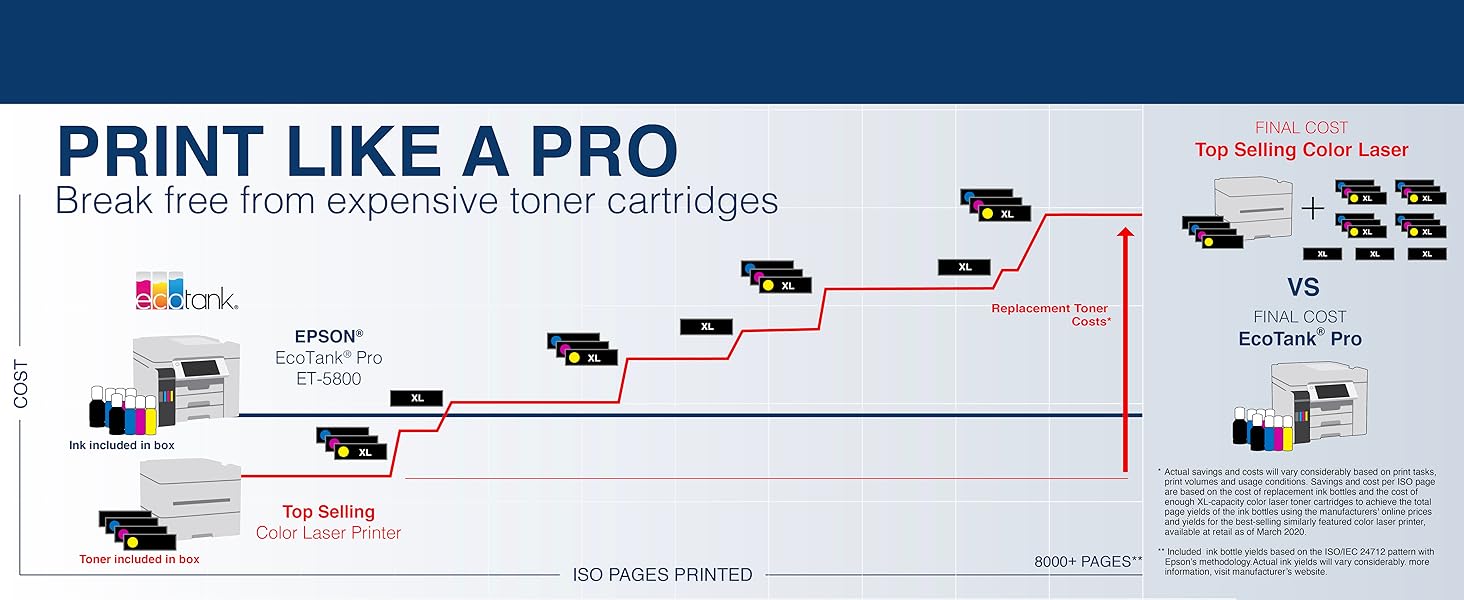
The Epson EcoTank Pro ET-16650 is a wireless all-in-one wide-format inkjet printer designed for high-volume, cost-efficient printing with ultra-low ink costs and fast 25 ppm print speeds. Featuring supersized refillable ink tanks, borderless prints up to 13" x 19", a 4.3" touchscreen, voice-activated controls, and eco-friendly zero-cartridge waste, it’s built to elevate professional office productivity while reducing environmental impact.


| ASIN | B084TV9QYF |
| Additional Printer Functions | All In One |
| B&W Pages per Minute | 25 pages_per_minute |
| Best Sellers Rank | #81,907 in Office Products ( See Top 100 in Office Products ) #82 in Ink Tank Printers |
| Brand | Epson |
| Built-In Media | EcoTank Pro ET-16650 all-in-one, power cord, 1 bottle of 542 Black ink (127 mL) and 1 bottle each of 542 Cyan, Magenta, Yellow (70 mL), CD-ROM for product setup |
| Color | White |
| Color Depth | 24 bits |
| Color Pages per Minute | 25 pages_per_minute |
| Compatible Devices | PC |
| Connectivity Technology | Wi-Fi |
| Control Method | Touch |
| Controller Type | Android |
| Customer Reviews | 3.7 out of 5 stars 219 Reviews |
| Duplex | Automatic |
| Hardware Interface | Ethernet |
| Ink Color | White |
| Item Dimensions D x W x H | 22"D x 23.3"W x 17.3"H |
| Item Type Name | Printer |
| Item Weight | 46.1 pounds |
| Manufacturer | Epson |
| Maximum Copies Per Run | 99 |
| Maximum Copy Resolution Black and White | 600 x 1200 dpi |
| Maximum Copy Resolution Color | 600 x 1200 dpi |
| Maximum Copy Speed Black and White | 40 pages_per_minute |
| Maximum Media Size | 11 x 17 inch |
| Maximum Print Resolution Black and White | 4800 dots_per_inch |
| Maximum Sheet Capacity | 250 |
| Maximum print Resolution Color | 4800 x 2400 dpi |
| Model Name | EcoTank ET-16650 Retail |
| Model Number | ET-16650 |
| Model Series | EcoTank Pro |
| Number of Licenses | 1 |
| Number of Trays | 3 |
| Other Special Features of the Product | Refillable Ink Tank |
| Paper Size | 11x17 |
| Power Consumption | 19 watts |
| Print media | Paper (plain) |
| Printer Connectivity Type | Wi-Fi |
| Printer Output Type | Color |
| Printer Type | Inkjet |
| Printing Technology | Inkjet |
| Resolution | 4800 x 2400 |
| Scanner Type | Sheetfed |
| Special Feature | Refillable Ink Tank |
| Specific Uses For Product | Office |
| Total USB 2.0 Ports | 1 |
| Total Usb Ports | 3 |
| UPC | 010343950184 |
| Unit Count | 1 Count |
| Warranty Description | 2 Years Limited Warranty |
| Warranty Type | Limited Warranty |
| Wattage | 19 watts |
T**Q
Excellent home office machine
This unit has been working great in my home office. It handles printing single or double sided on either letter, legal, and 11x17 in color or B/W with no issues. With the reservoir tanks, there's no rapid burning thru expensive cartridges. It handles scanning/faxing, and copying very well with good color matching. It was easy to setup and get linked to my computer and Wi-Fi systems. While it may seem expensive, it is far cheaper than a stand alone business office model like a Ricoh. I managed to catch it on sale too.
B**B
Failed within a year and denied warranty coverage.
I purchased this printer in December 31, 2023. I used OEM ink to top off my printer as the ink that came with the printer was getting low. In mid December 2024, I did a nozzle check and saw that the Cyan was not printing except for a few segments. I did 20+ cleans, and even a power clean with no results. I contacted EPSON and they stated since the printer was still under warranty they would replace it. They asked for pictures of the ink lines and asked that I call back immediately after submitting the data. When I called back they declined my warranty because the ink tubes were colored (except the black). After speaking to a local Epson repair shop, they said the ink system on some of these models fails to draw the ink correctly and doesn't feed the print head. After the denial, I ordered some cheap ink and a print head cleaning kit. Cleaned the print head, recharged the head and still no cyan, but all the other colors worked for a while. Now nothing. It's just an overpriced scanner. Update February 2025. I found a company that sells new printhead and ordered a new one. I also bought new ink dampers just in case. Primed ink and ran a power clean. It prints perfect again. New printhead was over $400 and dampers were $50. Still a one star for bad warranty experience. I'm still using the cheap ink that was in the system.
J**H
Printer doesn't work out of the box, can't get online support Solved
Setting up printer for the first time, it is stuck in paper jam mode. Called Epson, they will not honor warranty because it is a third party. No phone support from the online seller (BESTDEAL). From other reviews, this may be an Epson problem not starting up. The printer ws lockup with print bar not put into print mode. This isn't a problem with the vendor. It was a problem with Epson startup document.
D**R
Amazingly Well Made
Let's start with quality of shipping. Incredibly well packaged and prepared for shipment. Lots of Styrofoam, blue tape hermetically sealed ink bottles, etc. Needed to say all claim in great condition. Setup manual was ok, but a manual on how to actually use the printer would be useful. Printer is very well designed and put together. Nothing cut short to use this for routine printing as well as the 11x17 capability which can be done on both of the printer trays if needed. The ink bottles are well designed. I remember back in the day with ink bottles that were very easy to spill. Not these. Well engineered. Well done Epson.
M**Z
Epson 16650
Excellent Printer, easy installation, easy use, grat performance
L**S
Second Guessing this Purchase
I just don't know.......We thought long and hard before purchasing a printer for our home office. We went on what we thought was the higher end because we felt like we would get what we paid for. I've also been loyal to Epson for over thirty years. Unfortunately, this product has given us some headaches - and unfortunately - early on - we purchased a second of the same printer for our small office. It looks impressive and works fairly well. I am kicking myself for not looking loner and considering other options (including a color laser printer). Print speed is definitely a plus. It's been difficult to keep clean and WOW it uses a lot of ink while cleaning the print nozzles. Today, I cleaned the nozzles for the SECOND time in two days and it took a while and ended with a note about a maintenance box. I do not like to complain but this is money not well spent. *Click on photos to see entire photos.
B**L
DO NOT BUY THIS PRINTER
I needed a high end, high speed supply economical printer to print color file labels. One for which I could easily obtain high volumes of ink. The only part that Epson actually managed to come through on with this absolute piece of a garbage, is need high volumes of ink and being able to get it. I have barely 20K sheets through this machine, it has been nothing but trouble. Had Epson put one-tenth of the effort into something that actually prints well instead of something that spends most of its time informing you that it doesn't like your settings, it STILL would have been an aggravating piece of crap, but it might have actually printed something worth having on paper. I NEVER leave reviews, however I dumped $1100.00 on a 35 lb paper weight. Most of the time if you're unhappy with something, the complaints are marginal. However Epson has outdone itself this time, with something that after close to 6 months has been such a waste of money but on the flip side has also been a daily exercise in abject frustration that I've finally had it. This printer is garbage. Save your money, buy a box of Crayons and start drawing, the result will be better.
L**S
It's solid
The EcoTank Pro ET-16650 prints fast and it is so quiet. It is easy to install to your wifi but I strongly suggest that you read the 'Start Here - Installation Guide' before turning on the printer or installing the Epson software. Things to keep in mind are that I noticed that the ink was consumed by at least 20 percent during the initialization ink charging process (it takes appx 9 minutes). Not having prior experience with ink printers, I called Epson to complained about this and I was assured that this is normal and that it would only happen this one time and so far that is holding up to the truth. Sure enough, Epson does mention this in their 'Start Here - Installation Guide': 'Note: Part of the ink from the included bottles is used for printer setup. You will notice ink levels in the tanks decrease during charging. This decrease is normal and does not affect the stated in-box yields' So far the 16650 has been a dependable and solid printer. We deal with 11"x17" AutoCad plans and print quality with an 11"x17" scanner is a must-have. Unlike it's more affordable charming buddy, the Epson WorkForce WF-7710, I have had no paper jams during a duplex scanning with the 16650. Thanks to Amazon's exceptional return policy I do not regret upgrading from the WF-7710 to the ET-16650. Not that the WF-7710 is not a good printer and of course it's unfair to compare them when one is so much more expensive but the performance does justify the price. Not worrying about having to replace expensive ink cartilage (genuine Epson brand) with the longer-lasting ink bottles helps too. A tip I read is to keep your ink printers on all the time, it saves ink and it avoids clogged heads. The power consumption from this beast is very little in its idle state. Ink is consumed every time you turn on your ink printer. This printer is so quiet that I barely noticed that it's on. Don't forget that you can assign a personal email address to your Epson printer. You will need to install 'Epson Connect'. Sure there are many ways to printing your stuff but isn't a nice perk for us the consumer to have this as a convenience :-) The EcoTank Pro ET-16650 is a big and heavy boy and it looks like we are going to have a good relationship.
A**R
Alignment calibration is very important. No lines
I have seen reviews complaining of lines down the paper. I had this initially and then did the intensive alignment calibration. It's best to run it a couple of times to really fine tune it. I have not had any issues since. The complaint of having to load 13 x 18 paper from the manual load is true and could be a nuisance for people needing to print that size often. Overall I really like the printer and have not had any wireless connection issues like my old brother printer.
M**T
Disappointing Quality & Defective not reliable
I ordered the Epson EcoTank Pro ET-16650 on December 10, 2024, expecting a high-quality wide-format all-in-one printer for professional use. Unfortunately, my experience has been anything but professional. From the very first page, the printer produced severe color distortion, streaks, and horizontal lines — as shown in the attached image. Instead of crisp, clean output, the results look smeared, glitched, and completely unusable for any serious work or presentations. I followed all setup instructions, ran multiple cleaning cycles, and used Epson’s own ink, but nothing improved. This points to a defective printhead or faulty hardware straight out of the box. For a premium-priced device marketed as “Pro,” this is unacceptable. I’ll be requesting a return or replacement, and I hope Epson seriously rethinks its quality control. Pros: If you want “AI-style abstract art” without using AI, this printer delivers. Large-format capability (on paper). Promising features (if they worked) Cons: Severe print defects from day one. Completely unusable for professional-quality prints. Wasted hours troubleshooting a brand-new unit.
A**R
Works great!
Had this for our home office for a year now and very happy with it!
X**I
Produces Outstanding Photographs
The ink supply provided in the box is inadequate. There is a 2 year "free" two year inksuppy program which you have to find in their web site. It requires the buyer to return the empty bottles along with a receipt for the replacement bottles. Postage was C$17.00 All the Epson printers I have purchased have produced wonderful images. All of them have had inscrutable manuals and complicated instructions. Epson Ink cartridges have always been very expensive. I have tried generic versions which were not too bad. Epson has worked hard to prevent this and ink bottles are part of this. I like my ET-16650 very much for its large format abilities but the learning curve is frustrating. Using the touch pad controls and the computer controls cause a lot of error signals at the begining.
A**N
Garbage
This a garbage printer. We've are on our third unit - and it's still not working properly. Do not buy one!
Trustpilot
1 day ago
1 week ago