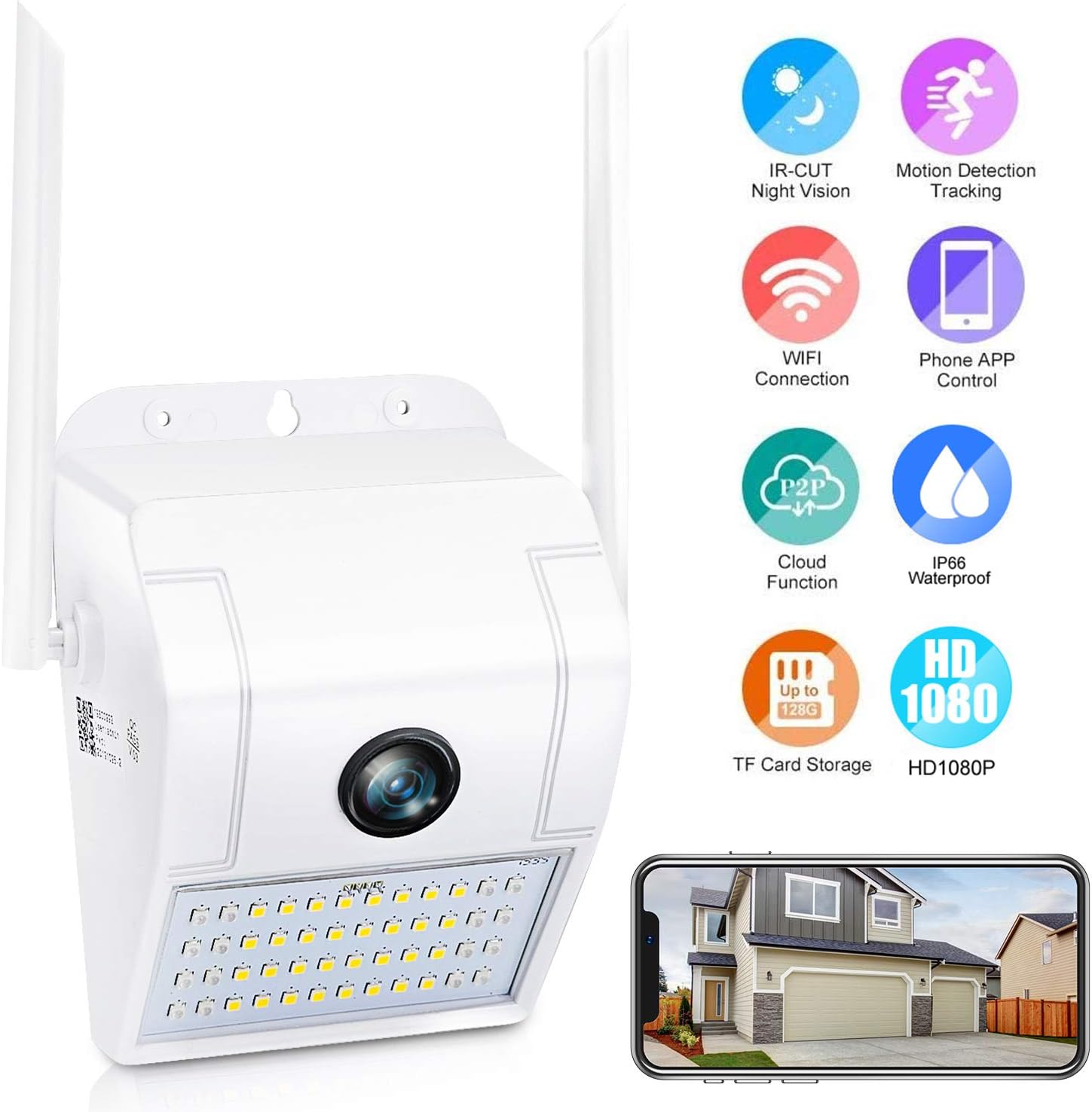
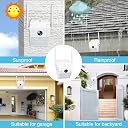

FHD Outdoor Security Camera with Light, IP65 Waterproof Floodlight Camera, Two-Way Talk,Zone Alarm, Color & Infrared Night Vision, Plug-in 110V to 12V Power Adapter, Not Battery Powered
Product ID: 186399874
Desertcart purchases this item on your behalf and handles shipping, customs, and support to Slovakia.
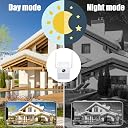
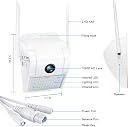
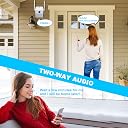
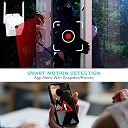
Features: > Ultra broad viewing angle up to 160°, 2MP images in H.265 compression. > Full HD video monitoring of 24/7 hour, powered by wire. > Day/Night Mode: Color during daytime/Switches to B/W at night. > High lumen Floodlights is actived by motion detection automatically. > Push instant App notification once abnormal is detected. > Built-in intercom to talk to the other side. > Enable siren to report dangerous case or reject unwanted visitors. > Remotely view and control by iOS/ Android App > Enthernet network port for backup. Details: Input: DC 12V/2A WiFi band: 2.4GHz Only, IEEE802.11 b/g/n Resolution: 2 million pixels, 1080P Image. Sensor: GC2063 1/2.9" 2MP CMOS. Min. Illumination: 0.02 Lux. Lens: f=2.4mm Horizontal field of view: 160° Infrared LED: 16PCS LED light: 32PCS. SD card(NOT INCLUDE): Max 64G. App: V380 pro iOS/ Android. Size: 6.8x9.5x13cm Waterproof: IP66 Notice: Network Configuration Steps: 1> Power on the camera fully 2> Succefully factory reset the camera by long pressing reset key up to 10 seconds 3> Wait for the camera booting finish, till hearing voice tips of "AP hotspot establishment" 4> Log in the "V380 pro" app on phone, then tap "Add" button and choose "Ap hotspot" 5> Turn to wifi setting on cellphone, select and connect the wifi began with "MVxxxxxxx" 6> Once connected the phone with the camera, turn to the "network setting" of "V380 pro" app, finish network configuration by filling the target 2.4Ghz wifi name and password combo 7> The camera will automatically reboot and connect to wifi, and you need to refresh the device list on app after that.
Trustpilot
1 month ago
3 weeks ago