Desertcart purchases this item on your behalf and handles shipping, customs, and support to Slovakia.
๐บ Elevate your binge game with TCLโs massive 85-inch 4K smart powerhouse!
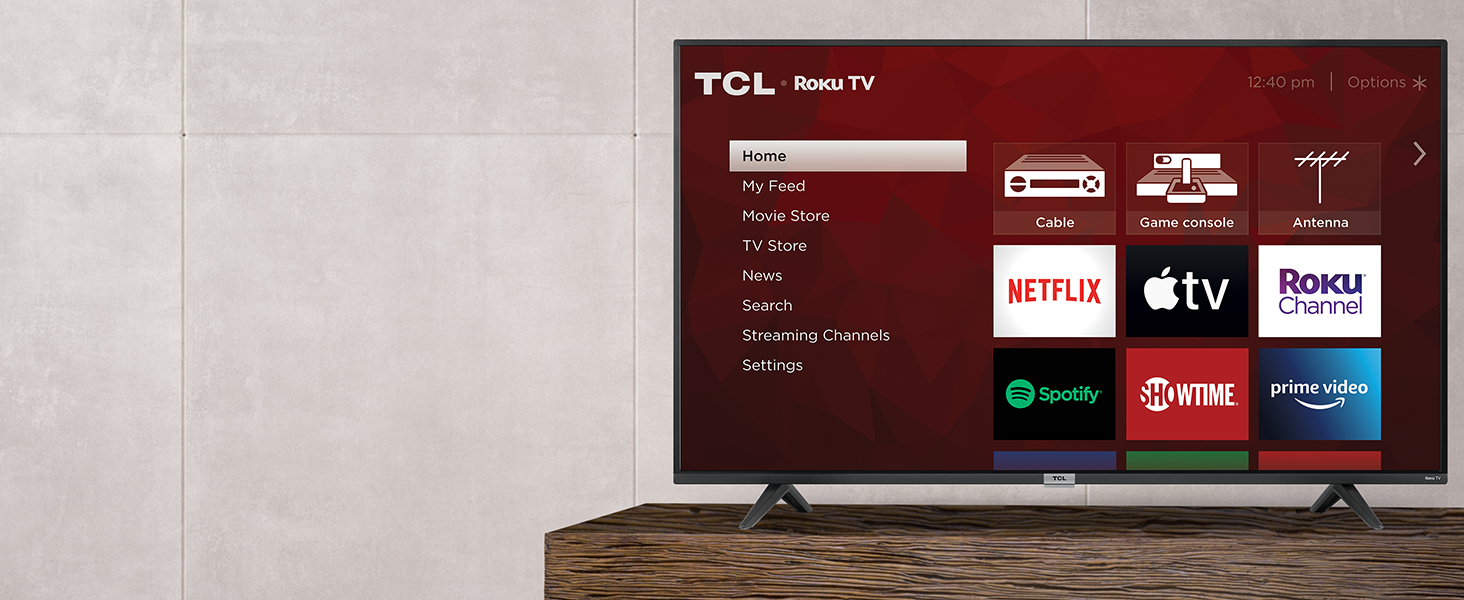
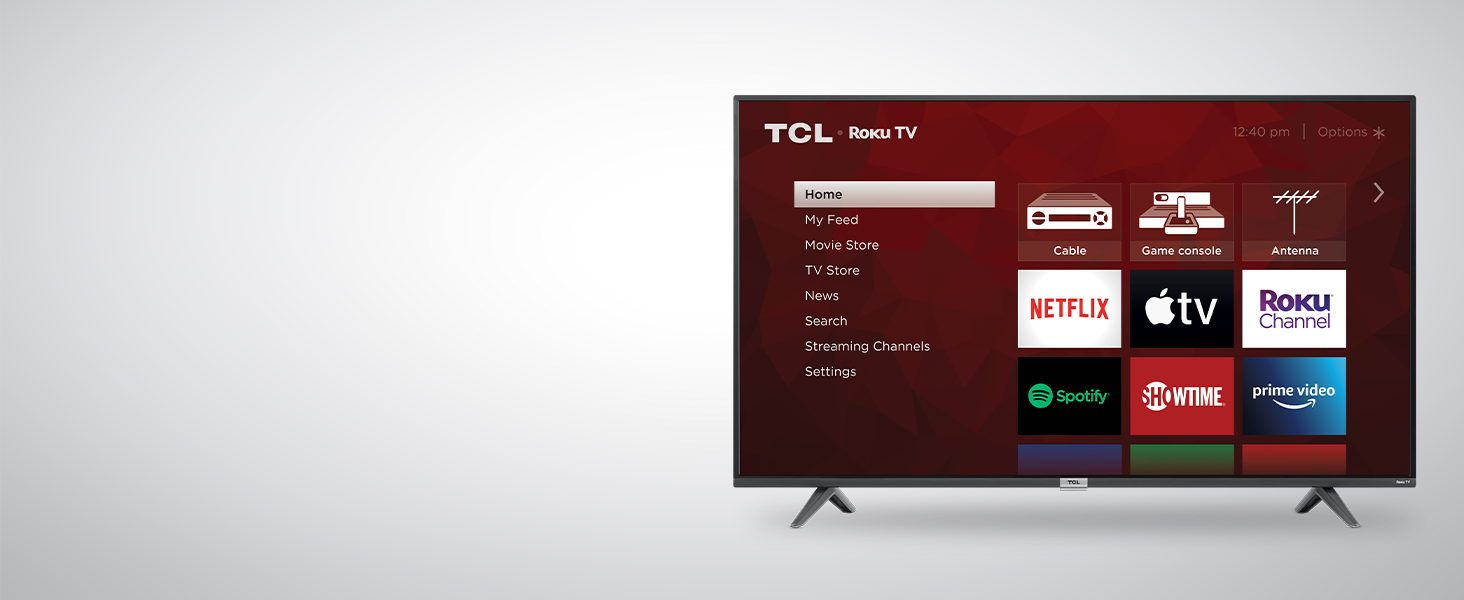
The TCL 85S435 is a 2021 85-inch 4K UHD LED TV featuring HDR10 and HLG for enhanced color and contrast. Powered by Roku OS, it offers seamless access to over half a million streaming titles with a simple, customizable interface. With four HDMI ports, Ethernet, USB, and voice control compatibility (Siri, Alexa, Google Assistant), itโs designed for versatile connectivity and smart home integration. Ideal for professionals seeking a large, immersive screen with easy streaming and smart features, backed by a 1-year warranty.


| ASIN | B08RGB3P6D |
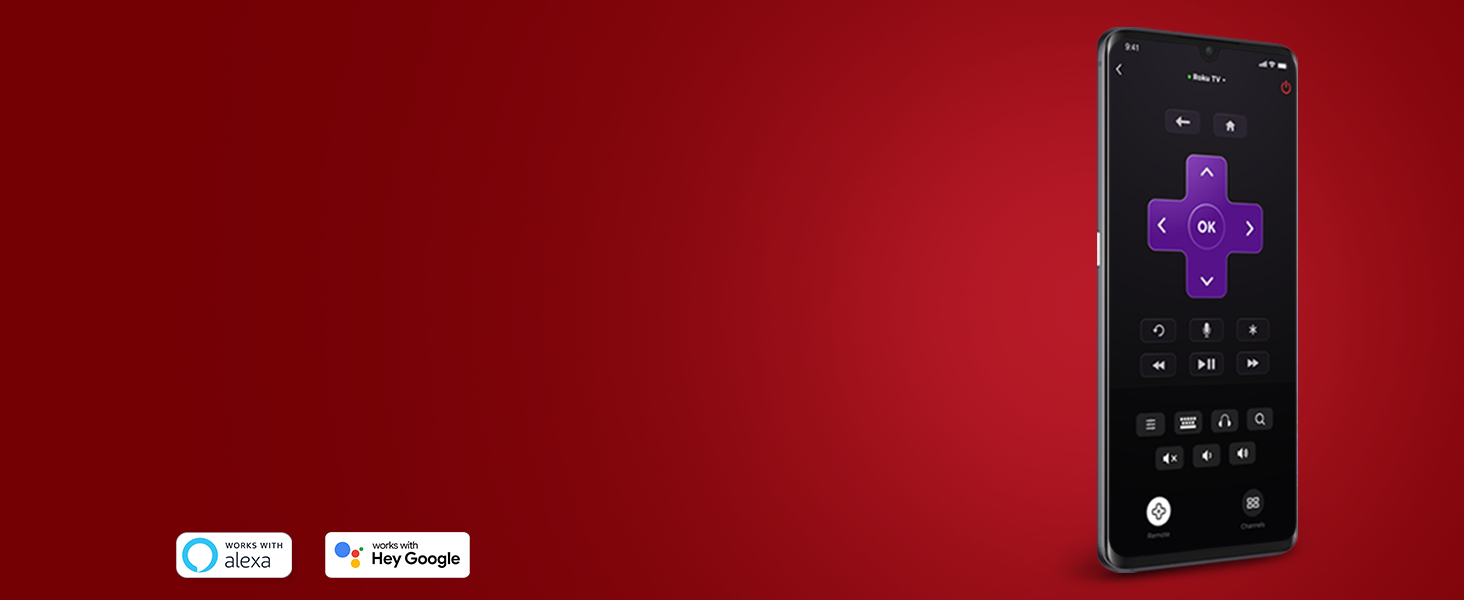
| Additional Features | HDR Technology; Easy Voice Control works with Siri, Alexa, and Hey Google; Advanced Digital TV Tuner with Live TV Channel Guide |
| Antenna Location | Home Viewing |
| Aspect Ratio | 16:9 |
| Audio Input | HDMI |
| Audio Output Mode | Digital |
| Battery Type | Two 'AAA' |
| Best Sellers Rank | #30,809 in Electronics ( See Top 100 in Electronics ) #143 in LED & LCD TVs |
| Brand | TCL |
| Built-In Media | Power Cable, Remote Control, Stand |
| Color | Black |
| Compatible Devices | Siri, Alexa, Google Assistant, Roku-compatible devices, AirPlay-compatible devices, HomeKit-compatible devices |
| Connectivity Technology | Ethernet, HDMI, USB, Wi-Fi |
| Connector Type | HDMI, USB |
| Content Sharing Direction | Mobile to TV |
| Contrast Ratio | High |
| Control Method | Remote |
| Controller Type | Remote Control |
| Customer Reviews | 4.6 out of 5 stars 23,520 Reviews |
| Display Backlight Technology | LED |
| Display Language Options | en-US |
| Display Refresh Rate in Hertz | 60 |
| Display Size Class | 85 inches |
| Display Technology | LED |
| HDR Format Supported | HDR10, HLG |
| Hardware Interface | 802.11 ac/b/g/n, Ethernet, HDMI, USB 2.0 |
| Integrated Surround Sound Format | Dolby Digital Plus |
| Internet Applications | Amazon Instant Video, Google TV, Hulu, Netflix, YouTube |
| Item Dimensions D x W x H | 16.7"D x 74.9"W x 46.8"H |
| Item Weight | 108 pounds |
| Item Weight Without Stand | 106.5 pounds |
| Line Voltage | 110 VAC 60 Hz |
| Manufacturer | TCL |
| Mfr Part Number | 85S435 |
| Model Name | 85S435 |
| Model Number | 85S435 |
| Model Series | 85S435 |
| Model Year | 2020 |
| Motion Enhancement Technology | Clear Motion Index |
| Mounting Type | Wall Mount |
| Number of Audio Channels | 5.1 channels (best guess based on Dolby Digital Plus) |
| Number of Component Inputs | 4 |
| Operating System | Roku OS |
| Parental Control Technology | V-Chip |
| Picture Quality Enhancement Technology | HDR10, HLG |
| Refresh Rate | 60 hertz |
| Remote Control Technology | Wi-Fi |
| Remote Required Battery Quantity | 2 |
| Resolution | 4K |
| Screen Finish | Flat |
| Screen Mirroring Technology | AirPlay |
| Screen Size | 85 inches |
| Signal Format | HDR10, HLG |
| Size | 85 in |
| Speaker Description | Output Power: 15W + 15W |
| Special Feature | HDR Technology; Easy Voice Control works with Siri, Alexa, and Hey Google; Advanced Digital TV Tuner with Live TV Channel Guide Special Feature HDR Technology; Easy Voice Control works with Siri, Alexa, and Hey Google; Advanced Digital TV Tuner with Live TV Channel Guide See more |
| Specific Uses For Product | Home Viewing |
| Total Audio Out Ports | 1 |
| Total Number of HDMI Ports | 4 |
| Total USB 2.0 Ports | 1 |
| Tuner Type | NTSC |
| UPC | 846042017787 |
| VESA Mount Standard | 600 x 400 mm |
| Video Encoding | HEVC (H.265) |
| Warranty Description | 1 year manufacturer |
| Warranty Type | Limited |
| Water Resistance Level | Not Water Resistant |
| Wattage | 15 watts |
| Wireless Technology | Wi-Fi |
L**N
Nice 4k ROKU TV for starters in 4K
OK, first off, please read this: This is a ROKU TV system. Yes you can use it with cable TV or with an Over The Air antenna, but it is still a Roku. And let me explain one part about Roku. In order to use Roku, you MUST set up an account, and the reason for a payment method on file is so that if you wish to enable a Netflix or Hulu subscription (for example), the payment is automatic. The only time you pay ANYTHING is when you either take a subscription or buy a rental. But at no time are you charged any fees. We cut the cable cord two years ago with Roku Express+ 4K on our HD TV sets, and at that time, when I created the account, I did put my card on file, and have NEVER once been charged without my knowledge, since I DID set the account up to require a PIN. And we only rented one movie in all that time. No extra fees whatsoever. Now, let's move on to the TV itself. Country of Manufacture is China. In the box you get: TV Two TV Stand legs with screws 6 foot Power Cord Remote Control with two batteries. Remote is a Roku remote that is pre-paired to the TV. Even easier than the Roku 4K Express+ Quick Start guide with warranty photo registration code Setup was quick and easy. I attached the legs, put batteries into the remote, plugged the TV in and went through the setup process. In about 15 minutes, I was watching OUR channels that we had selected, and seeing things from a whole new perspective 4K is an awesome way to start and yes, this is a starter system. Colors will brilliant and vibrant and life-like, and the set will automatically adjust to your source resolution. Some of the things I like, is that I can attach an Ethernet cord instead of using wireless and ensure a constant streaming experience, although I have tweaked our wi-fi network enough that there is no buffering. There are THREE HDMI input ports for whatever you wish to connect to the TV as well as an HDMI ARC port if you have a sound bar setup. You also have a USB port for movies. songs and photos, an Ethernet port, a coaxial cable port for either an External Antenna or Cable TV Feed, an AV In adapter port (adapter NOT included) for older video equipment and headphone out for either Headphones or external audio equipment. Unit comes with a 1 year warranty and you can opt to buy additional protection if you so choose. The set will upscale 1080P sources to near 4K UHD and there is also a special Roku Channel for 4K to get you started. The set weighs 26 pounds, so if you wish to mount it to a wall mount you will want a VESA 200x300 capable mount. Those are easy enough to find here on Amazon. VESA 200x300 mount will use (4) M6x12mm screws if you already have a wall mount. Is this a Super high end 8K or QLED or OLED TV? NO. But if you are looking to start out into 4K with something that is affordable and easy to set up, then the Class-4 series will be a good choice for you. 5 stars and two thumbs up, as well as a recommended buy from us. JPL
P**1
Excellent entry-level 4K TV at a good price with a 1 year warranty!
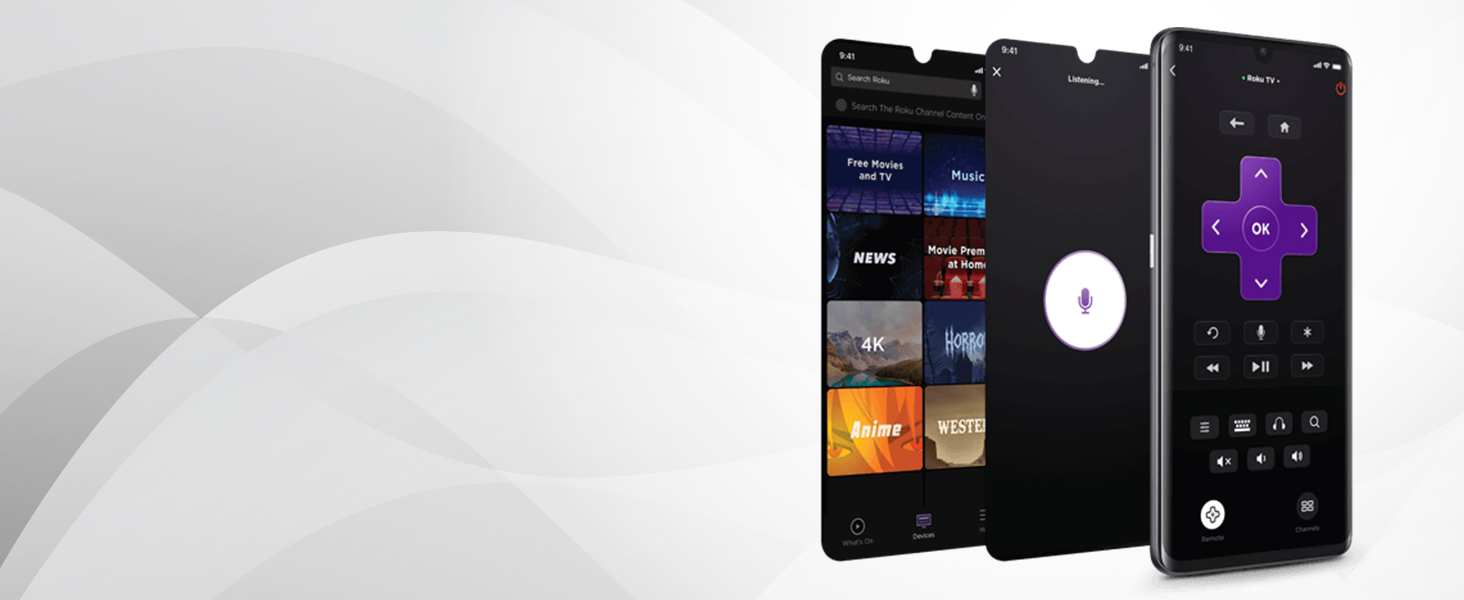
Hi Everyone, This is an excellent entry-level 4K TV at a good price with a 1-year warranty! I have been using this TV for over 3 months before writing any reviews or comments. I did a lot of research before buying a new TV and this was considered the best lower-cost 4K TV with Roku that was available. I Highly recommend this TV. You do need to have an Internet connection and email address to register with Roku to use all the superb streaming options. You can always create a free email account just for TV stuff if you don't want to use your main email. You do not need to add a payment method (credit card or debit card, etc...) unless you want to, otherwise, just select to skip that. You can always sign up for additional streaming services, called channels, on the internet using your computer or smartphone and they will work when added to your Roku channels. So far, I am very impressed with the picture quality, especially when streaming any of the Roku channels (streaming services), or viewing video files, or DVD + Blu-Ray discs, or through the Live TV over the air (OTA) antenna. Anything with 720p resolution or higher looks great, very nice upscaling, and anything with HDR is awesome. Even on my low speed 5 Mbps internet connection, the streaming looks really good, yet for 4K video streaming it is recommended to have a min. 15 Mbps to 25 Mbps+ internet connection. Totally recommend using a quality surge protector or UPS (battery backup) with any electronics you care about. I suggest running a software update in the system settings after setting up the TV for the first time, it is automatic after that. Also, this TV has a large bright LED activity light that stays on disturbing my sleep which you can disable in the settings. You can also select a default startup option like the HDMI input 1 (HDMI cable box on mine), Live TV (coax cable or antenna), or the main Roku menu (the default setting), etc... Initially, I was disappointed with the HOA-required Comcast Xfinity cable service because the picture quality was not nearly as good as the streaming options, or when viewing video files from my media server or USB or DVD Blu-Ray discs or Live TV antenna. But, that is because the Xfinity Comcast cable DTA box is only at 480i and even the free upgraded HDMI DTA cable box is only at 720p or 1080i and the picture quality is just okay. FYI: Progressive (p) video format is better than Interlaced (i). I find that the cable box picture looks better at 720p or 1080i with the TV picture gaming setting enabled and it is still not nearly as good as 720p or 1080p from streaming channels or antenna or video files or discs. Any dark scenes using cable box HDMI are almost too dark to distinguish details, very annoying. I tried 3 HDMI cables, HDMI 2, high speed HDMI 2, and 4K HDMI 2.1 which didn't help. The coaxial connection has lower resolution, but the dark scenes look better and whatever your watching will stabilize and look better overall. The only way to get higher quality video from Xfinity Comcast cable is through their free Streaming app and your Internet service provider (ISP) or by using their free TV WiFi box which I think requires using their Xfinity Internet Service (X1 Wireless TV Box (Xi5 or Xi6) or Flex streaming TV Box (Xi5, Xi6 or XiOne). Additional comments: I was surprised that a TV purchased in April 2022 and manufactured in January of 2022 did not have USB v3.x port(s) and HDMI v2.1 or newer ports although it does have an HDMI v2.1 audio Arc port, but not the enhanced eArc port. The HDMI Arc port can be used as a 3rd regular HDMI port if not used for audio. More ports would be really nice. This model has a 60 Hz display refresh rate with a 120 Hz CMI (Clear Motion Index); This is not a true 120 Hz display refresh rate, but I have not noticed any negative video refresh related issues except on low-quality videos or slower Internet. Note: Some new gaming systems may require an HDMI 2.1 port and an actual 120 Hz refresh rate. There is no Bluetooth either. Also, the included TCL Roku remote does not have the voice button, yet my $40 Roku Streaming Stick + remote has the voice button??? The Roku app on my Android phone does have the voice option though when connected to the TCL TV. And, the Roku Media Player could use some major updates and or perhaps porting VLC into Roku because I noticed that some videos either through my media server or video files on USB drive would not play audio correctly because this TV cannot handle all the various video and audio formats like 7 or 8 channel audio, yet they all play well on my computers, and the video playback navigation controls may or may not work with various media servers? The Plex media server app works well. The Roku Media Player with USB drives does not seem to recognize the exFat file system either which is a common format. Finally, I would also recommend getting an extended warranty through Amazon or through TCL.
S**N
Beautiful picture. Good value.
We bought this to use with an Apple TV 4K in our dining/gaming room. There were a couple surprises, but no actual problems. Weโre very happy with this, especially at this price. The TV has only one button. You push it multiple times to pick an input (or power it off) as indicated on the screen. I donโt see a way to control the volume that way, but admit I didnโt look long. I kind of hate the remote, but never intended to use it, so that makes no difference to me. If you intend to use the Roku features, it might be fine. I really donโt want my TV to be smart, just a monitor for my Apple TV, so the buttons on the remote for specific streaming services are an annoying waste of space, and some day will refer to service that donโt exist or are called something else now. I used my Roku account to set the TV up. Iโm not sure you can avoid that. I was able to get the TV to power on with a specific HDMI input selected, and let the Apple TV control the TCL TVs power and volume. Now we donโt need the Roku remote at all. The TV has AirPlay support built in. None of my other (older) TVs have that. That would be very useful if I wasnโt already using this as a monitor for an Apple TV. It also seems to have HomeKit integration. I can turn it on and off via HomeKit (separately from the Apple TV). I havenโt looked to see if it supports any other actions. The sound is OK. I didnโt expect much. We donโt really want booming theater sound in this room anyway. I havenโt connected any external speakers to this (probably never will), so canโt comment on how the ARC function works, and if all the volume and power control signals get passed to the external audio device or not (our other TV didnโt reliably turn off its sound bar via HDMI). I expect it will work. The software in this seems to be pretty good. IDK if thatโs due to TCL or Roku. Someone seems to know what theyโre doing. The only problem is that now that Iโve seen 4K HDR my โgoodโ TV doesnโt look so good to me anymore.
B**T
Like it a lot!
I've had this TV for a few weeks now and I only have a lot of positive things to report! I haven't experienced any major issues minus the delivery person who actually left it at the wrong address but thankfully my neighbor told him that he was at the wrong address and it was delivered to me shortly after. There are many great aspects of this TV but the best part about it to me is the ease of setup and use. I took it out of the box carefully. It was very well packaged. Once the plastic straps are cut the bottom of the box separates from the sides to reveal your new TV. Then I installed the legs with the included hardware once I found a screwdriver. Ended up somehow putting one of the legs the wrong way but that was an awkward but fairly simple fix. Setting up each streaming platform/account wasn't difficult and everything was was easy to download. The remote is super handy and user friendly. It already has buttons to pull up Disney +, Netflix and hulu plus sling Tv for those that use it. The volume and mute are on the sides which is different than other remotes but it isn't a bad thing. The picture quality is excellent! I love having the built in Roku as my other TV has a fireTV stick which is also nice. I've easily learned and adjusted to both. Overall I really really enjoy everything about it. If an app says it struggles to connect for example I just turn the TV off wait a second and turn it back on and everything works normally/perfectly again. I've had to do this several times so I'm hoping that it won't become a bigger issue especially in the future. I can handle turning it off once in awhile and turning it back on fully functioning again. I definitely would recommend this TV at this point! I love the affordable price and great quality. If for some reason that changes and I jinxed myself (hopefully I didn't) then I will be sure to update my review pronto!
B**R
Already bought 2 of these things
So, my friend needed a TV a few months ago. She's very pretty and well...that's all I need to say. Decided I'd surprise her one day. Check photos for her reaction, although her roommate ruined the surprise, the butt head. No seriously, if a package comes for your roommate and has their FULL government name, and not the name they use on the internet...it's definitely for them, bro. Especially a freaking 50 inch TV. Anyway...I decided to finally upgrade myself as well. Ditched the 32 inch I bought in 2013 when I moved out of my moms place. This TV seems to be on a bit of a yo-yo, price wise, so watch it. I picked it up for under $400 both times. Picture is AMAZING, and this baby gets LOUD. I rarely have to turn it up above 22 and it goes all the way to 100! I don't have cable, haven't in years, probably never will again. I stream EVERYTHING, and this roku tv is PERFECT for that. I'm currently swimming through Law and Order SVU, and being able to see Benson on the big ole screen is nice, even more so because I don't have to run my PS4 all night while watching. Oh, you can apparently add games to the TV. I've 2048 on it and just beat my high score. 3 hdmi ports, clutch!!! And I can rename them and change the pictures??? Also, being able to use the app when streaming and wear headphones is nice. Very slight delay, but not huge. My only complaint is one I wouldn't have noticed for ages. The remote will control other roku tvs, even from different brands. I've got this tcl, and my brother has REDACTED, and literally all the functions on my remote work. Overall, great TV. Can you buy a better TV? Absolutely. I don't think you'll find a better deal, however, than a 50 inch smart TV for under $500. Just think...you're reading this because my friend is pretty, lol. Buy the TV.
M**N
Must buy the price is worth it!
I love the easy setup, sound with quality,compatibility responsive great features !
A**X
Pretty dang good
5 year review Sometimes it gets a little slow, clear your cache/history. Picture is still fantastic, everything still works well.
J**N
Best TV on the Market for the Price
I was looking to buy an affordable ~50" 4K TV for my new home, and I bought this one for my living room and a Vizio V series for my office/man cave. Well, the TCL was the clear winner of the two to the extend that I actually returned the Vizio (lots of issues with software and speakers) and bought another TCL to replace it (so I have a 50" and 43" of this model now). Biggest pluses: - Roku software is top-notch, reliable, and intuitive/good UI. Yes, you need to sign-up for a (free) account if you don't already have one, but the plus there is when you buy another one, it'll auto-install the apps you already use - Every video app you can imagine is supported (MLB.TV, Netflix, HBO Max, and Hulu are my most used) - Sound is pretty good, although I did buy a sound bar to take advantage of eARC port, which was also super-easy to setup once and forget about (soundbar used automatically -- volume controlled from TV remote) - I know some people have complained about the remote, but I actually quite like it once you get used to it, outside of two caveats listed below -- the sound controls on the side of the remote is very intuitive and I way prefer it to the way most remotes do it - EASY to connect to AirPlay or Windows Wireless Remote Display, which is key for me - I like customization of the input names (and icons) so you don't need to remember that Input 2 is Cable Box while Input 3 is Playstation etc - Good HRD for gaming from what I could tell, but I'll admit I'm not a big expert The only downsides I have, which I think are FINE considering the low price of these models: - The remote doesn't light-up ever, and since I like to watch movies with the light down it can make me fumble to find the pause button when needed - No way to change from one input to another without going to the homescreen (that I can tell), which makes flipping between a game on Live TV (via Cable Box input) to my game on pause (on PS4 Pro input) take a bit longer -- those couple of seconds make a difference when you're watching March Madness and the commercial breaks are short Overall, I can't imagine you'll find a better TV without going up an order-of-magnitude on price. TCL is my new go-to brand for screens.
Trustpilot
1 month ago
1 month ago