Desertcart purchases this item on your behalf and handles shipping, customs, and support to Slovakia.
🔥 Level up your nostalgia with 8K power and endless games! 🎮
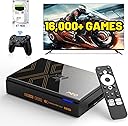
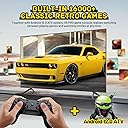
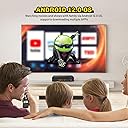
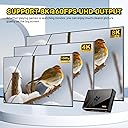
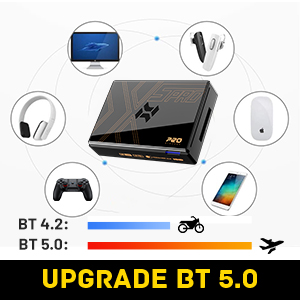
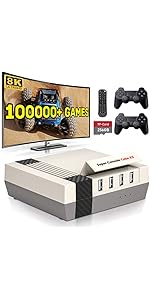
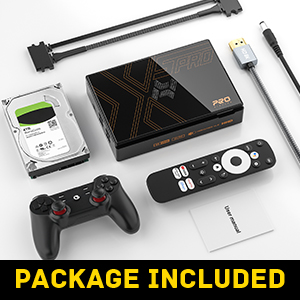
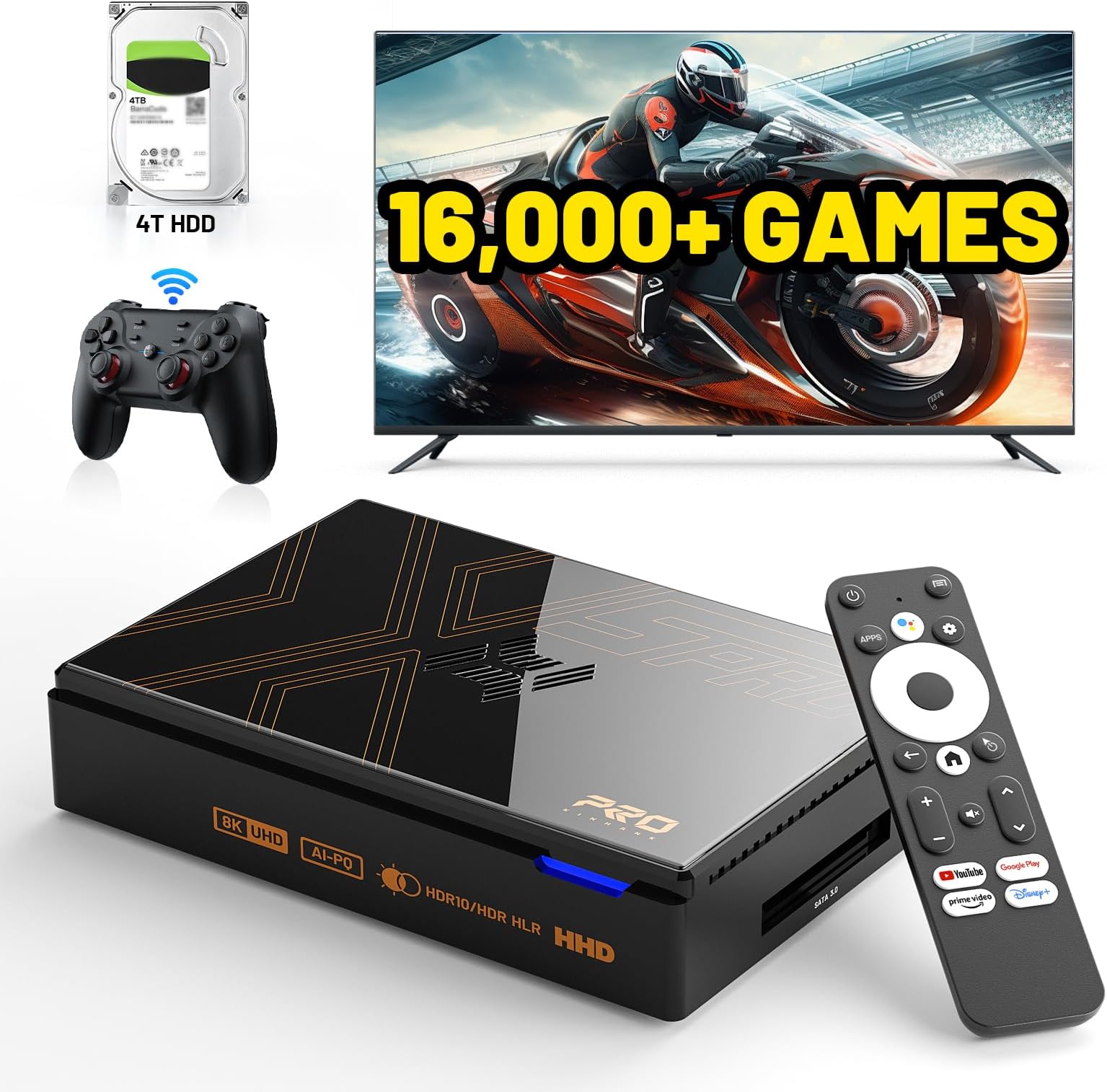
The Kinhank Super Console X5 PRO is a powerhouse retro gaming system featuring 16,000+ pre-installed games on a 4TB drive, running on Android 12.0 with a RockChip RK3588S chipset and 8GB RAM. It supports stunning 8K UHD output with HDR10+, AV1 decoding, and offers ultra-fast connectivity via Wi-Fi 6, Bluetooth 5.0, and Gigabit Ethernet. Its advanced silent cooling system ensures smooth, lag-free gameplay, making it the ultimate all-in-one console for retro and modern gamers alike.


| ASIN | B0CZ6BBP13 |
| Best Sellers Rank | #13,270 in Video Games ( See Top 100 in Video Games ) #287 in GEM Box Microconsole |
| Brand Name | Kinhank |
| Color | Black |
| Connectivity Technology | Ethernet |
| Customer Reviews | 3.8 3.8 out of 5 stars (130) |
| Input Device | Gamepad |
| Memory Storage Capacity | 64 GB |
| Model Name | X5 PRO |
| Model Number | X5 PRO |
| Platform | Android |
| Resolution | 8K |
| UPC | 732124388657 |
| Wireless Communication Technology | Bluetooth, Wi-Fi |
W**N
Great product
I receive the box fearing that it wouldnt work. There are some tips to make the system working. This is not plug and play. There are many setting which need to be done and need lots of time to configure it. Even though it took me hours to figure out, it is worth the time. The system is amazing. Make sure to go through all the online video on how to setup correctly, especially if you want to set up for 2 players or the 2nd controller. I connected directly to my old TV which working perfectly. Not having to worry about virus issue. It run smooth for most games. Some games would have little lag, but nothing is perfect. I would say 95% of the games that I have tried so far is playable. I enjoy playing x-men with my daughter for the first time. Totally a great device to connect with the family
C**S
Retro daddy came to play! Where’d this come from?
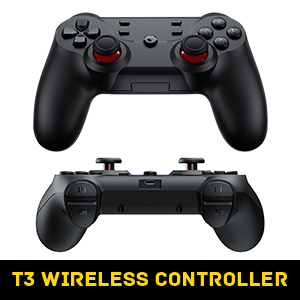
First off, this system has little to no duplicates. Not like the other systems out there in the market where you get 20 versions of the same game. Second, it your a fan of 90s and 00s games, this is right for you. Don’t get me wrong, it has a ton of 80s games for you to play, but I’m into the retro/modern games. AND it doesn’t have a ton of Korean/Japanese/Chinese that you don’t know or even care about. The games on this console are games that you know. Games that gamers actually played with back in the days with your buddies, sitting on the couch, talking smack to each other. Trust me, you’re going to love this console. Yes, there are some games you can’t save, which sucks. I don’t know why. Getting familiar with your remote is a must. Some games won’t let you back out to the main screen and I’ve learned to use the remote to exit games. The console and hard drive itself come in two parts connected with a SATA cable. I don’t like the HDD, I’d rather it be a SSD so I’m going to clone the drive for stability and more space to add more games. The actual console itself is small and lightweight. All ports are clearly marked. It came with a wireless controller which feels okay but you know it was cheaply made. It works fine, though. It comes with a USB dongle that you attached to the ports on the side of the console for wireless capability. I have another controller but I want to see how long this one lasts. Overall, I’m pretty satisfied with it. I was just surprised at how many titles it has, the organization of the games, and the quality of how many good games it has. I know that it has saving issues with some of the games but I gave it five stars anyways. The reason for that was because out of all the retro consoles out there, this is the best. Just follow the instructions and you should be fine. If there is another console that is better than this one as far as its content, setup, and installation, I would gladly knock a star down on this one. But in my opinion, this one is the best. Hands down. No contest.
S**Y
Glitchy
Glitchy. I line reviews indicate that you need to mess with settings and updates to get it to work as i think most would expect. Lots of You Tube vids on this. Some games are great without trouble but lots will not load if you don't do the project. I returned it a bought “retro console king” it works great without issues. Less games but less repeats so maybe the same in the end.
R**N
Not Plug-and-Play, But a Powerhouse for Emulation Enthusiasts
What I Liked: The Super Console X5 PRO delivers impressive performance for the price—it’s basically a micro PC built for emulation. The emulation quality is solid across the board, and the included game library is massive. Nearly dupe-free, you get full collections for Game Boy Advance and earlier, a near-complete N64 NA library, a good chunk of PSX and Dreamcast titles, and roughly a third of the PS2 library. It’s not perfect, with some missing sequels or key titles, but it’s way better than expected. I was especially impressed by how well this runs on a high-end TV. I comfortably pushed 4x–6x scaling, and even managed to run a 2-hour KH2 session at 120FPS in 8K UHD on an 85” screen, according to RetroArch—no hiccups. What You Should Know: This is not a plug-and-play console. You’ll need at least some prior emulation knowledge to really get the most out of it. I ended up putting about $200 into upgrades just to get it where I wanted: Hardware upgrades: I added a custom-machined stand with shock-absorbing screws to stabilize the HDD and prevent early failure. Worth every penny. Controllers: The included controllers feel like early 2000s off-brand bargain bin. I’d skip versions that include them and just buy your own. I replaced them with CandyCons and had no issues. Software Experience: It comes with multiple front ends and core options, which is great flexibility-wise. But again—don’t expect an idiot-proof interface. If you can’t already set up emulators at home, this isn’t going to simplify it for you. If you are a bit tech-savvy, you’ll find a lot of room to customize and optimize. Bottom Line: This is a great value option for retro gamers who want a huge, ready-to-go library without navigating the "high seas" or spending thousands on individual retro titles. But it absolutely requires tweaking and a bit of elbow grease. Not for beginners—but perfect for enthusiasts who want a flexible, high-performance emulation hub.
V**E
Amazing console that requires a little patience and troubleshooting.
Amazing unit. I wouldn't call this a plug and play system but if you put in a little work and do your homework on this your not going to get much of a better bargain for everything included in this console. I would use Pegasus K as your game library as it has all the emulators together and IMO has the best browsing experience. There's a guy on Youtube that goes by Dan Does Nostalgia I got some pretty helpful tips from. Update your emulators, especially Dolphin which runs the gamecube games. I had to download the new version of Dolphin, delete the old version and transfer the Gamecube and Wii library back to the emulator. I have not yet figured out how to button map on dolphin but you just have to do your research. I dont own a computer and being this is an android device, all you need is your Wi-Fi to do most things. You NEED to switch between the remote and the controller which can be annoying and console button remapping on some of the different emulators just to navigate the menus. Controller feels solid for what it is. The only other issues I've run into with Retro Arch games is having to adjust the internal resolution scale down to 1 for some of the really old PS1 titles so it runs at the original resolution and doesn't lag. You just need to mess around and learn if your like me and have NO CLUE what your doing going into this. Some annoying things set aside if your willing to put in the time and be patient setting this thing up its an amazing bargain. There are games going on the used market for more than this console goes brand new! There have only been a few obscure games I haven't found in the library and everything looks great on a modern TV and the right settings. Id run your TV in game mode to help prevent any log. I'll more than likely try to maintain this thing and keep it forever. I would buy a backup hard drive if its something you plan to keep for the long haul. My console did come with some slight scratches on it for being brand new but nothing im worried about, im assuming these get returned quite a bit. Still gets a 5 from me.
R**D
FINALLY….a system that is not a bunch of duplicates!
This system is great! I love that the games have been curated & only have reasonable region specific versions of some games (U.S., Japanese version, European version). The games all run flawlessly and have well written descriptions, game specific details, video gameplay clips & box art. I love the fact that there are save states & load profiles for all of the games. There are also two loading front ends (visual display of games) to chose from: Emulation Station or Pegasus. The controller itself shipped with (GameSir) is a solid, well built controller; unlike the usual bad quality controllers that similar systems are shipped with. ****If you are going to purchase this; I would highly suggest buying a SSD 4TB SATA drive. The drive shipped with this is a traditional hard drive (which eventually fail over the years). Just copy all the info from the Kin Hank hard drive to the new SSD & you’ll ensure that you won’t lose all of your games.
K**M
Took two consoles, but I got one that half works
So I ordered one i couldn't get the nintendo the playstation 3 or any third gen consoles to work at all and nothing would fix it and the controller button stick. So I returned it, they gave me a new one This one ps3 and psp worked so I kept it still can't get nintendo gamecube ro or 3rd gens to work. They load in everything, but then controllers just don't work on them. So you can't play anything. I am pretty good with computers.And i've tried everything this is definitely not an out of the box console.It takes a lot of work hours to set up and you're still not guaranteed for everything to work. i'll send the new on the button stick on the controller.Also I just deal with it.I kept this one because i'm playing playstation 3 games and sega. Also in the nintendo and snes it just doesn't work right the buttons don't really line up. I'm about to order a nintendo controller to see if I can plug it in. but a lot of the nintendo games are hard to play with this controller. for the price, it's good and worth it.Just to get all the playstation 3 games. although one of the games I really wanted to play was celebrity death match and a few other games like tiger woods, golf, and they didn't even work. But I guess I can download them myself. You will definitely have to delete games. Read download games, delete emulators, red download emulators.It's not an out of the box.
B**E
Kinda what I wanted
Updated: giving it a 5 star from the orginal 3 not that I figured out all the issue and fixed them. BTW the volume fix is on the actual remote and there are different ways to log in to the library i found one that I really liked. All other issue fixed themselves. Awesome system for what it is. I don't really like the library wheel lay out and no search options. It takes awhile to go through the game catalog. The videos I saw had it set up a grid pattern much easier to navigate. So far all games i have played have worked well though. The pop up settings menu has no highlight so i have no clue we're I'm going it's a guessing game and I can't seem to get the screen to fit my TV it cuts off a small portion at the top. The disk drive is exposed is another major issue could you not take a few more dollars and actually incase everything. It's looks ugly. So far I like it the other stuff is more of an annoyance than anything
M**T
Fonctionne parfaitement
J’ai aussi acheté le petit émulateur X2 avec plus de 100 000 jeux et je peux vous assurer que celui ci vaut le coup en plus d’avoir les jeux PS2 j’ai pas vue de doublon (le X2 est remplis)
V**R
Learning curve ,not the easiest item to use.
My son had to buy a 2nd controller. The one that came got stuck on Turbo. There are sites that help you with the games and the controllers. He seems pleased enough. Don't like that the Hard Drive is out in the open.
Trustpilot
3 weeks ago
1 month ago