
DOWNLOAD THE APP


Customer Services
Copyright © 2025 Desertcart Holdings Limited
DOWNLOAD THE APP
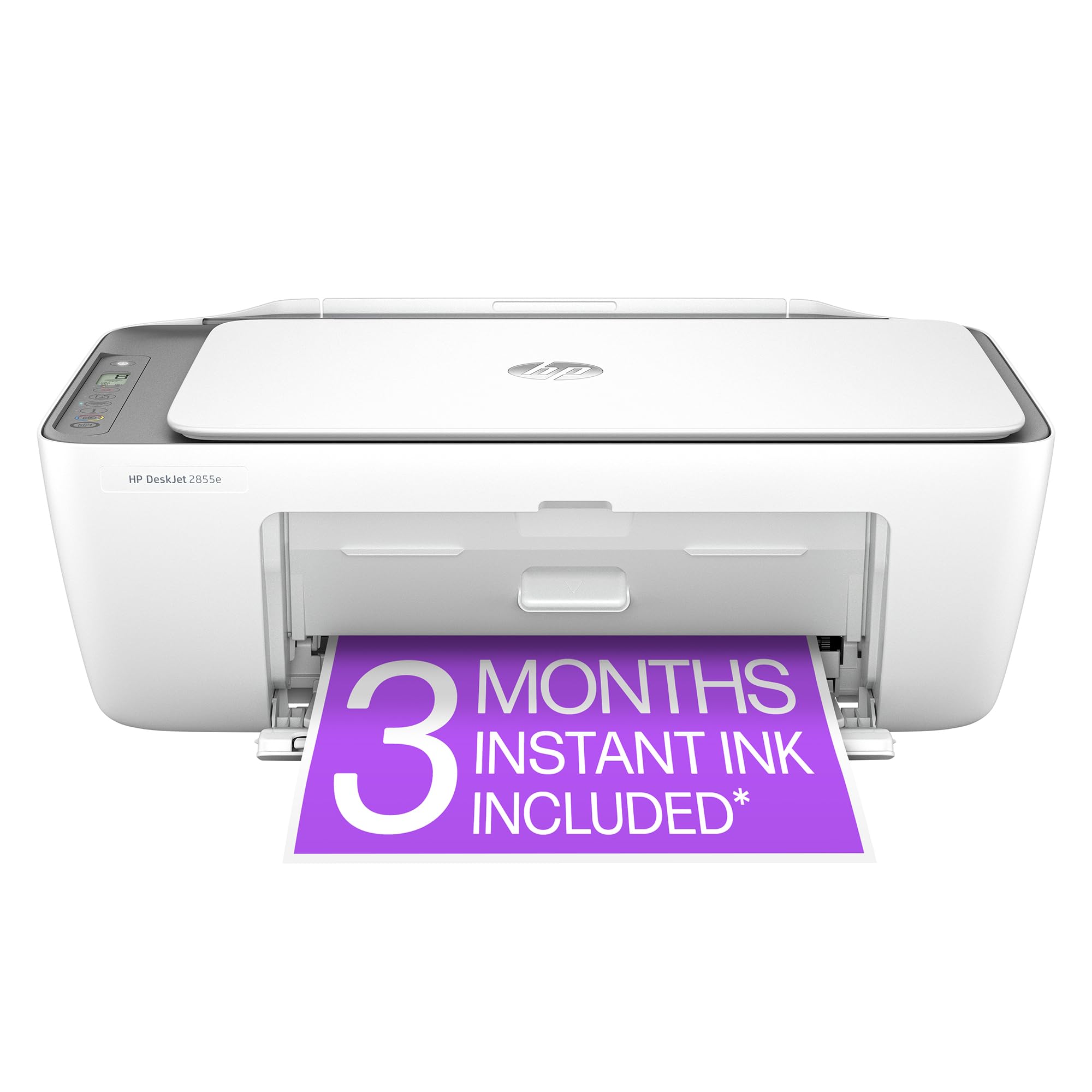
🖨️ Print smart, live sharp — your all-in-one home office MVP!
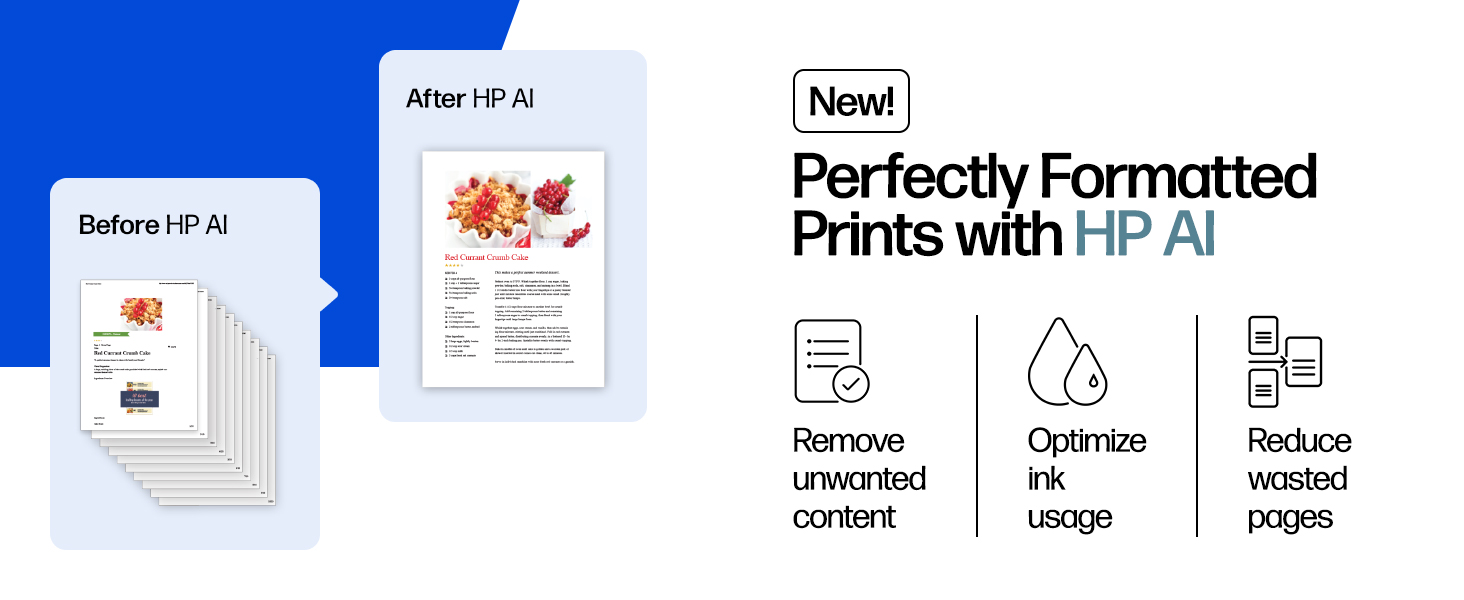
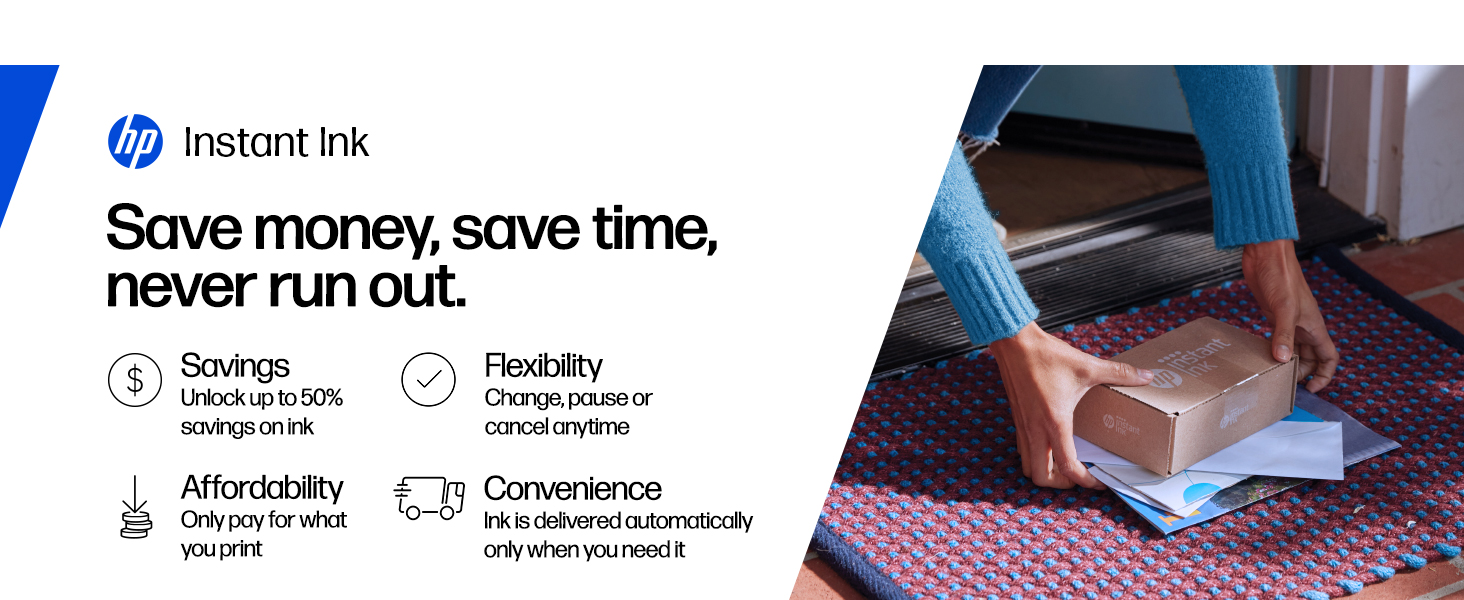
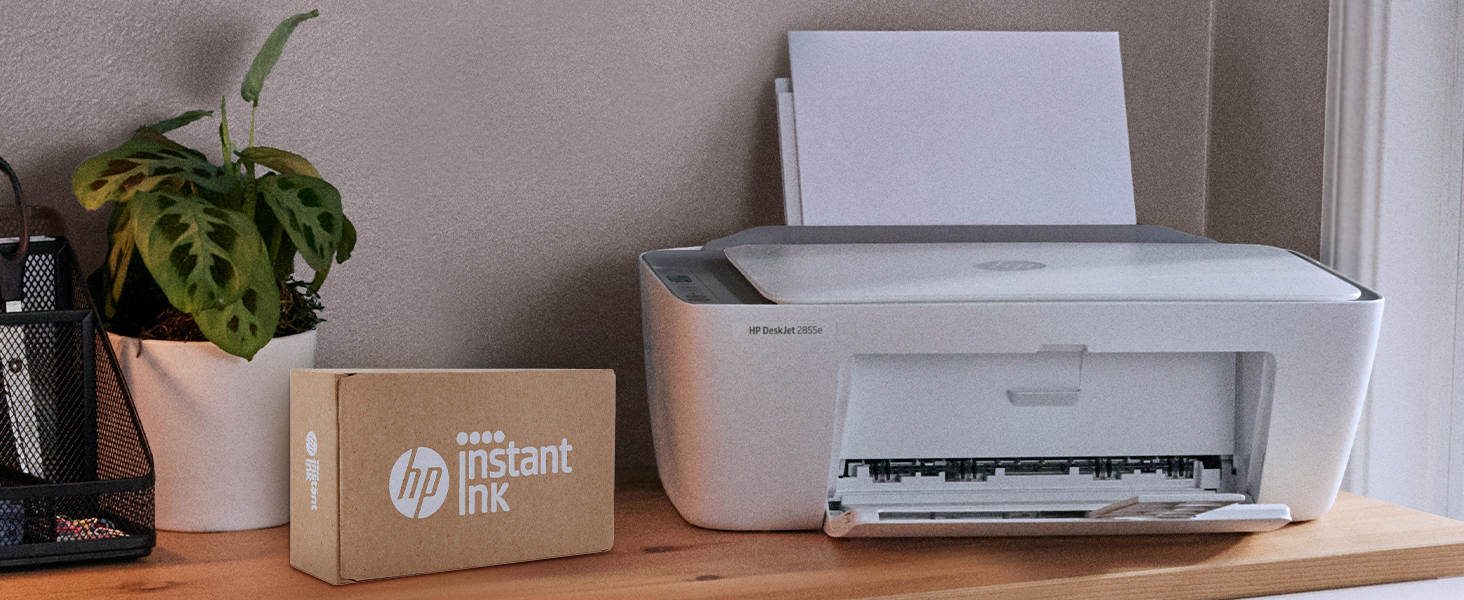
The HP DeskJet 2855e is a compact all-in-one wireless inkjet printer designed for home use, offering up to 7.5 ppm black-and-white and 5.5 ppm color print speeds. It features high-resolution color printing (4800 x 1200 dpi), a 60-sheet input tray, flatbed scanning, and copying capabilities. With HP AI technology, it optimizes print layouts to reduce waste. The printer supports single-band Wi-Fi with automatic connection troubleshooting and includes 3 months of HP Instant Ink for hassle-free ink supply. Its sleek design fits tight desk spaces, making it a practical choice for busy millennials balancing work and life.



| ASIN | B0CT2R7199 |
| Additional Printer functions | All In One |
| Best Sellers Rank | #44 in Office Products ( See Top 100 in Office Products ) #1 in Inkjet Computer Printers |
| Color Depth | 24 bpp |
| Compatible Cartridge | HP 67 |
| Compatible Devices | Smartphones |
| Control Method | App |
| Controller Type | iOS |
| Customer Reviews | 3.8 3.8 out of 5 stars (15,822) |
| Date First Available | March 15, 2024 |
| Dual-sided printing | Yes |
| Duplex | Manual |
| Hardware Interface | USB 2.0 |
| Included Components | 588S5A HP DeskJet 2855e All-in-One; HP 67 Setup Black Cartridge; HP 67 Setup Tri-color Cartridge; Regulatory flyer; Setup guide; Reference guide; Power cord [For ink volume and page yield information, visit http://hp.com/go/learnaboutsupplies ] |
| Initial page print time | 15 Seconds |
| Ink Color | black, cyan, magenta, yellow |
| Item Weight | 7.55 pounds |
| Item model number | 588S5A#B1H |
| Manufacturer | HP |
| Manufacturer Part Number | 2855e |
| Max Copy Speed (Black & White) | 7.5 ppm |
| Max Input Sheet Capacity | 60 |
| Max copy resolution black-white | 600 dpi |
| Max copy resolution color | 4800 x 1200 dpi |
| Maximum Black and White Print Resolution | 600 dpi |
| Maximum Color Print Resolution | 4800 x 1200 dpi |
| Maximum Media Size | 3 x5 to 8.5 x 14 in |
| Maximum copies per run | 9 |
| Memory Storage Capacity | 64 MB |
| Model Series | 2855e |
| Number of Drawers | 2 |
| Number of Items | 1 |
| Number of Trays | 1 |
| Number of USB 2 Ports | 1 |
| Output sheet capacity | 25 |
| Print media | Envelopes, Glossy photo paper, Paper (plain) |
| Printer Ink Type | Dye Based Ink, Pigement Based Ink |
| Printer resolution bw horiz max | 14 Inches |
| Printer resolution bw vert max | 8 Inches |
| Processor Count | 1 |
| Product Dimensions | 11.97"D x 16.7"W x 6.06"H |
| Scanner Type | Flatbed |
| Sheet Size | 3 x 5 to 8.5 x14 Inches |
| Size | standard |
| Smart Home Compatibility | Smart Home Compatible |
| Specific Uses For Product | Office |
| Supported Media Sizes | 3 x 5 inches |
| Total USB Ports | 1 |
| UPC | 196337380097 |
| Warranty Type | Extended Warranty |
| Wattage | 2.8 watts |
L**A
Overall a nice printer, but the description/dimensions need updated.
The print quality is good in Normal and Best modes; but surprisingly poor in Draft mode. However, my biggest issue is the lack of pictures, descriptive information and height measurement the printer needs when it is loaded with paper. The paper sits and feeds vertically from the back of the machine; and the total clearance the printer needs is AT MINIMUM 11.25" (28.575 cm) in order to have enough clearance (about a quarter of an inch (0.635 cm) above the paper. I spent a lot of time researching printers that would fit the specific space needs of my computer desk which has a pullout shelf for the printer, above which is a pullout shelf for the keyboard. The space between the printer shelf and the bottom of the keyboard shelf is 11.25 inches. This printer fits with about 1/4 inch of space above the loaded paper. Prior to buying it I queried online and was given a clearance measurement of 9.8 inches for this specific printer, so I bought it thinking I would have plenty of extra space--that online measurement is wrong. While not ideal for loading paper, that quarter inch of space does allow the paper not to rub or curl against the keyboard tray. Realistically, I would have rated it a 4.5, but since that isn't an option I bumped it to a 5. It is a good printer at a good price, and I would recommend it.
A**H
The troublesome program and the frustrating printing experience
I'm really at a loss for words. The printer itself is completely fine, but the program written by HP is a complete mess. The computer took a long time to finally print out a document, but then what happened? I happily threw away the packaging box, thinking everything was fine. But then what happened next? Damn it, the next day when I reconnected, I couldn't do anything. The port couldn't connect, and the program couldn't associate with the device. Later on, on the HP smart page, it showed that I was connected, everything was online, and everything was ready. Then I tried to open a random file from my Office 365 and print it. But it couldn't print out a single document. At this point, I thought, can't be! Maybe it's just an issue with Office. I never even thought to blame this HP printer. But I wasn't giving up. I opened a PDF file. Damn it, it still couldn't print. My computer was doing nothing. Alt+F4 didn't work either. I tried printing from the web. Haha, there was no sign of response at all. Who wrote this "WIRELESS PRINTING – Stay connected with our most reliable Wi-Fi, which automatically detects and resolves connection issues"? Was it written for someone else? For your boss? For your lover? For your mom? You can tell anyone "Oh, it's reliable", but you never told your own purchasing users. You used the most unreliable connection scheme! HP smart? Hp Stupid!!!! The connection program is long, complex, confusing, and no one knows why you have to register an account before you can connect. The network connection technology is even worse. Ha ha, do you know that the WSD port is inherently unreliable? Why didn't they design a backup port? And then you set WSD as the default option. I changed the option but they changed it back. I really can't stand it. Also, the designers never thought that not all networks are stable and long-lasting. Once they go offline or disconnect, this thing will be useless!!! The funniest thing is that downloading this program on a Windows system is a very slow process. During the download, I wasn't allowed to change the storage location. The design like this is like a sewage pit. Who should be buried for such a bad design? Why not something else? Because I suspect that the things that can be called organized in the design of this thing simply can't be sold for value! And that's not all. I tried using other built-in programs to print in an attempt to fix the bug. Damn it, you even won't let me use the most basic method. How can you be so proud of saying that the connection is reliable??? ?? ?
K**N
Great Everyday Printer – Easy Setup & Solid Quality
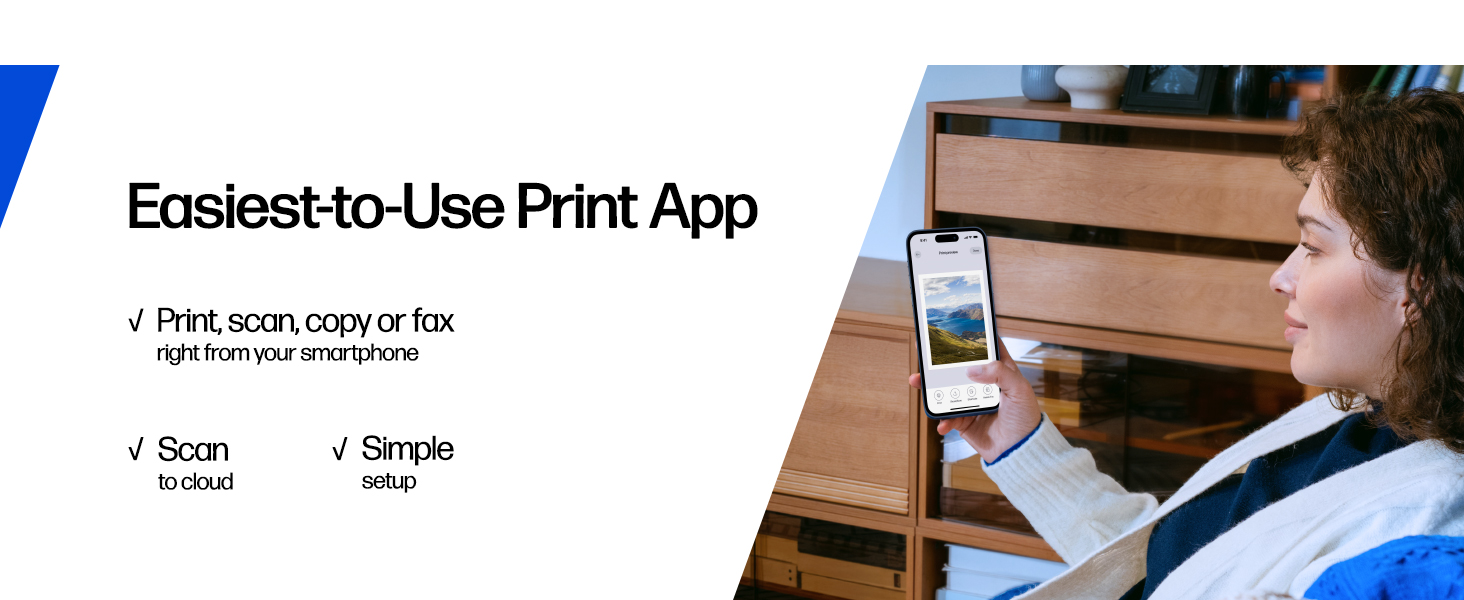
I’m really impressed with the HP DeskJet 2855e. Setup was fast and painless—within minutes I had it connected to Wi-Fi and printing straight from my phone and laptop. The HP Smart app makes everything simple, especially for scanning and copying without needing a computer. Print quality is excellent for everyday use. Text comes out crisp and clean, and color prints look great for documents, schoolwork, and light photos. It’s not bulky, so it fits perfectly on a small desk or home office setup. I also like that it supports wireless printing, so I can print from anywhere in the house. The included HP Instant Ink trial is a nice bonus and helps keep ink costs under control. Overall, this is a reliable, budget-friendly all-in-one printer that does exactly what it’s supposed to do without hassle. Perfect for home use, students, or anyone who needs a simple and dependable printer. Highly recommend!
E**R
My last one only lasted a year
I have to say this was easier to set up than the last one I bought last year. That model is still available for $10 less but I opted for this one(old model was2755) because the last one after only one year and very little printing the paper would not feed anymore. Anyway I could have opted or a more expensive one but I hear the same complaints about all of them so I went for the $60 one rather than getting the last model for $50 that seemed to have a known issue. I remember the last one being harder to set up, like I had to keep saying no to their ink program and signing into my account but you do not need to do that and I just had to say no a few times. I have apple products and only needed the app to install and then I can delete it. Unless you want to keep it to check ink levels. You can check all that without registering or signing in to an account which I much prefer! Anyway I hope I get a little more than a year out of this one mainly because I hate throwing all that plastic in a landfill.
M**I
Es muy buen producto.
K**V
Great printer at a super good price. I have been using this now for about 4 months and only had one jam. So far I am quite pleased with its performance. It was easy to set up and connect to my phone and laptop. the only thing is my roommate has a similar printer and sometimes I can get them mixed up bc i haven't found a way to rename mine
R**L
Incluye tinta a color y en negro, imprime muy alta definición y el escáner es fácil de usar, me sorprende el bajo costo ya que es un artículo de funcionamiento profesional pero fácil de usar en casa, y la marca suprema s muy buena, me sigue sorprendiendo el precio accesible
A**I
Some of the reviews for this are misleading. I am an IT professional and here is my findings. The printer comes with brand new HP ink in the box not installed so freshly brand new. Once you set up your printer to your Wi-Fi the printer will ask you either on your mobile or your computer if you want to sign up to HP+ if you do this locks the printer and you'll have to use original HP ink which you will receive from your subscription- if you cancel that subscription your ink that's provided by subscription will immediately stop working but you could still buy your own original HP ink and put it in No problem.. if you don't accept the HP+ subscription you can buy your own ink including third party ink providers. So it is very important to make that decision. I personally decided not to sign up for HP+ and lose out on the 3 months free ink so I can buy my own third party ink cartridges.. once again I iterate if you click activate HP+ you will be at the mercy of HP permanently. I've decided not to. Printer works great it prints in great sharp quality easy to set up just follow the instructions I used my phone to do the setup as it was much easier once you download the HP app it walks you through to download very simple.
B**.
Pésimo, la tinta no me dieron ni un mes, solo he impreso 5 hojas a color y ya se agotó la tinta a parte salió defectuoso el cartucho
Trustpilot
1 day ago
1 month ago