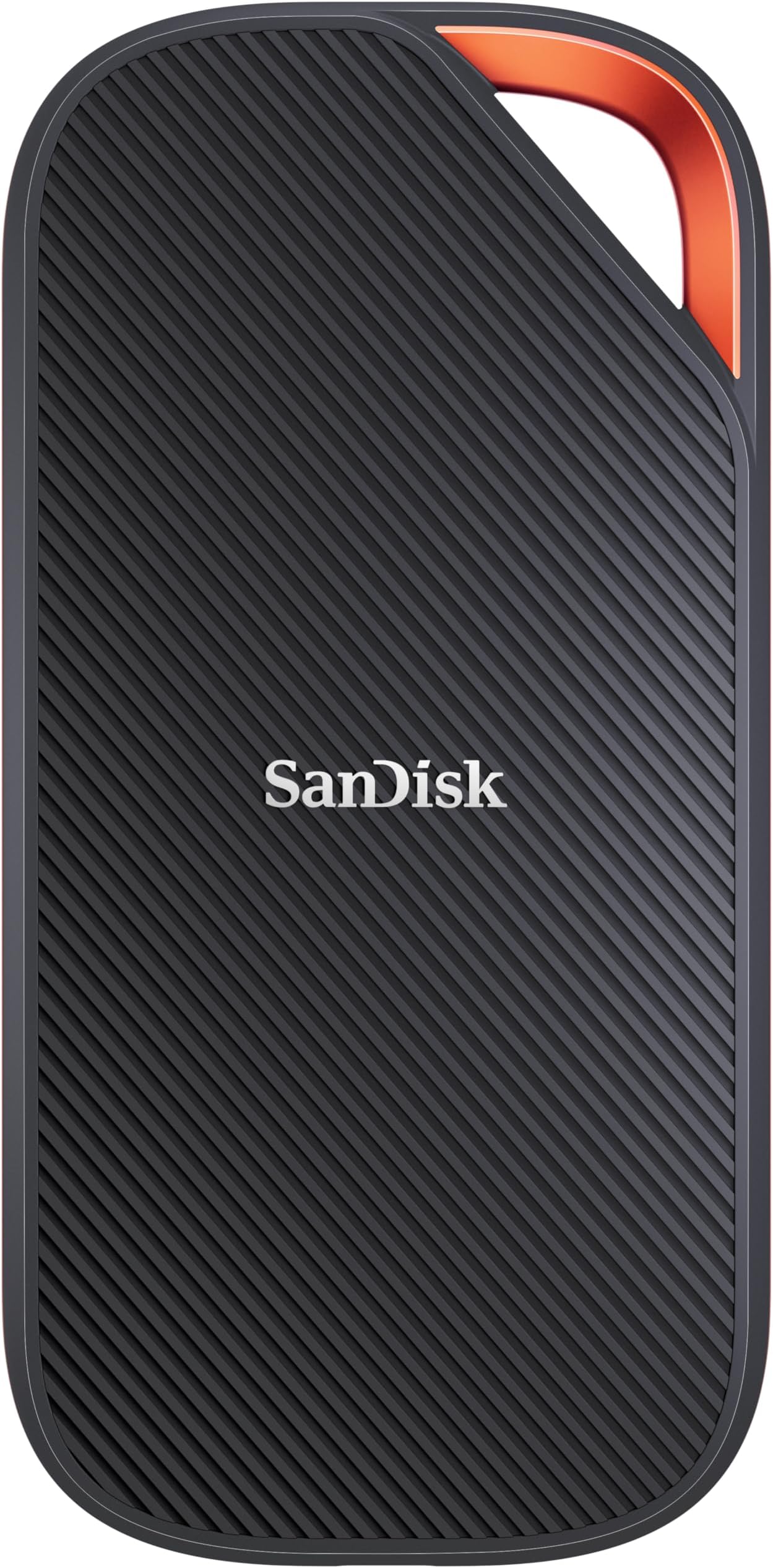
🚀 Speed Meets Fort Knox: The Ultimate Portable SSD for Power Users
The SanDisk Extreme PRO Portable SSD 2TB leverages next-gen USB4 technology to deliver blazing-fast read speeds up to 3800 MB/s and write speeds up to 3700 MB/s. Designed for professionals, it offers broad backward compatibility with USB 3.2, USB 2.0, and Thunderbolt 4 devices. Built tough with a forged aluminum chassis, silicone shell, IP65 water and dust resistance, and 2-meter drop protection, it safeguards your data wherever you go. Enhanced with 256-bit AES hardware encryption and compact portability, this SSD is the go-to choice for seamless, secure, and ultra-fast external storage.


| ASIN | B0DN688B7V |
| Are Batteries Included | No |
| Best Sellers Rank | 102 in Computers & Accessories ( See Top 100 in Computers & Accessories ) 1 in External Solid State Drives |
| Brand | SanDisk |
| Colour | Pro USB |
| Customer Reviews | 4.5 4.5 out of 5 stars (102,829) |
| Date First Available | 22 Nov. 2024 |
| Form Factor | 2.5-inch |
| Guaranteed software updates until | unknown |
| Hard Disk Description | Solid State Drive |
| Hard Drive Interface | USB 3.0 |
| Hard Drive Size | 2 TB |
| Item Weight | 172 g |
| Item model number | SDSSDE82-2T00-G25 |
| Manufacturer | Western Digital Technologies, Inc. |
| Product Dimensions | 0.97 x 5.26 x 10.08 cm; 172.37 g |
| Series | Extreme Pro |
V**S
I love it
Been using this for a bit now and it’s been great. Really fast when moving big files and doesn’t lag at all. Small, lightweight and easy to carry around. Does exactly what I need it to do, no issues so far, very good for content creation that need more and more space.
M**I
excellent performance
Blazing fast portable SSD with excellent performance. Read speeds are very impressive and transfers are quick and smooth. Compact, rugged design makes it easy to carry everywhere. Reliable storage and well worth the price.
S**K
Very good ext hard drive
Great drive. Fast too. Compact and sturdy
K**H
Works with iphone and ipad
My main reason for buying this 1TB ssd was for when I travel and and have lots of camera footage to backup from my shoots. Portability was a big factor, and hoping it would work with iphone (since there isn't a lot of info on it) The ssd itself works well however max transfer speed I've seen so far is approx 270 MB/S on magicbook pro using default hardware, nonetheless faster than my other HDD's. I have noticed it heat up a lot in use, more than the 500gb version. In terms of wire / usb-c port connection, it feels a little flimsy and weak. The ssd has a front patterned surface and a rubber back both of which seem to attract dust. Now onto iphone connection...I have tried both the 1TB and 500GB versions (with the supplied usb-c to usb adapter), both work with iphone (12 mini) via a genuine Apple Lightning to USB 3 Camera Adapter (make sure adapter is original as fake / defective wires have given me an unpredictable intermittent connection). In my experience the 1TB ssd loaded faster than 500GB on iphone. Now Iphone allows you to view ssd contents BUT as soon you start saving iphone files onto it or tinkering with the ssd's data you get the infamous 'This accessory requires too much power' sign. Even if you re-connect the ssd, once the sign appears once it keeps coming back. What worked to reverse it for me was actually connecting it to a laptop and deleting the iphone files saved on the ssd or the folders where data was altered. Another option is to scan for errors (whilst plugged into the computer), even if there are no errors I found that often the ssd starts working without needing 'extra power'. Another option to try, this has given mixed results tbh is to connect the ssd to iphone whilst it is switched off then turn it back on and see if the sign reappears. If you definitely want 2-way iphone-ssd use then you will need a power hub to power the hardrive (and also bypass the '...requires too much power' message, or if none of the above options work to get rid of the message). I bought the '...RSHTECH 5 Port USB 3 Hub with 4 USB 3.0 Data Port + 1 Fast Charging Port Portable USB Splitter with 12V/2A...' because it provided more power i.e 24W compared to similarly priced 5-port power hubs - so far so good! As a bonus iphone was able to read both ssds (1TB + 500gb) at once when plugged into the power hub. In terms of folder load time there was no difference for me using a power hub vs none. I didn't notice a difference in performance or predictability between an old iphone lightning cable vs latest lightning to usb-c cable. I have tried iphone (with ssd connected) plugged into a usb wall socket vs plugged into an apple 30w adapter, again no obv difference. Another point to mention, with big folders around 90gb (raw files/4k videos) my iphone struggled to read the content despite loading for 20+ mins? The successful cut off for me has been around 65gb folder size max, anything larger definitely gets divided into smaller folders. I did notice some large 4k videos load slowly and freeze midway, but the ssd did let me save them directly on my iphone despite this so was able to view them better that way. My Sandisk ssd-iphone experience so far (in summary): Option 1 - viewing/saving ssd content on iphone -> no power hub required Option 2 - deleting/altering ssd content and/or saving iphone content onto ssd -> power hub required Hope that helps, I struggled A LOT to find info on iphone sandisk ssd connection so thought I'd share all of my recent findings. On a sep note - the ssds worked absolutely fine with ipad Air 4th gen utilising it's usb-c port so no adapter required. Literally a case of plug and play - and definitely a lot faster than on iphone.
S**Z
Great Storage Capacity From A Reliable Company
I have used this particular brand of storage for years with the same trustworthy results. The unit is small and compact yet boasts the saving of a massive 2 Terabytes of data. Now comes with a cable end converter that allows both USB 2.0 and USB 3 connection, which should facilitate almost all computer connections. The data transfer is quite fast and the process to use is simple. Once plugged into a PC, whether Apple or Windows, the window opens up to display the pre-installed software that should be activated to make the drive secure. Once this is set up you should create a simple password for first time use. This then allows the unit to be protected against data loss. It can be configured to 'remember' certain PC's so as it does not ask for the password every time used. This feature is great because if you lose the unit - it will not allow access to your data without the password. The unit is lightweight and small enough to slip into any laptop pouch or a pocket or handbag. More than happy to recommend.
A**N
Nice and fast
Take this everywhere I go and it works with everything. Easy to install and took no time to format. Good value. Get good speeds on transfers.
C**X
UNRELIABLE
It suddenly and without warning stopped working, so I cannot access the content. It worked beautifully and fast whilst it did. I used it to transfer photos and videos and even edit a video. But whilst editing the video it got hot, so I had to keep an eye on that and go easy... It STOPPED WORKING one day when it was connected to the laptop and was idle, I was not using it, so that was a big NASTY surprise! It's a lovely bit of kit but UNRELIABLE!
A**L
I am very late in writing the review, as I have been using it for more than three years and it works smoothly and excellently.
M**D
Great, Fast, I had one issue with it,, I have added some files on it.. after a while when I connect it, the windows didn't recognize it and I had to format it and loose all my files that I don't have backup on them ): Make sure when formatting to choose File system: ExFat not NTSF so that it could work on both PC and Mac
A**R
TOP Verarbeitung. Stabiles Gehäuse. Sie ist von den Abmessungen her so groß wie eine Packung Tempos. Neben dem kurzen Kabel USB-C auf USB- C ist auch noch ein Adapter USB-C auf USB-A dabei. Die anderen Details wurden schon in anderen Rezensionen genannt. Deshalb erspare ich mir eine ausführliche Rezension. Auf jeden Fall eine Kaufempfehlung von mir !! Update 15.01.2025 Inzwischen habe ich 3 Stück dkeser SSD. Eine davon dient als Time Machine für mein Macbook Air.
L**O
This is a good SSD. It does heat up, get a little warm, but never too hot. It’s small, and fits in my pocket. It’s about half the size of my phone, and uploads always take pretty reasonable times. It’s easy to plug in, just as long as you have a USB-C port in your laptop/phone/computer/tablet, since it works with all of those. It’s very versatile, and quick.
F**K
Works great ! Love how compact it is. Speed is great.
Trustpilot
2 weeks ago
1 month ago