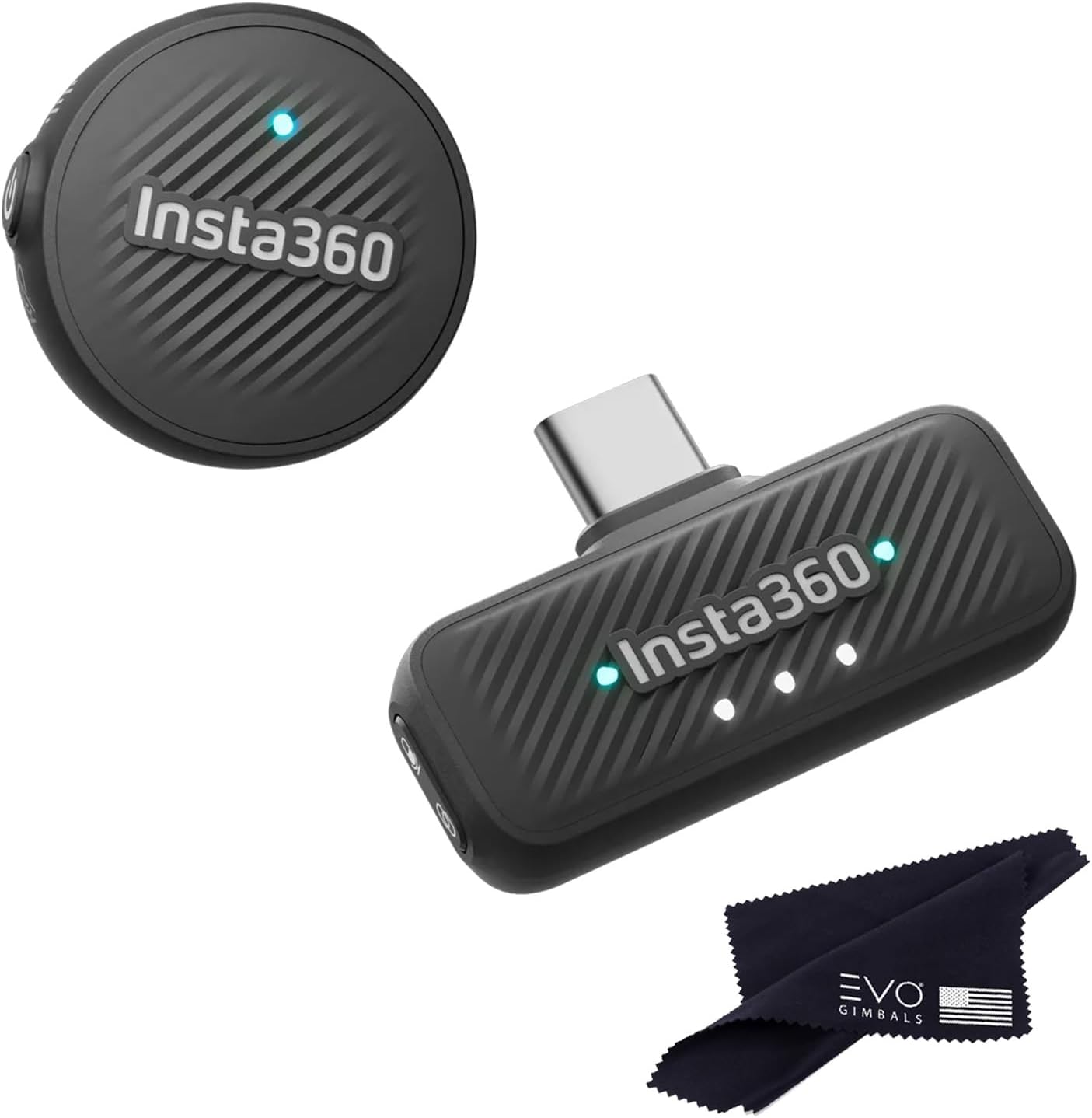
🎤 Elevate your voice, not your gear — mic magic in a coin-sized package!
The Insta360 Mic Air is an ultralight 7.9g wireless microphone transmitter designed for seamless integration with Insta360 cameras. It delivers professional-grade 48kHz audio with omnidirectional pickup and advanced noise cancellation, ensuring crystal-clear sound even in noisy environments. With a 10-hour battery life and a 300m wireless range, it offers creators freedom and reliability in a compact, coin-sized form factor.
| ASIN | B0FFW4KXR8 |
| Batteries | 1 9V batteries required. (included) |
| Battery type | Lithium Ion |
| Best Sellers Rank | #23,939 in Musical Instruments ( See Top 100 in Musical Instruments ) #124 in Professional Video Microphones #179 in Wireless Microphone Transmitters & Receivers #2,390 in Microphone Accessories |
| Customer Reviews | 4.5 4.5 out of 5 stars (12) |
| Date First Available | June 27, 2025 |
| Frequency Response | 48000 Hz |
| Item Weight | 5 ounces |
| Item dimensions L x W x H | 6 x 4 x 2 inches |
| Item model number | 1 TX + 1 RX |
| Manufacturer | Insta360 |
| Material | Plastic |
| Material Type | Plastic |
| Number of Batteries | 1 9V batteries required. (included) |
| Number of Channels | 2 |
| Power Source | Battery Powered |
| Product Dimensions | 6 x 4 x 2 inches |
| UPC | 810132546617 |
J**Y
Best mic out!
Excellent!
R**K
Great little microphone
I’ve been using the Insta360 Mic Air for about a week now, and I’m really impressed. Setup was literally plug-and-play — I connect it to my phone and my insta 360 X5. The sound is super clear, even in busier environments, and it does a nice job cutting out background noise. Connecting to Your Phone • The Mic Air has a USB-C receiver. • Plug the receiver directly into your phone’s port. • The mic pairs automatically — no Bluetooth setup required. • Once connected, your phone recognizes it as the main audio input, so any video or voice app will use it. To connect the Insta360 Mic Air to the X5 camera. *Press and hold the power button on the Mic Air for approximately 6 seconds until the blue light flashes rapidly, indicating pairing mode. *On the X5, swipe down to access the shortcut menu, tap "Bluetooth Headset/Microphone," and select "Insta360 Mic Air" from the list to establish the connection. *The camera will then connect to the microphone, and the AirPods icon will appear on the screen, showing that the mic is ready to use.
Trustpilot
1 month ago
1 month ago