Buy anything from 5,000+ international stores. One checkout price. No surprise fees. Join 2M+ shoppers on Desertcart.
Desertcart purchases this item on your behalf and handles shipping, customs, and support to Slovakia.
๐พ Unlock Massive Storage Power with Effortless Speed & Cool Confidence!
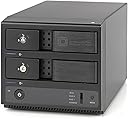
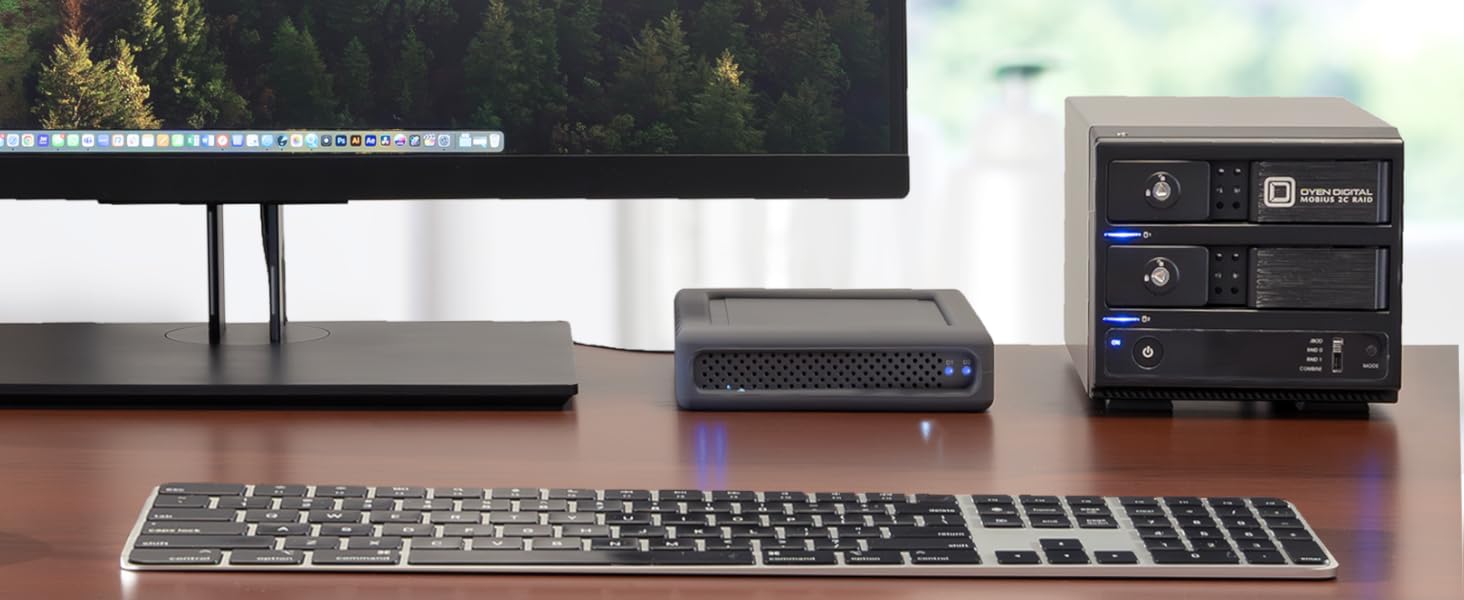
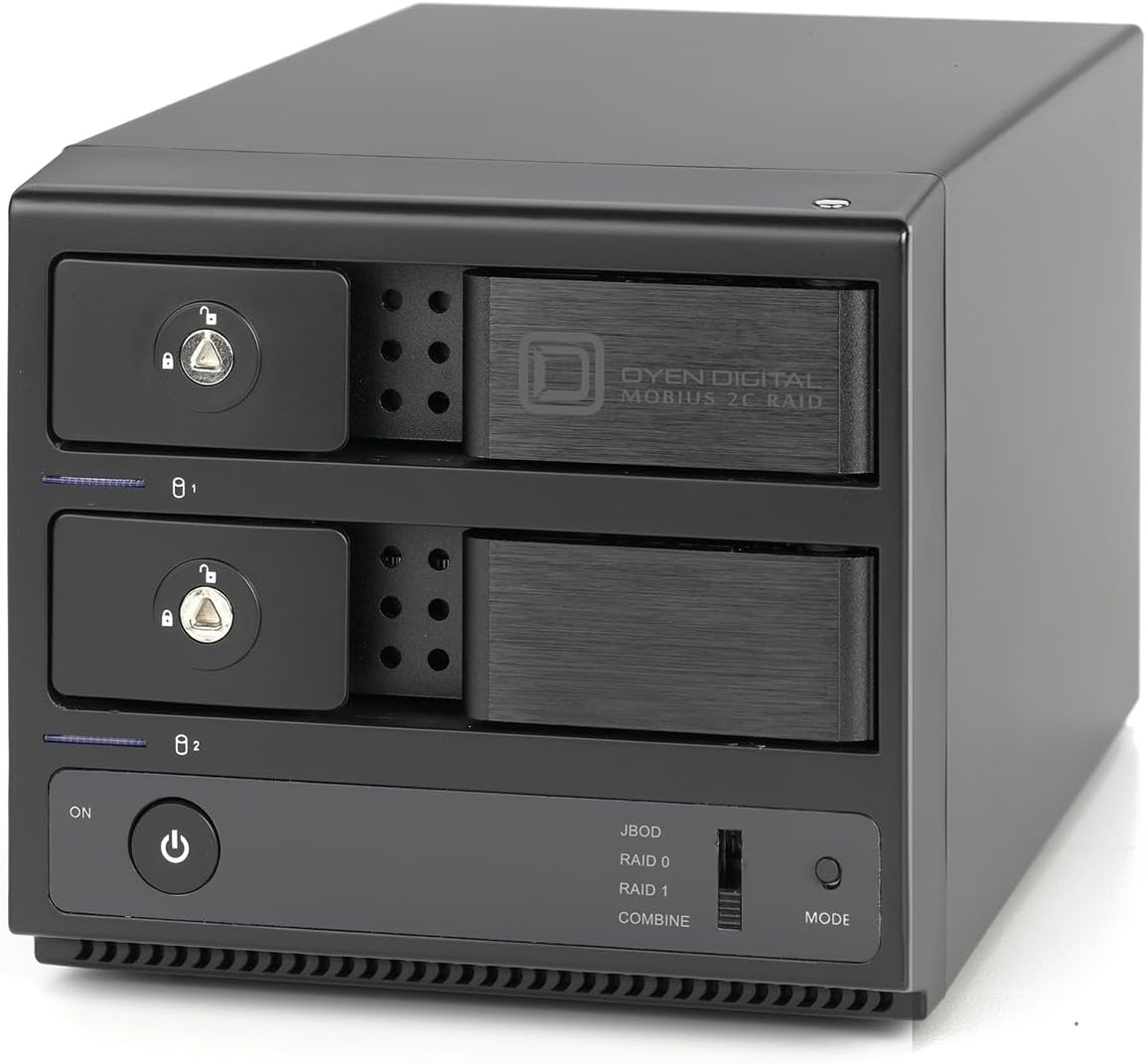
The Mobius 2C RAID 2-Bay USB-C Hard Drive Enclosure by Oyen Digital offers professional-grade storage expansion with dual 3.5-inch SATA drive support, universal USB-C and Thunderbolt 3/4 compatibility, and a tray-less design for quick drive swaps. Its robust aluminum housing and quiet cooling fan ensure optimal heat dissipation, while the built-in USB-C hub enables daisy-chaining and powering additional devices. Ideal for high-capacity, high-performance RAID setups or JBOD configurations, itโs engineered for seamless integration into any modern professional workflow.


| ASIN | B0CJ5PMQ6R |
| Item model number | 3R2C-M |
| Manufacturer | Oyen Digital |
| Product Dimensions | 20.96 x 12.7 x 11.43 cm; 2.63 kg |
I**L
I bought this as a two-drive enclosure to run a 22TB Red Pro and a 18TB Ironwolf, and it works perfectly under JBOD. Connection and power seem reliable. The case is also rock solid steel. I do find the drive installation a little too snug, so it requires a bit of pressure. The doors are slightly flimsy but decent. After trying a few other enclosures, I'd buy from Oyen for anything but less than a NAS. It's definitely keeping the drives cool. 10C over ambient while both drives are in full use. The negative-pressure fan is loud for a non-server fan, so I wouldn't use this next to my ear, but it's worth it to keep the drives safe. This is substantially better than Oyen's single-drive enclosure, which was 17C warmer than ambient in use. I'd buy this enclosure over that one even with only one drive for the superior cooling. I also have full access to the SMART details of both drives in smartctl, at least in JBOD mode as it is now. Can't speak to the RAID modes.
A**R
I opted for the empty enclosure and installed two refurbished data center drives for a total of 20TB, and this thing has been working great so far. It has been on 24/7 for about a month, attached to my home server, in "combine" mode. I have a giant library of movies on it for my Plex and Jellyfin servers, and this thing does a good job of waking up and streaming large files pretty quick. Data transfer seems to be fast, and the unit is a lot quieter than I expected. The unit arrived damaged with one of the drive doors cracked in half, but the Amazon return process was hassle free and I opted for a replacement that arrived within two days. I chose to keep the same model because it appears well built with a good chipset and solid electronic components. Other than the cracked door, I have zero complaints and recommend this product over any other for someone looking for a hardware RAID enclosure that connects via USB.
X**G
While using it I kept getting file errors from the drives randomly disconnecting when doing a disk to disk copy in JBOD mode between two 16TB disks. I went through the device manager and disabled every single setting related to USB sleep features to ensure the drives were not going into sleep mode. It didn't help. Eventually I gave up and tried getting two cheap Sabrent enclosures and did the disk to disk copy with no problems whatsoever. So the disconnection issue is with Mobius 2C specifically. The only firmware update at Oyen Digital's website is from October 2020 and is a significantly lower update # than my device (FW 18328B56820) so they don't provide any current firmware for this device. Overall it doesn't work, the manufacturer doesn't provide up to date firmware, and I can't recommend it. The enclosure looks cool and has good build quality but that's it -- it is not functional.
E**R
This is a very nice HDD enclosure. Its metal case and well-sized, quiet fan help keep the drives cool. The front bezel is a sturdy plastic, and the drive bay doors are a nice thick aluminum. Its trayless design makes it easy to swap the HDDs. It has large rubber feet and is overall very well made. Its USB3 connection uses UASP, so the HDD is detected as a SCSI device which simplifies management in linux and should perform well. I have not tried the hub connector, but that's a nice feature. If I could change something about this, it would be to hide the RAID switch and perhaps also the power button on the back, but that's just my preference. I only plan to use it JBOD mode, so I've not tested the RAID options. It has sleep mode which spins down the drives and dims the bay lights, e.g., when the computer powers down. While at $159 it's more than I expected to spend on a USB HDD enclosure, I think it's worth that price considering the faults noted with other less expensive enclosures (e.g., drive corruption). It's designed in the US, manufactured in Taiwan, and it was packed and shipped very well. Overall very study and highly recommended.
R**E
I needed raid backup for finished projects didn't want to keep on my primary drive. This device was recommended by a friend in IT, and it's perfect for my needs. It's a nice, compact size, and very professional looking. The only complaint I have is that I wish the doors, which are connected to the ejection/insertion bracket, were a little more robust. To insert drives, you push them most of the way until you feel resistance, then use the bay door to shut them in place. Note, because of the door design, closing the door is kind of a two-handed operation, one to push it closed, the other to work the latch. One of the bay doors on the first model I got would not completely eject one of the drive bays, but customer service was great, and I got an immediate replacement through Amazon. Otherwise, this enclosure is fantastic. It's connected to my Mac Studio via USB-C with two 12TB seagate drives. Upon setup, you're prompted to format your drives. By default it reads in JBOD mode, treating each of your drives as separate volumes. Switching to RAID 1 easy. There's a switch on the front that lets you choose between JBOD, RAID 0, RAID 1, and Combine. Once you set it on RAID 1, you hold the mode button down a few seconds, it prompts you to reformat, and you're good to go. It's worth noting that it does have a fan that makes some noise. It's not deafening, but you'll definitely notice it on your desktop. It's a non issue for me, since I'm using it for storage, but if I had it running 24-7, I probably wouldn't want it sitting right in front of me. Overall, a great little enclosure that provided a simple, easy to implement solution for my storage needs.
Trustpilot
3 days ago
2 weeks ago