
DOWNLOAD THE APP


Customer Services
Copyright © 2025 Desertcart Holdings Limited
DOWNLOAD THE APP

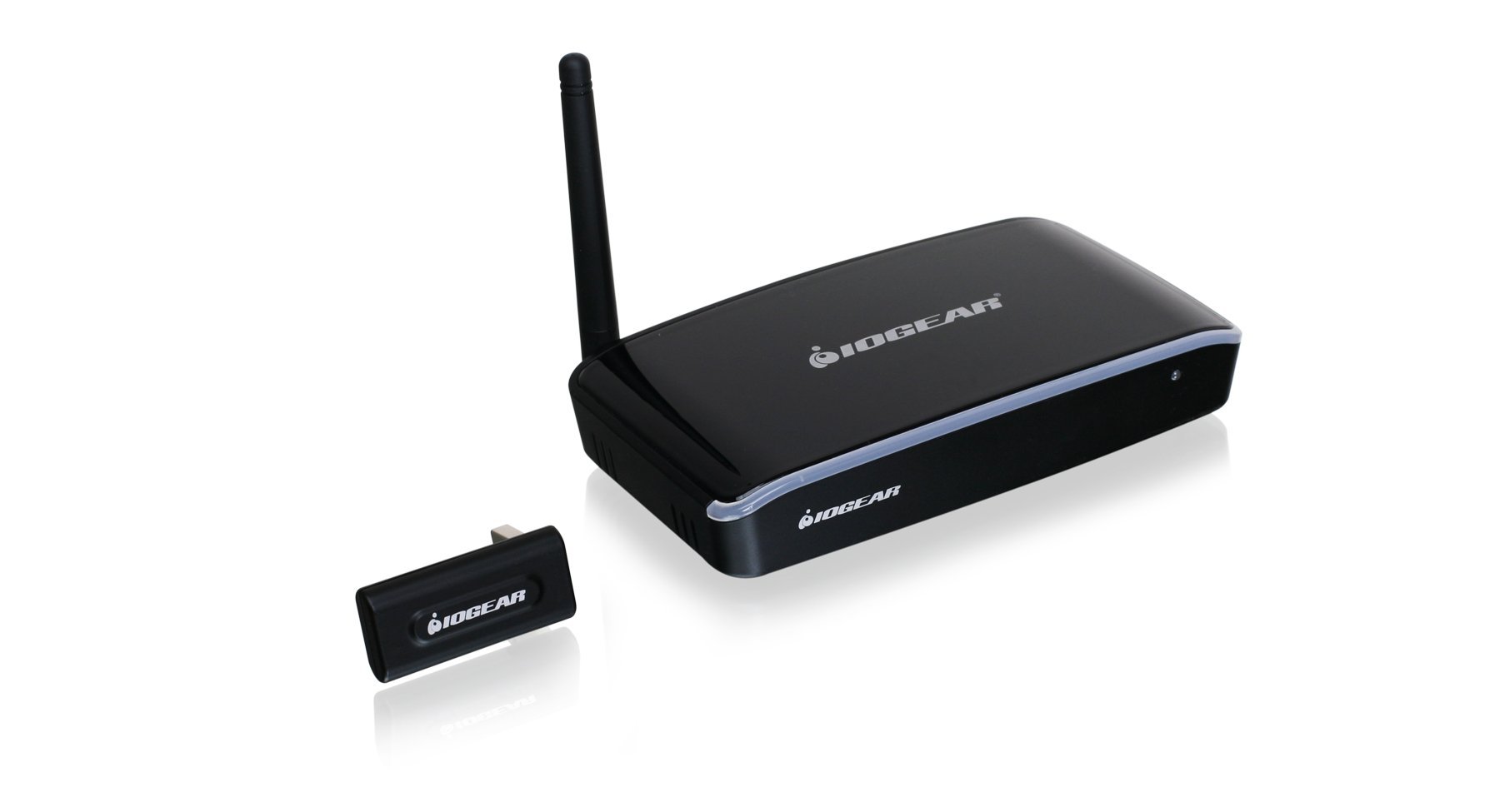
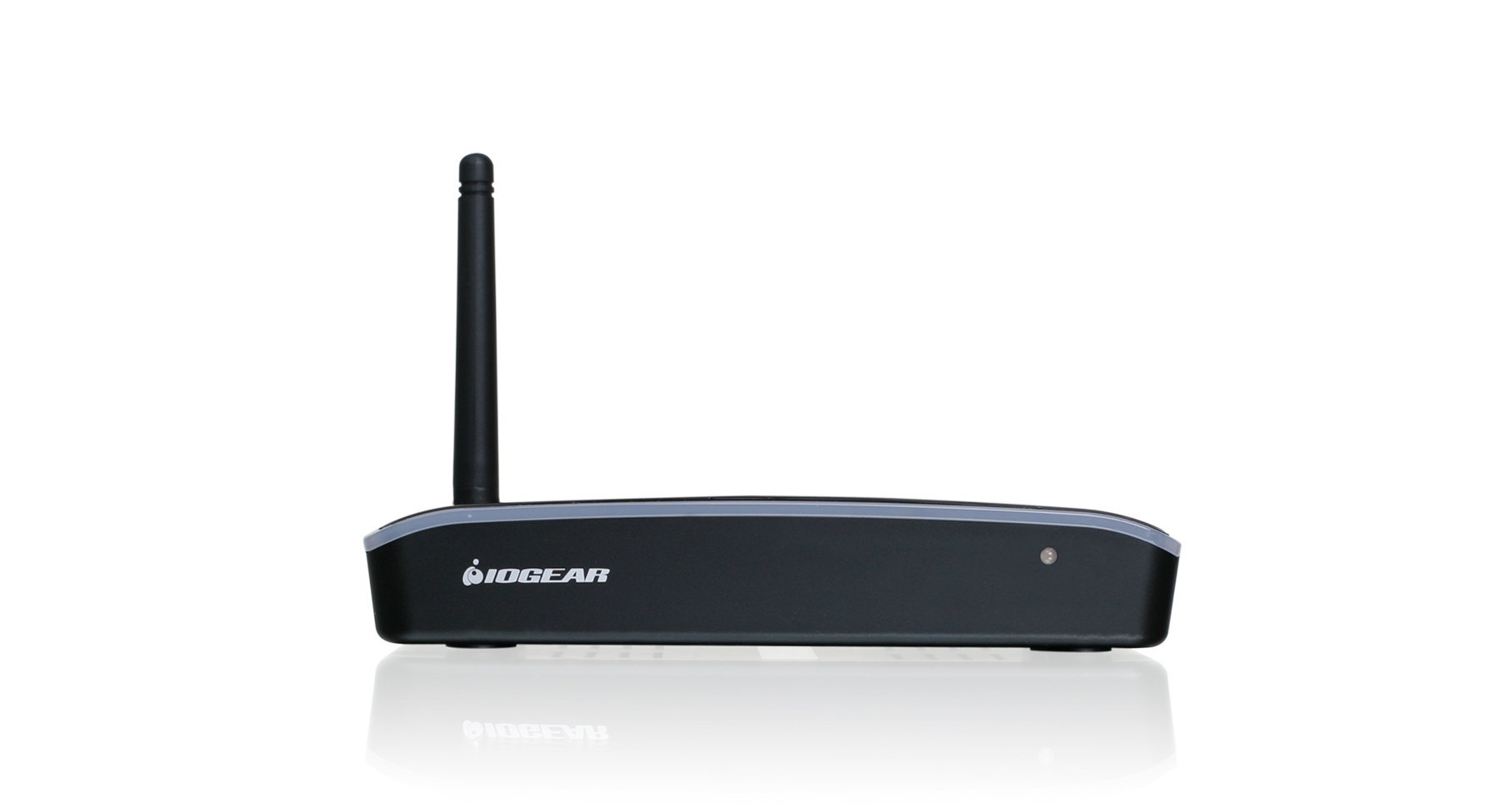
🚀 Elevate your screen game—wireless HD freedom, no strings attached!
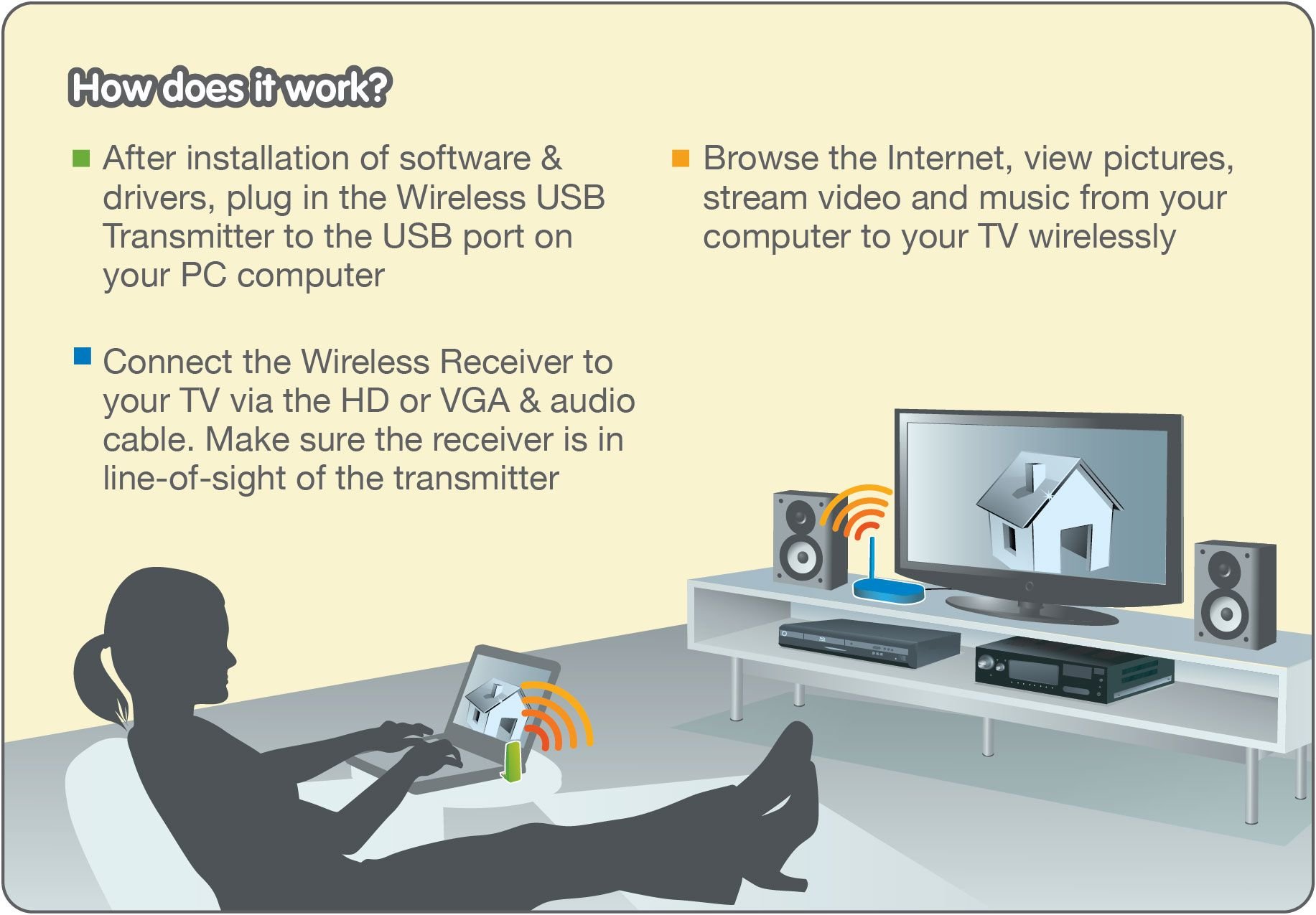
The IOGEAR Wireless HD 1080P HDMI/VGA Ultra-Wide Band Extender delivers high-definition video streaming up to 30 feet using advanced UWB wireless USB technology. Compatible with multiple Windows OS versions, it supports up to 8 transmitters for versatile multi-user environments, making it ideal for home entertainment, business presentations, and collaborative spaces.


| Standing screen display size | 20 Inches |
| Screen Resolution | 1920 x 1080 |
| Processor | 2.2 GHz |
| Chipset Brand | intel |
| Wireless Type | 2.4 GHz Radio Frequency |
| Number of USB 2.0 Ports | 1 |
| Brand | IOGEAR |
| Item model number | GUWAVKIT4B |
| Operating System | Windows 10, Windows 7, Windows 8, Windows 8.1 |
| Item Weight | 15.1 ounces |
| Product Dimensions | 3.25 x 0.38 x 1.13 inches |
| Item Dimensions LxWxH | 3.25 x 0.38 x 1.13 inches |
| Color | computer |
| Processor Brand | Intel |
| Department | Electronics |
| Manufacturer | IOGEAR |
| ASIN | B00IR4OODA |
| Is Discontinued By Manufacturer | No |
| Date First Available | February 26, 2014 |
B**E
Works on all versions of Windows 10... better than Diamond.
This does exactly what it is supposed to do. I'm a high school teacher and use this for broadcasting my PC tablet to an overhead projector. That said, I have gone through two similar products from Diamond Multimedia over the last couple years. Both of which ceased to work with Windows 8 and 10 respectively. My review on this will center on what appears to be good support from IOGear. I installed this on the newest release of Windows 10 and it works perfectly. You will have to go their website to download the software and drivers for Windows 10 1607 and above as it is not on the CD enclosed in the package. Not a problem as I usually go to vendor websites to always get the newest versions. The fact that they are upgrading drivers and software as Microsoft releases new versions is the reason I'm giving it 5 stars. I've also noted that IOGear responds to negative reviews on this site. That is a good sign as it means they do care about the satisfaction of individuals. If you are contemplating between the Diamond WPCTVPRO and this, take if from somebody who has used both. IOGear is the way to go. Especially if you are running Windows 10
K**R
not ready for primetime
first one didn't work I spoke to customer service who told me that i likely had a defective product. you do need to find a dvd drive to install. I initially installed from the web site and directly from windows when plunging in the USB dongle but went back and did it with the dvd just to be sure. The website has very little information about the GUWAVKIT4B I had to dig for the file there was no other information posted. Curiously when I plugged in the receiver it lit the blue bluetooth like bar alone the top and the red (on light?) just briefly then it went off. I thought that was strange but it didn't appear to be a short in the cable. The agent was short but efficient and said that it didn't light until it got a signal from the sender. As you can tell I am not sure about that. One more thing. I noted the 2.2 GHz placed on a sticker over the original requirement. Since I am returning this one I wont peal back the sticker. However I check other laptops from Amazon and didn't find many with a 2.2 or 2.4 GH processor. It's a good reason why I feel this product is likely not ready for prime time. Anyway after another hour of fooling with this thing I am about to pack it up in the box for UPS to pick up. I'll take one for the team and try the replacement. If I don't write further it mean that didnt work either.Ok the second one came promptly and it didnt work on my laptop or desktop, although that might be because the elbow joint usb dosent fit every port. I am done with the product I recommend looking else where for this kind of product.
J**R
it worked fine, again the connector sits the correct way
I have been looking for a simple device I can use in my conference rooms so I have tested many. This device I rated 3. The third star was because they had a windows 8.1 driver. Interesting that there connection manager is the same as Warpia's , however Warpia does not have a Windows 8.1 version. The other issue is the USB adapter. It L-shaped design and does not allow the device to sit vertical on most tablets. In my case we are using the Dell Venue Pro and Surface Pro 2 and 3. Even though we had direct line of sight that horizontal position was enough to drop the signal down and cause stuttering int eh audio. If I laid the tablet flat, so the connector was vertical, stuttering went away. However this device operated in a relatively shorter distance than indicated. ***Note in my laptop tests, Lenovo T440 and Dell E5440, it worked fine, again the connector sits the correct way,a nd the only item I found was an issue was distance.
T**K
Worked but had early failure. Becareful if you buy it.
I ordered this for a customer. It worked out of the box but failed after running 4 hours. Because I waited to install it for more than I month I am not able to return it. I will have to order a new one and get this one fixed because of time constraints.Here is what I like about the product.1) Installation was not a problem, run the installation disk, plug in the pieces, setup the computer to duplicate the screens.2) Met my need, I needed this to replace a wired monitor so if I turned on the computer with automatic log on that the it would start the required drivers and programs and display the computer image on the TV. While it worked it did this.Here is what I do not like about the product.1) Because I had an early failure I am concerned about the reliability of the product. Will it work for my customer long term, or will I be replacing it again in the future?My suggestions. If you buy this test it as soon as you get it so if it fails you can return it.
N**S
Works great oh yes! but Oh No on a Lenovo
Item works just about perfectly on a HP Win10 laptop but not at all on a Win7 Lenovo. Tried everything until I was out of ideas and ended up calling IOGear Support who says Lenovo are known to have compatibility problems with this item. So if you have a Lenovo buyer beware, but if you have just about anything else it's perfect. It's easy to use and just about zero user input once it's installed. You plug in the USB transmitter and the image shows up on the TV including sound.
G**E
super simple to do tho
It did exactly what i wanted it to. I bought this for the office. I wanted a 42inch monitor/tv to be controlled wirelessly from my desk that was about 10 feet away. The receiver is attached to the back of the TV so it is not in complete line of sight. Newer laptops dont have CD drives so i had to go on the website to get the driver, super simple to do tho. I really like it. Even tho i only needed the video, i was pleasently suprised when it did audio as well.
J**S
Couldn’t get it to work as hoped
This works on line of sight. That means you’re computer can’t be under a table, behind a file cabinet, or otherwise hidden. I had planned to use this in my conference room for presentations so that the TV could display images from the company network. It really only works when the TV was sitting on the conference room table, which sort of defeats the purpose ( might as well run a wire from the computer to the back of the TV across the floor). Even then, it was slow and laggy. Returned it.
Trustpilot
2 days ago
1 month ago