We remain fully operational. Our teams are working around the clock to ensure your deliveries continue safely.

DOWNLOAD THE APP


Customer Services
Copyright © 2025 Desertcart Holdings Limited
DOWNLOAD THE APP


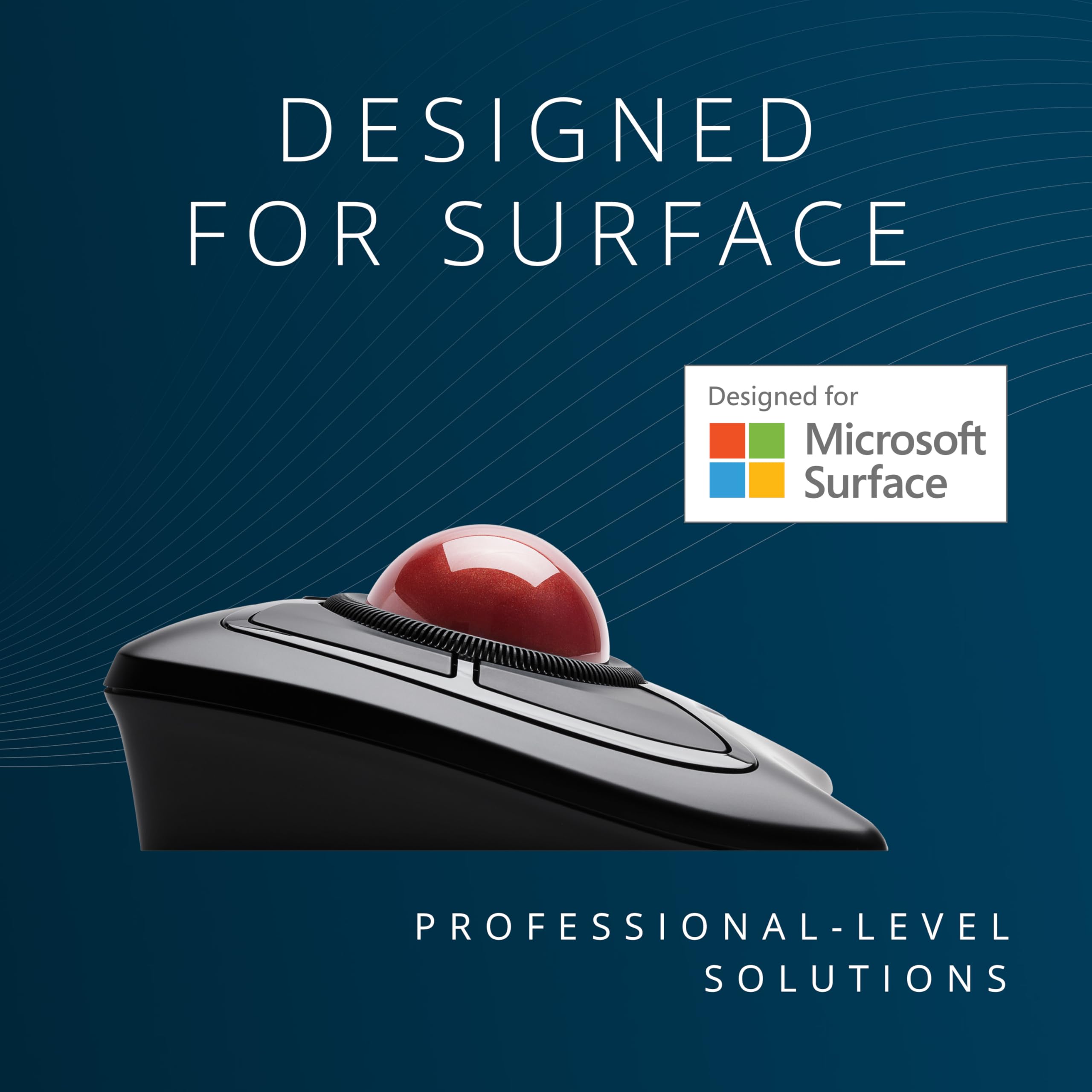
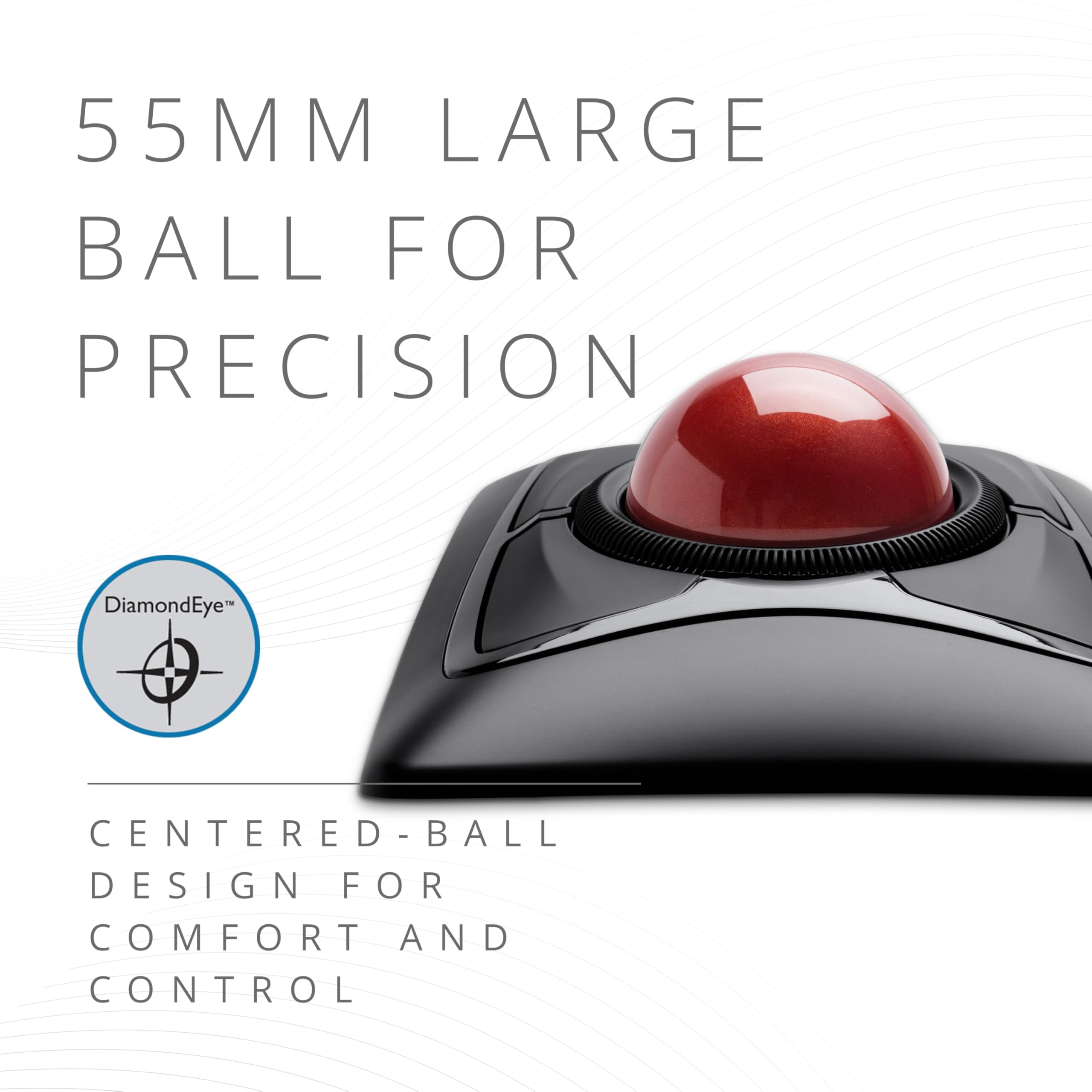

🎯 Master your workflow with precision and comfort — the Expert Mouse that means business.
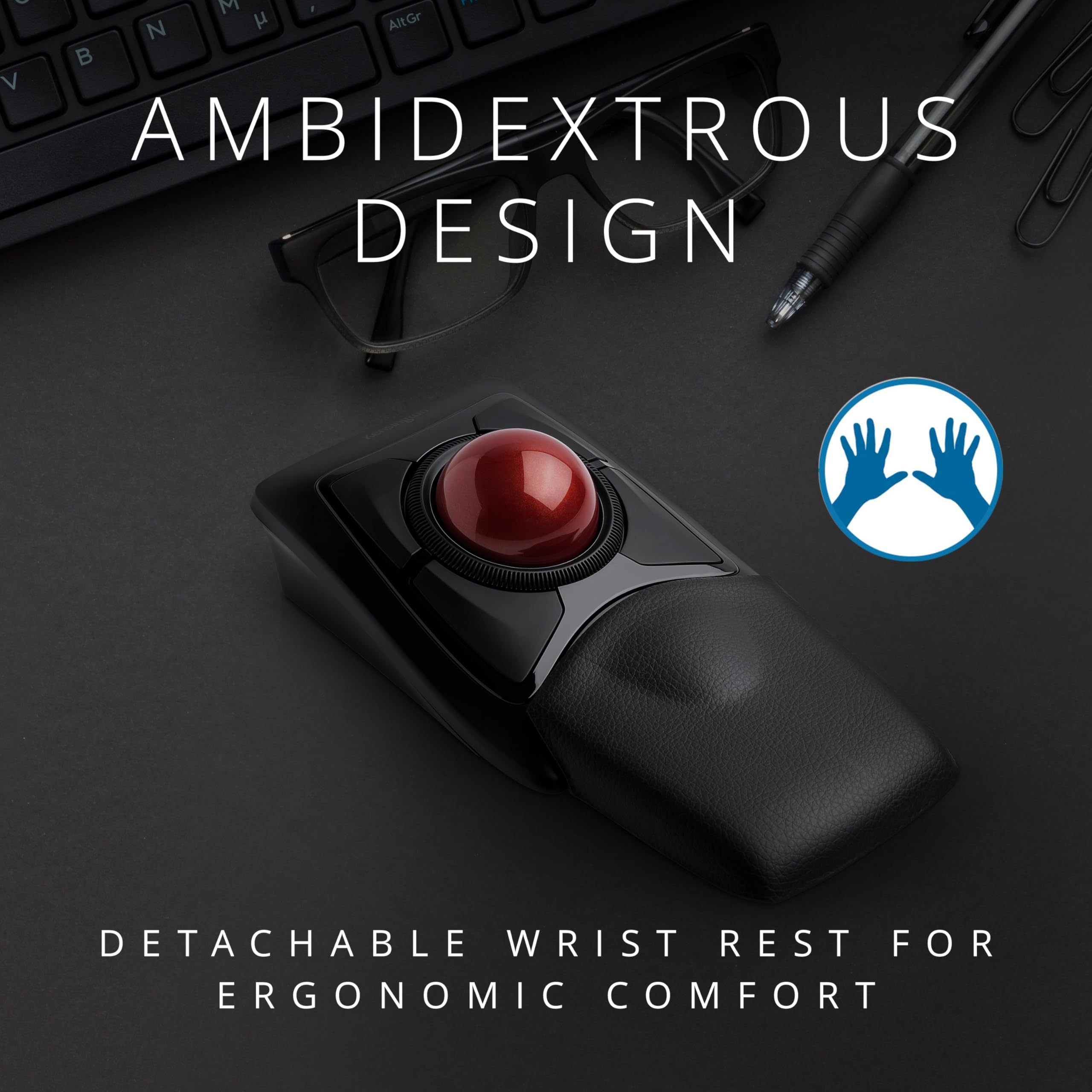
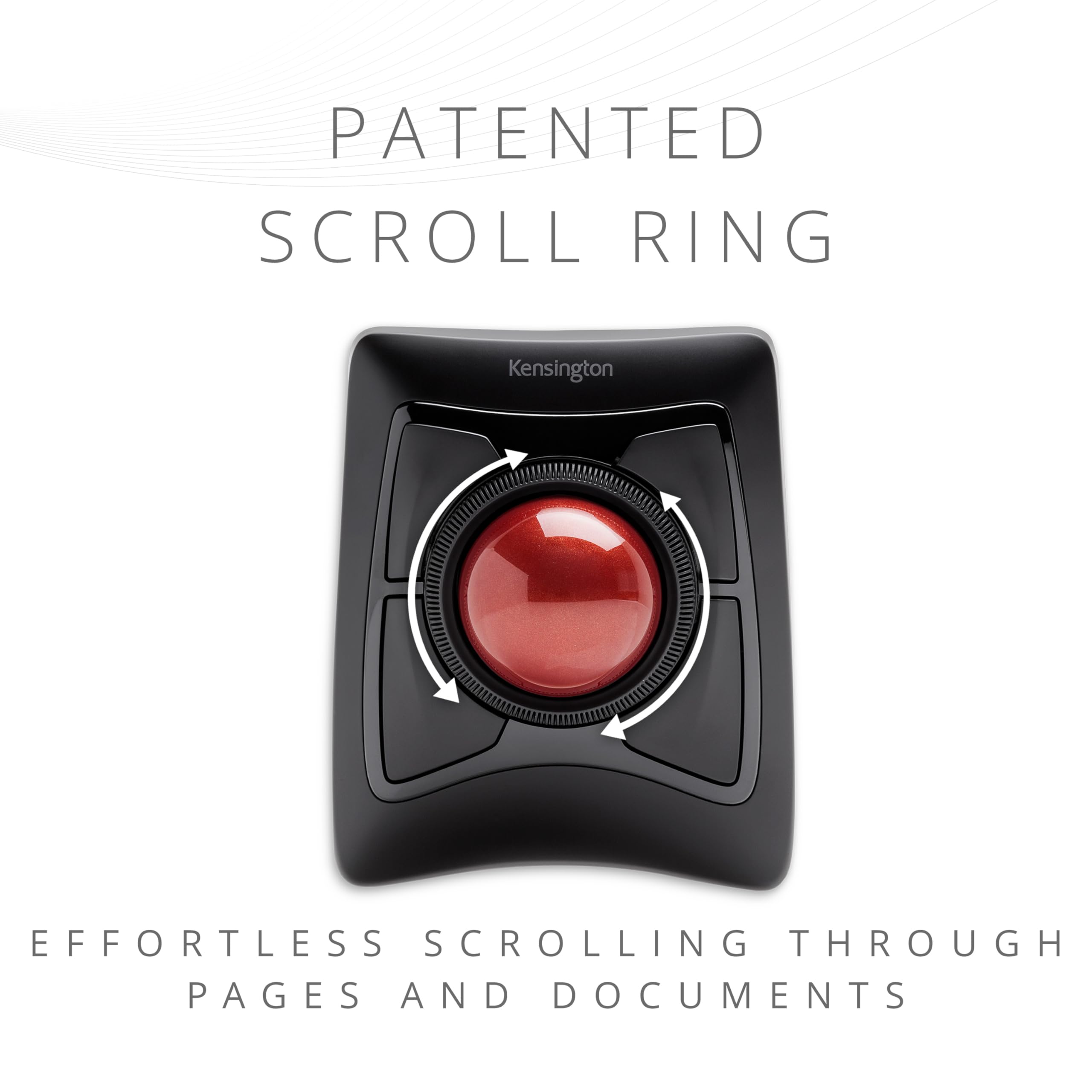
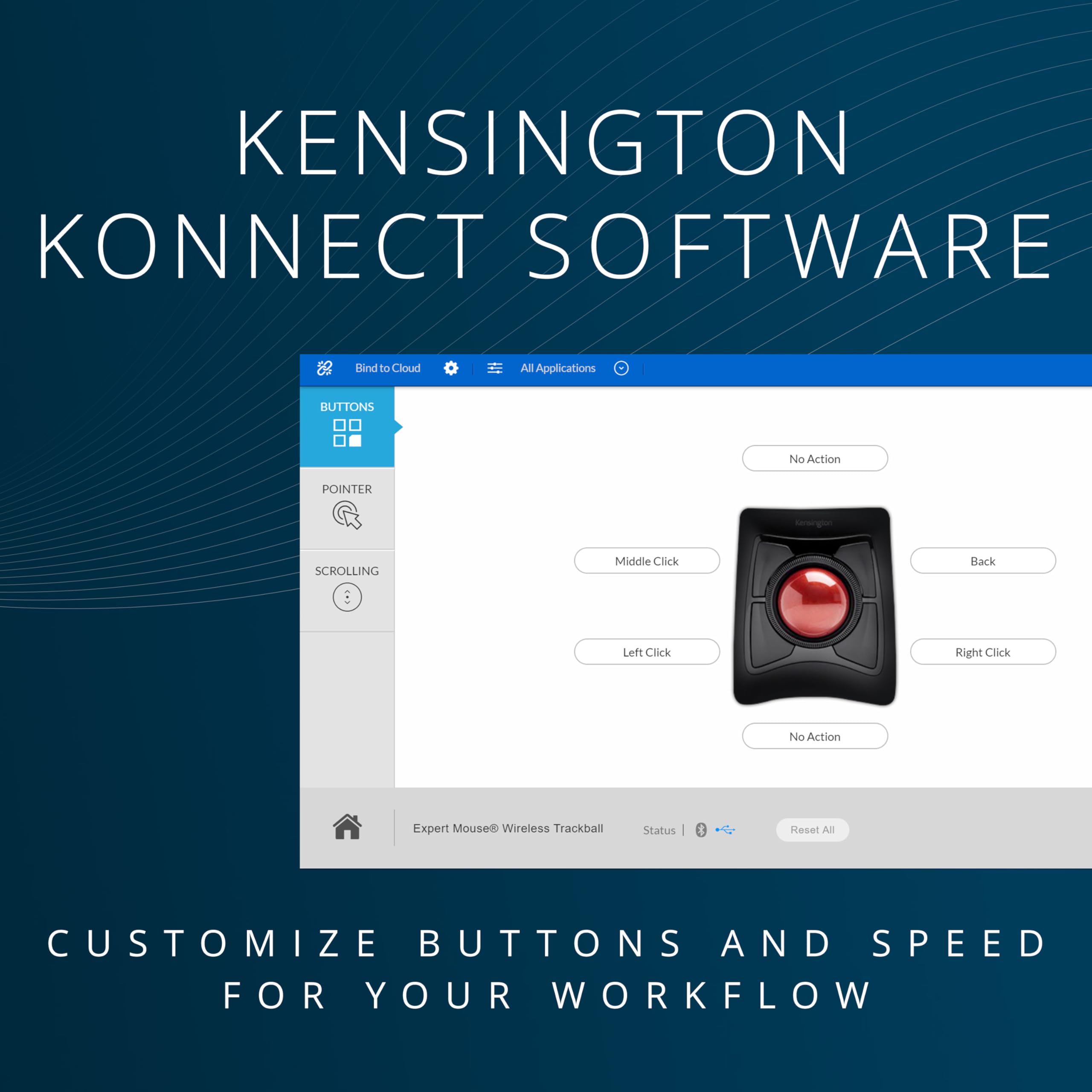
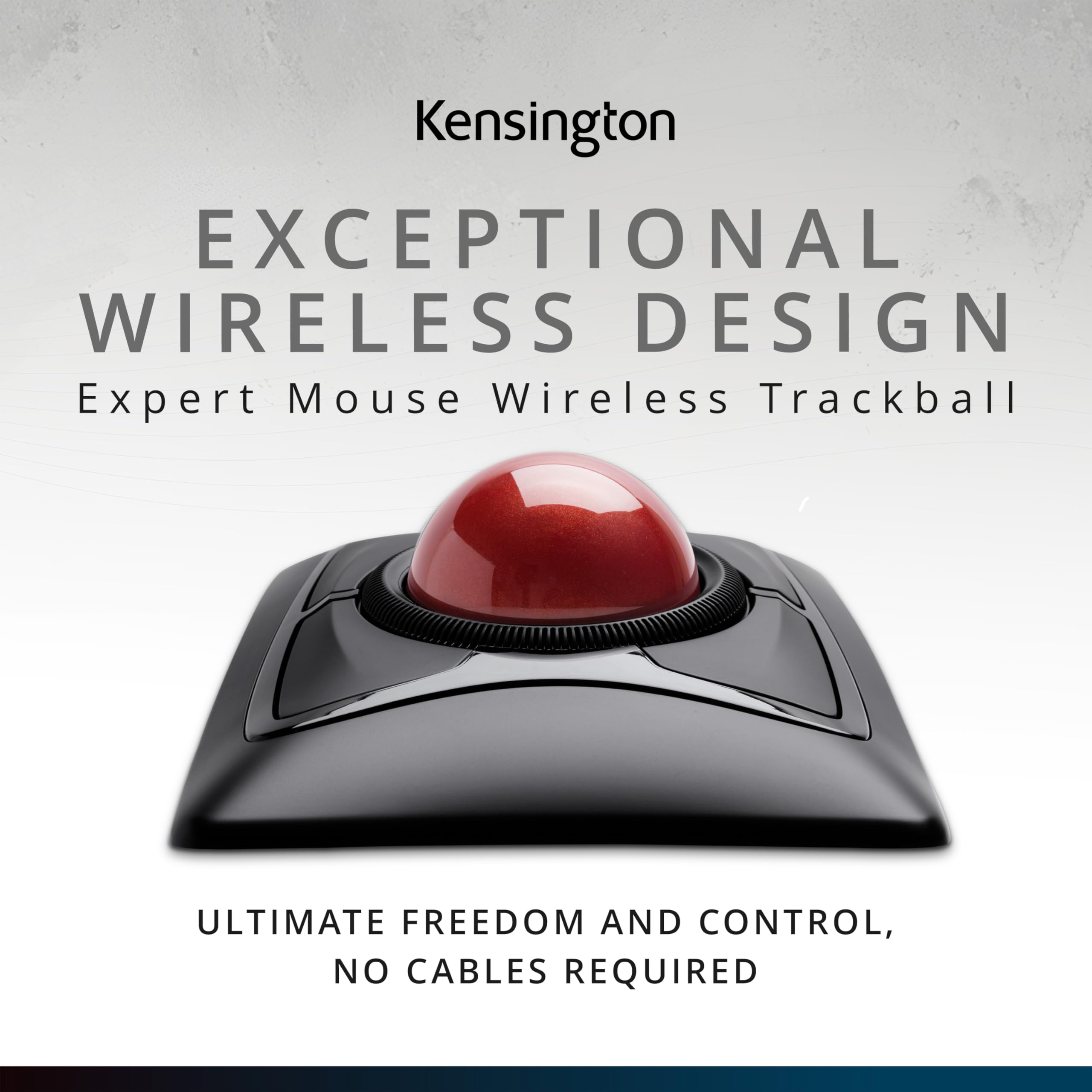
The Kensington Expert Wireless Trackball Mouse (K72359WW) combines a large 55mm optical trackball with patented scroll ring technology for precise, effortless navigation. Designed for ambidextrous use, it features a detachable ergonomic wrist rest and customizable buttons via KensingtonKonnect software. Connect wirelessly through Bluetooth LE or a 2.4GHz USB dongle, with smart power-saving auto-sleep mode. Compatible with Windows, macOS, and Chrome OS, it offers 3 years of coverage and lifetime technical support, making it a top-tier choice for professionals seeking productivity and comfort.


| ASIN | B01936N73I |
| Batteries | 1 A batteries required. (included) |
| Best Sellers Rank | #3 in Computer Trackballs |
| Brand | Kensington |
| Color | Black |
| Computer Memory Type | DDR3 SDRAM |
| Customer Reviews | 4.2 4.2 out of 5 stars (5,264) |
| Date First Available | January 12, 2016 |
| Hardware Platform | PC,MAC |
| Is Discontinued By Manufacturer | No |
| Item Dimensions LxWxH | 6.02 x 4.92 x 2.76 inches |
| Item Weight | 1.35 pounds |
| Item model number | K72359WW |
| Manufacturer | Kensington |
| Number of Processors | 1 |
| Operating System | Chrome, Mac, Windows |
| Power Source | Battery Powered |
| Product Dimensions | 6.02 x 4.92 x 2.76 inches |
| Series | Expert Mouse |
| Wireless Type | 2.4 GHz Radio Frequency, 802.11a/b/g/n |
S**1
Better than other trackballs
My second one of these trackballs. Lost my first one to my Spouse. Keeping it in the family. The raised ridge ring makes getting around the screen so much more efficiently. It’s not cheap but it’s worth losing the frustration. I know it also has programmable buttons but we will attempt those changes for later. Kinda like leaving room to grow more in love with this trackball till later.
J**S
24-hour Initial Review – Early Pros & Concerns
February 04, 2024 Update: Track ball works well. Doesn't seem to have but one issue and that issue is probably my problem. The scroll ring sometimes and my fingers don't jive causing me top hit one of the corner buttons. I must further practice, do much more practice. New Thought, 31dec23: Dragging and dropping, for instance, an email in MS Outlook to a folder can be challenging. I have not figured out the best method. Am looking for any ideas... 28dec23: Overall, I like the trackball and am tentatively at about 60/40 thinking to keep the device. Has many interesting functions and possibilities. Will know more as I work to better use the device. I definitely need more practice with the trackball because my long-term use of a regular mouse allows me to be pretty fast with the mouse. Early Pro’s: 1. Bluetooth connecting is really easy. 2. Kensington Works software for the trackball is easily downloaded for the device and pretty easy to use although it is not overly intuitive. 3. Large trackball seems very good particularly located in the mid position. Is good for me with some tremors and a shaky thumb compared with a side trackball. The middle trackball is far superior, for me, to the side mounted track balls. With practice, I am sure that I can rapidly move the cursor via the trackball. 4. Left Click/lower left button works pretty well. I seem to have it pretty well figured. Using my thumb for this button. 5. Right Click/lower right button not so handy as the Left Click button. Learning. May do better with it after more practice. 6. Have not really used upper two buttons, yet. 7. Scroll ring works well. Don’t have clicking noise that other reviewers have reported. 8. Don’t know how the battery life will be; we shall see. 9. Don’t yet know how the wrist rest will be although it seems okay with this short time review. Early Concerns: 1. Will take considerable practice for me which I am willing to do to become proficient with the trackball. 2. Have already learned to be very careful not to simultaneously touch the trackball while trying to scroll. Is easy to do! Result is my inadvertent action takes me some crazy place I did not want to go!
C**H
Decent Mouse with a few oversights in the design process
I have purchased the Expert Wireless and Slimblade Trackball mice to compare which one is better in attempts to resolve possible RSI issues. Here is my opinion on how they stack up. Expert Mouse Pluses: +Fits great in hand +Buttons have a slight edge, which makes it easier to click than the slimblade +The scroll wheel works SIGNIFICANTLY better than the SlimBlade's twist to scroll option, especially when confined to a smaller window where the mouse jetting across the screen will cause you to randomly quit scrolling where you desire +The palm rest really helps, and is quite necessary for this mouse because of the angle +Wireless and Bluetooth options Expert Mouse Negatives: -Angle that your hand sits at actually causes more stress, and is the reason I will probably be returning this device -Scroll wheel has a very cheap design. While I like it better than the SlimBlade scrolling, it makes a strange noise any time you scroll more than a couple of clicks and makes me feel as though the product will break sooner due to cheap plastic parts. Also the wheel doesn't have any stop points/clicks, but this doesn't both me too much -Under the ball the mouse has no hole at the bottom, and the area isn't smooth, so it makes cleaning the area under the ball more difficult Slimblade Mouse Pluses: +Easy to clean - under the trackball everything is smooth and there is a hole at the bottom. This allows for skin cells to fall out of the mouse and with some occasional cleaning, you can keep the skin cells out of this mouse much easier +The angle is much nicer than the Expert mouse, leaving your hand feeling much more comfortable after a solid day of use +The design just looks nicer than the Expert mouse when they sit side by side Slimblade Mouse Negatives: -The keys are very flat and have no edges like the expert mouse, which actually makes clicking ever so slightly less comfortable -The mouse doesn't quite fit in your hand as nicely because it is not at a raised angle, but this is also a positive because it doesn't leave your hand feeling as fatigued at the end of a day -The scrolling functionality leaves a lot to be desired. While it doesn't feel as cheap as the Expert mouse, it causes a lot of issues while scrolling within small areas because your pointer will move and lose focus if you do a decent amount of scrolling at once down a large list. This has caused some loss of productivity and was the main reason I purchased the Expert mouse in hopes that the experience would be better. While I'd like to see the ability to scroll by turning the ball, I think it either needs to be refined to disable pointer motion altogether when activated, or they should bring back the rotatable wheel and put it on ball barrings so it can not only scroll freely and you could just stop it, but also to give it a smooth feel, instead of a cheap one. People would pay extra knowing the quality is worth it. -Only option is wired. Not only does this leave unsightly cables on my desk, it also makes it more difficult to switch between my right and left hand throughout the day. -Should have came with a wrist wrest like the Expert does All and all the only reason I choose the Slimblade over the Expert is because the expert is at a funny angle which causes more issues than just using a traditional mouse. Otherwise I'd totally select the Expert over the Slimblade.
A**Z
Desde que lo uso ya no se me cansa la muñeca, a pesar de que lo utilizo unas seis horas al día. He ganado en productividad porque, gracias a su gran bola, puedo situar el cursor exactamente donde quiero a gran velocidad. Los cuatro pulsadores de que dispone son grandes, sensibles y cómodos para usar. Aunque puede configurarse para que la pulsación conjunta de dos botones adyacentes sea equivalente a otro botón, esto no me resulta práctico porque es difícil hacer la pulsación simultánea.
A**M
Great trackball. Easy to connect; just plug the dongle in, and it's good to go. Really good size of trackball allows me to use three fingers to navigate precisely with my non-dominant hand. Comfortable to use from the couch too. The buttons click nicely and the scroll wheel works well. It's definitely a little bit pricey, but definitely worth it to be able to rest my injured dominant hand but still be able to enjoy good precision when using my home PC. The ball comes out easily to clean, so I wouldn't want to take this loose in my bag into the office, but that isn't really a consideration for me since I've switched this one out for the Orbit Fusion, which I'll take to work instead.
B**N
Mouse klavye ergonomisi konusunda çok araştırma yaptım ve Kensington orbit fusion modelinin başlangıç olarak en uygun olduğunu ancak bütçeniz el veriyorsa bir kere alıp tam alıp bu modeli tercih etmeniz gerektiğini düşünmekteyim. Ofis işleri ve düzenleme müzik prodüksiyonu ve günlük kullanımda bileğinizde normal mouse kullanmaktan oluşan sert dokuyu geçiriyor ve oyun da oynuyorsanız oyuncu mouselarının verdiği ağrıyı yarıya indirebilirsiniz, bir de ayrık (split) klavye ve düzgün bir postur ve masa duzenlemesi ile expert mouse ergonomiden kaynaklı sorunlarınızı azaltacaktır. Eğimi eğer size uygun gelmiyor ise, ki gelmeyeceğini düşünmüş olsam da geldi, bir ihtimal gelmez ise, altına yükseltecek bir kitap vs. koyup düz hizaya getirebilirsiniz veya yan çevirip 3. parti yazılımlar ile imleç yönünü düzenleyip eğimli ergonomik mouselar gibi kullanabilirsiniz. 3d yazıcı imkanınız var ise/servisinden yararlanabiliyorsanız mouse pozisyonunu daha ergonomik (göreceli) hale getiren eklentiler mevcut. Kesinlikle tavsiye ediyorum.
D**O
Es muy bueno y comodo, al principio te puede doler la mano porque no estas acostumbrado pero despues ya no quieres volver a usar un mouse convencional. A veces falla el software de kensington pero puedes usar el mouse sin problema aunque no tengas el software
C**N
Comprei com intenção de facilitar e agilizar o uso em edicoes de video que faço. Mas descobri uma outra função que ele tem que é muito útil: pra quem tem sindrome do tunel do carpo no pulso é ideal, voce usa e não movimenta o pulso. Recomendo muito.
Trustpilot
2 weeks ago
2 days ago