


🚀 Elevate your storage game with speed and style!
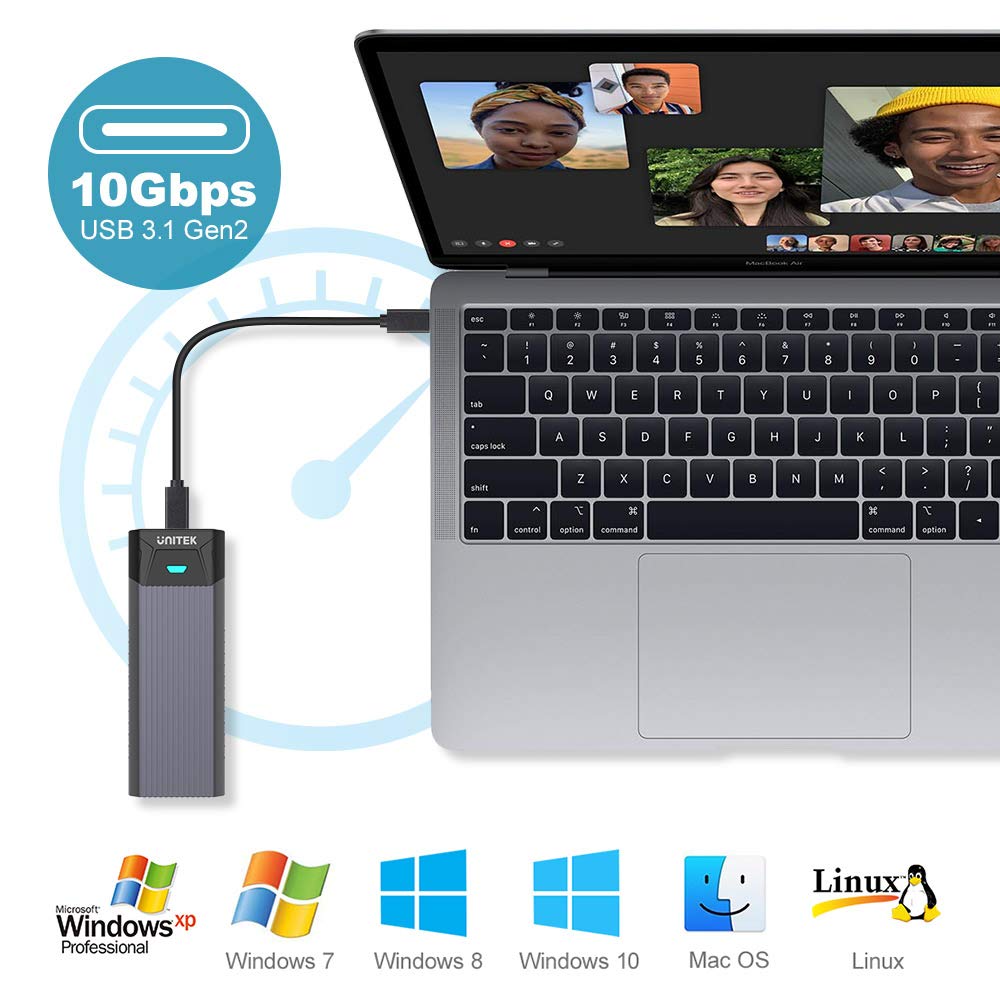
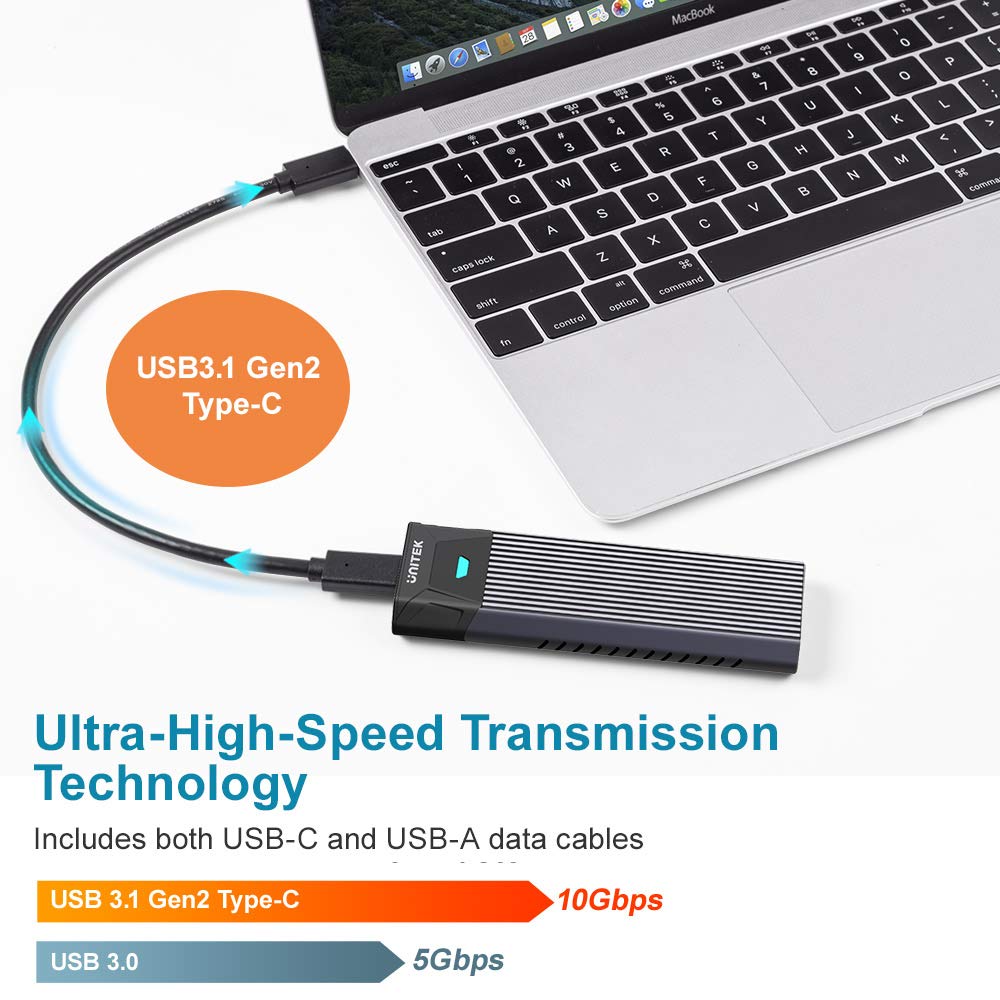
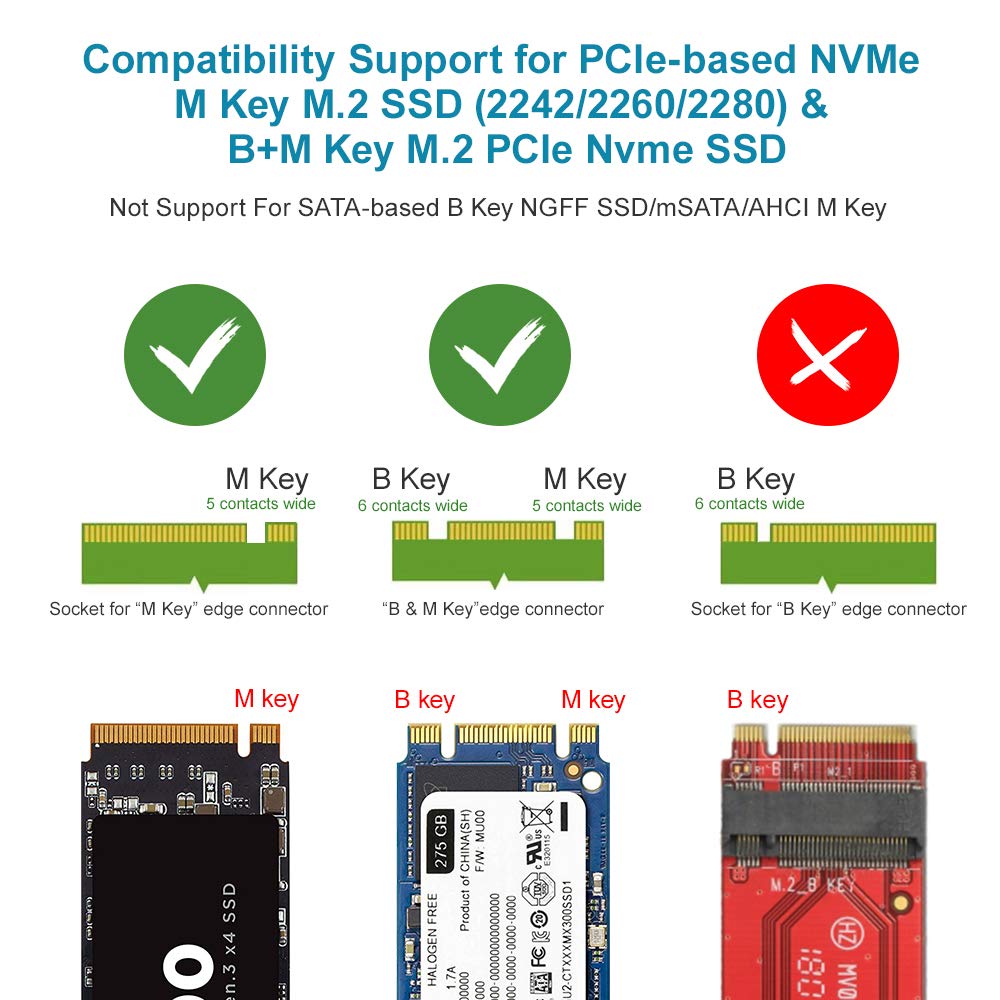
The Unitek M.2 NVMe SSD Enclosure is a portable, tool-free external housing designed for M-Key NVMe SSDs (2242/2260/2280). Featuring USB3.1 Gen2 Type-C interface, it delivers ultra-fast 10Gbps data transfer speeds, backward compatibility, and superior heat dissipation with its aluminum build. It comes complete with USB-C and USB-A cables, LED status indicator, and supports UASP for optimized performance—ideal for professionals seeking hassle-free, high-speed external storage.


| ASIN | B07THVRS99 |
| Compatible devices | Laptop |
| Data transfer rate | 10 Gigabits Per Second |
| Item model number | S1203A |
| Max number of supported devices | 1 |
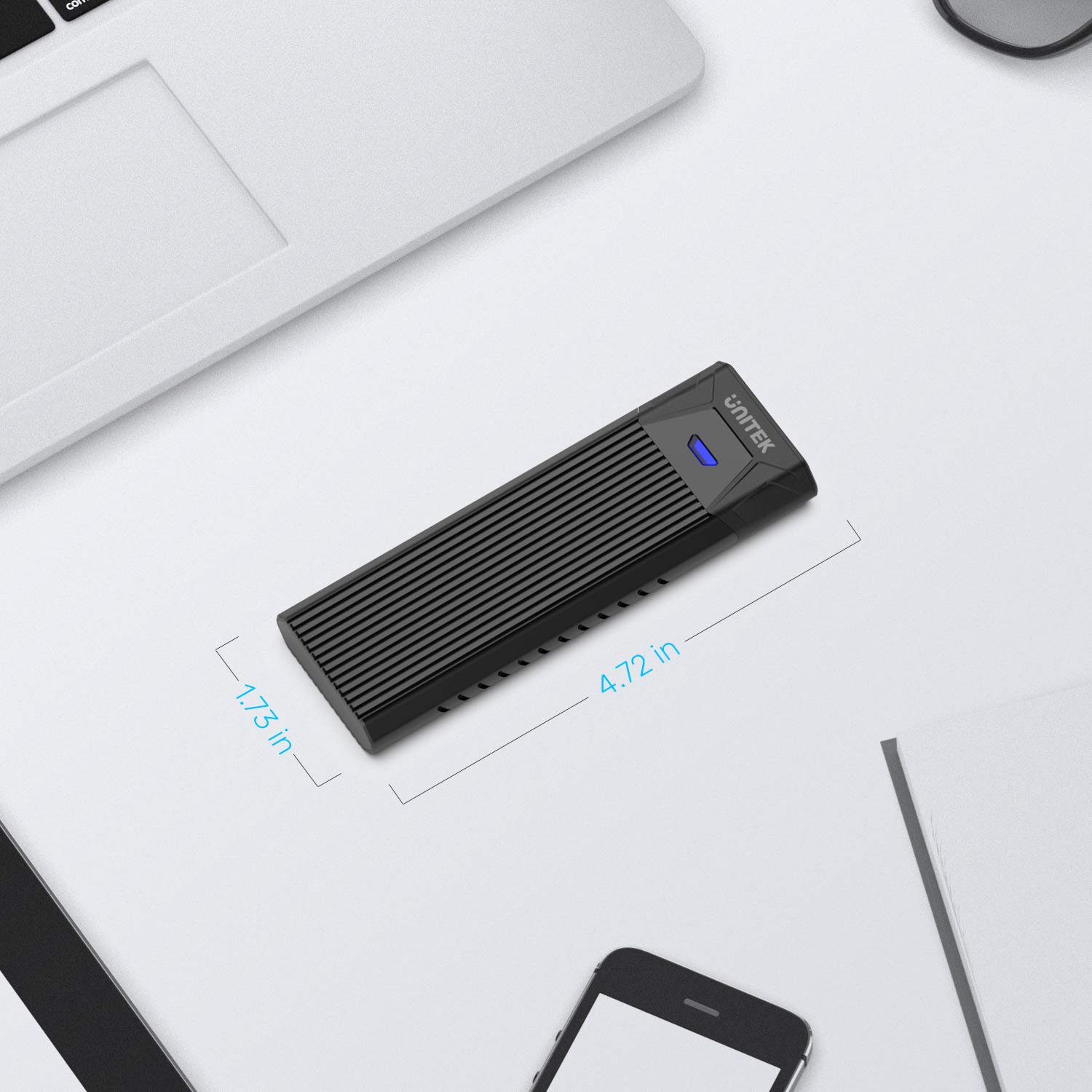
| Product Dimensions | 12 x 4.4 x 1.5 cm; 110 g |
R**I
Great Product
Looks a bit bigger than the pictures but offers great functionality, installation was easy and the two cables given with it are actually good and durable, you'll get high speeds out of it,definitely recommend it.
L**N
NVMe SSD ケースなるものを使うのは、今回初めて。Mac miniに外部ストレージを付けるのも初めて。ただしPC自作の経験だけはある。その自信だけを当てにして、購入、そして組立を決心。 中には使用説明書は皆無。始めから、 こうなるはずだという勘を頼りに、SSDメモリーをそれらしき場所に挿入。しかしそれでは何となく頼り無い感じ。ぐっと力をこめて差し込むと、カチッと入った。 ただ、何やら部品が二点余る。Amazonの商品説明の写真を見直す。なるほど、冷却用なのか。写真の通り、ケースに入れ直して、組立は完了。Mac本体から、認識され、フォーマットと進んだ。
R**E
The enclosure is good quality, but needs better instructions. I'm not sure how others got their drives to work or if it worked automatically for them or not...but here's what I had to do. Installing my ssd in the case was not a problem, but getting the drive to work in Windows was...when I plugged in the case to my PC it said the drive was installed and I could see it in my devices, but not under My PC...ie. I couldn't see it as a drive in My PC...like Local Disk(C:). So...I was not able to access it to format the drive. The drive needed to be activated...so here's how I did mine. I downloaded a free drive format tool called "IM-Magic Partition Resizer" and used it to activate the ssd and boom MAGIC...I could then format drive from that tool or in Windows My PC, which I could now see my Drive(F:). I hope this helps others if they have any problems...CHEERS!!!
J**N
I purchased the Unitek M.2 NVMe SSD Enclosure for $19.99 USD on a sale. I needed an enclosure to help recover and transfer client’s data for my tech support business. It can feel a little tight fitting an 80mm M.2 drive in the enclosure, but it does stay put and exits with relative ease. You do not need any screwdrivers or tools to open the enclosure or insert M.2 sticks, and the entire process can be done in a few seconds once you get the hang of it. My only complaint is the small USB-C 3.0 cables, which are roughly three to four inches (7-10cm) long. Not a major show-stopper, but something to keep in mind to avoid having your enclosure dangle off the side off a desktop. I’ve tested this thus far on a WD Black SN750 Gen 3, Samsung 980 Pro Gen 4, and an old Samsung MZ-VLB2560. None of the drives had any issues. I used my Windows 10 laptop and the enclosure detected right away without needing to search for drivers.
M**E
Comes with a heat sink to attach to your drive which, when fitted, turns the entire case into a heatsink. A nice touch. The ribbed outer of the aluminium case ensures even more heat dissipation keeping the drive nice and cool. No tools required to fit the NVME drive; I don't find this an essential but useful for those with dexterity and eyesight limits, no fiddling with tiny screws. Speed wise I can't fault the case, performs as expected for USB 3.1. Drive detected immediately on both Mac and Windows machines with no driver installation required.
A**R
Le modèle que j'ai reçu ne correspond pas exactement à la photographie : il y a en fait deux câbles : USB-c vers USB-c et USB-c vers USB-a. Refroidissement du SSD.m2 interne par une simple bandelette autocollante de pâte : montée en température très rapide. Soucis rencontrés : aucun.
Trustpilot
2 weeks ago
1 week ago



