

Desert Online General Trading LLC
Dubai, United Arab Emirates
Desert Online General Trading LLC
Dubai, United Arab Emirates


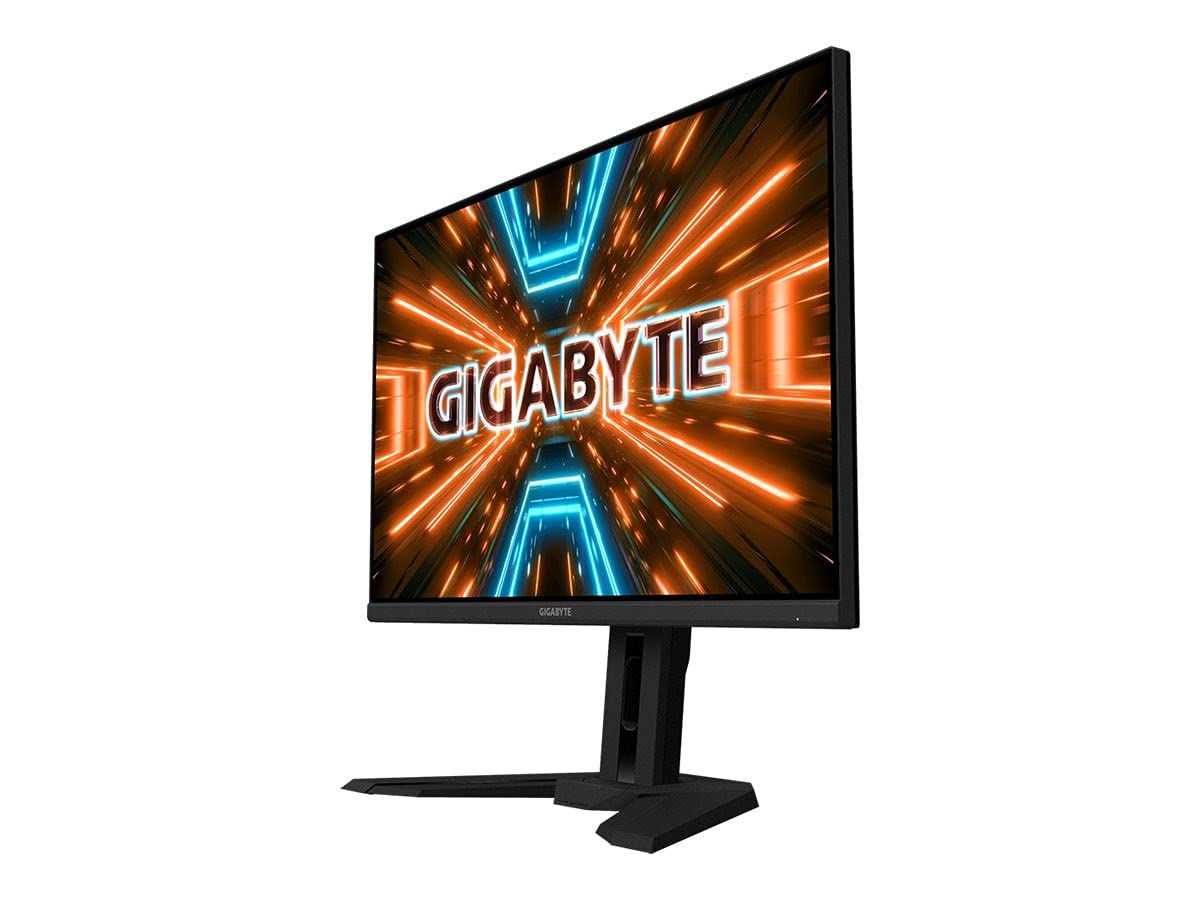
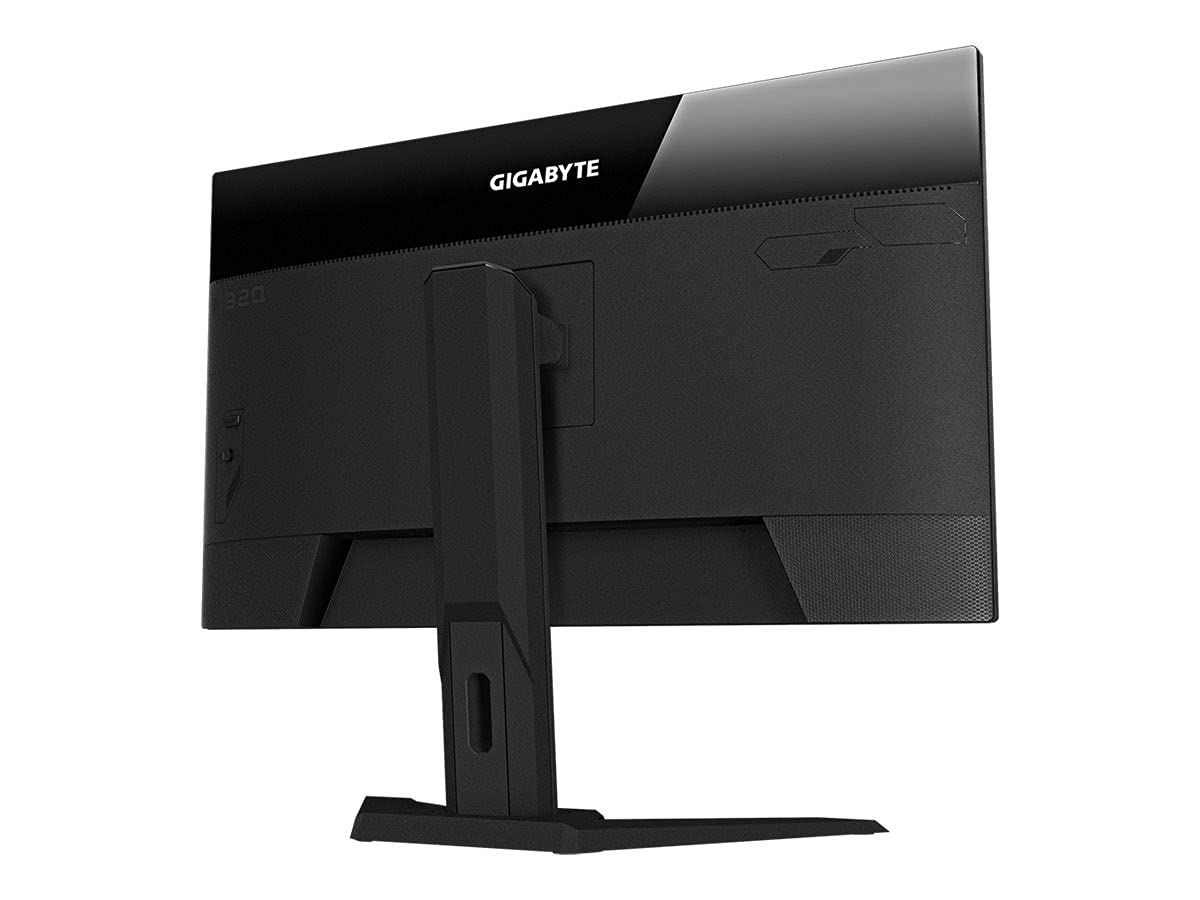
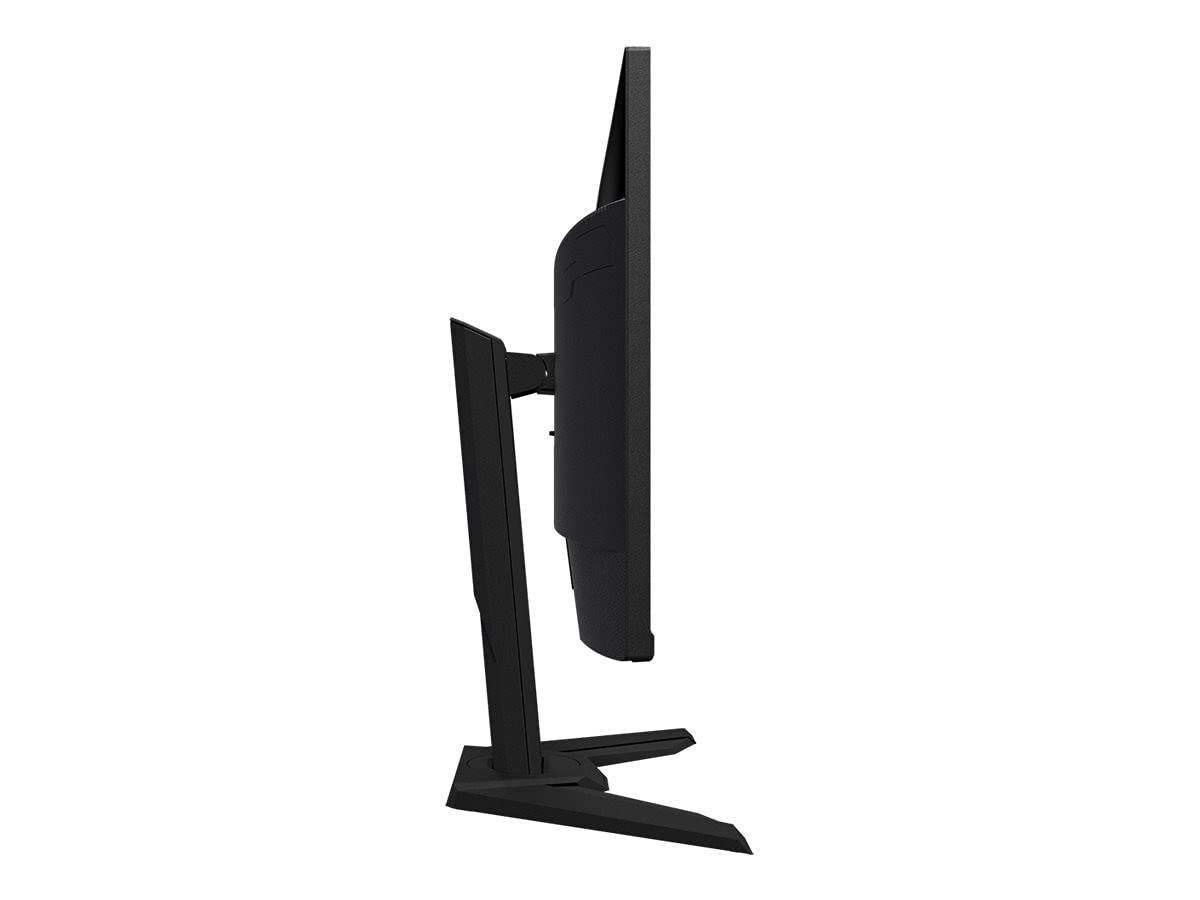

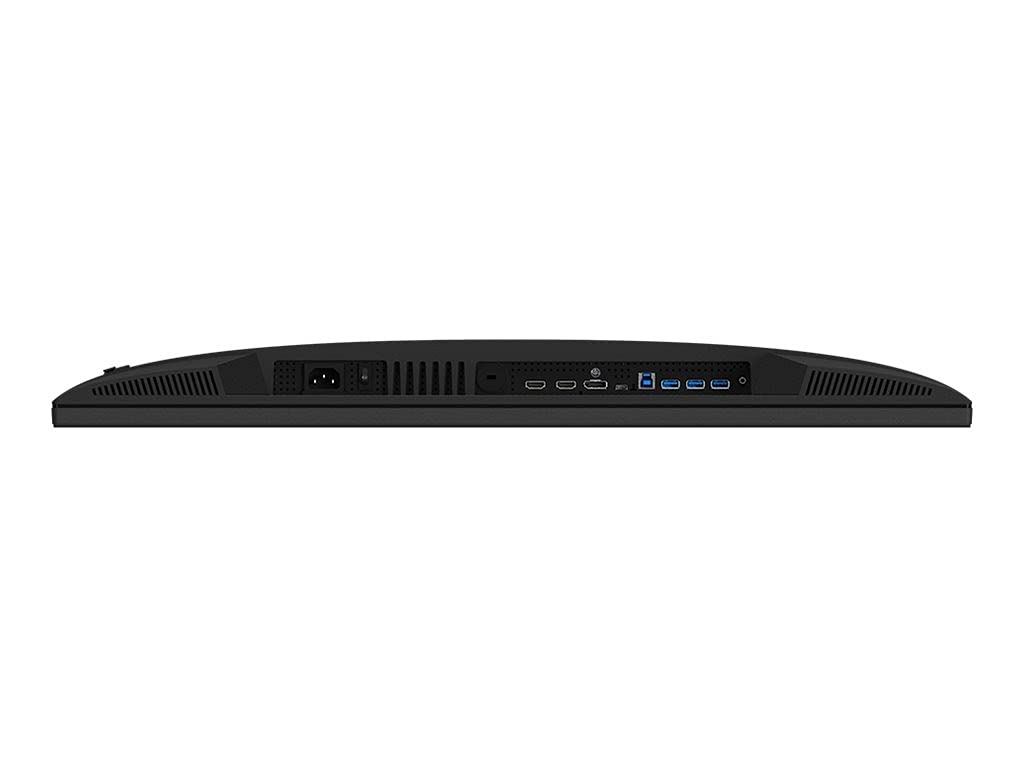
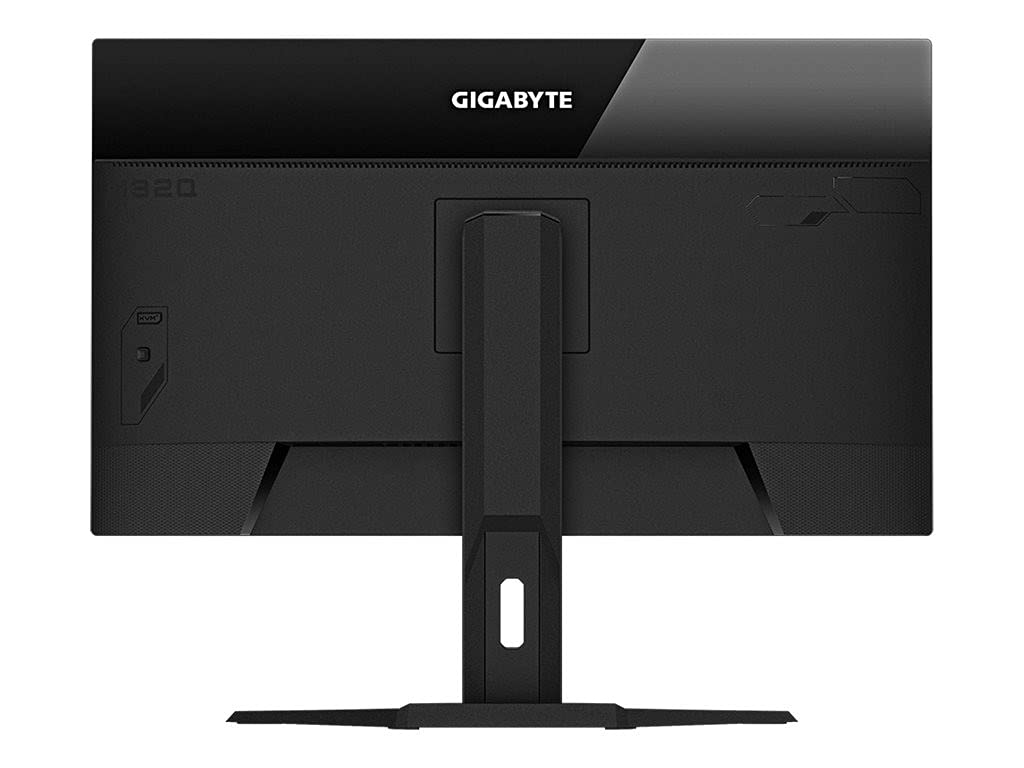
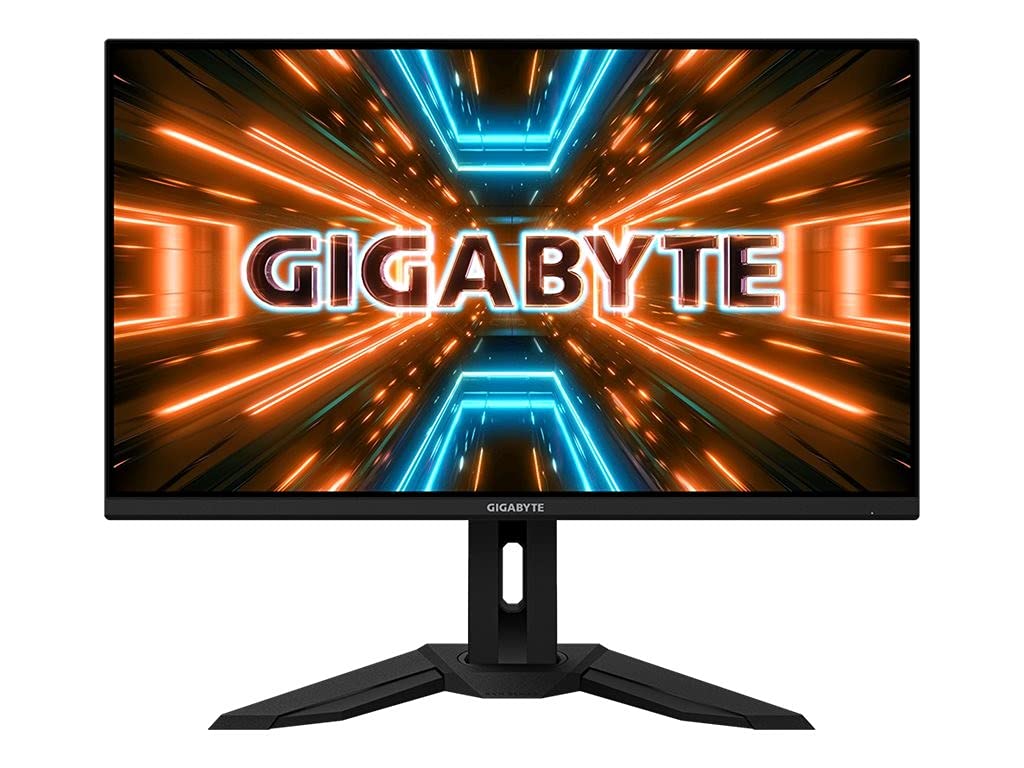

🔥 Level up your workspace & play with the Gigabyte M32Q — where power meets precision!
The Gigabyte M32Q is a 31.5-inch QHD IPS monitor featuring a sharp 2560x1440 resolution and a blazing 165Hz refresh rate (170Hz OC) with FreeSync Premium support. Designed for professionals and gamers alike, it combines ergonomic adjustability, flicker-free technology, and Eyesafe blue light reduction to ensure comfort during extended use. Its sleek matte finish and clear sound system make it a stylish and functional centerpiece for any setup.


| Brand | Gigabyte |
| Product Dimensions | 9.62 x 28.16 x 23.04 cm; 10.2 kg |
| Batteries | A batteries required. |
| Item model number | M32Q-EK |
| Manufacturer | Gigabyte |
| Series | M32Q-EK |
| Colour | Black |
| Standing screen display size | 31.5 Inches |
| Screen Resolution | 2560x1440 |
| Resolution | 2560 x 1440 Pixels |
| Processor Count | 1 |
| Number of USB 2.0 Ports | 1 |
| Voltage | 230 Volts |
| Are Batteries Included | No |
| Lithium Battery Packaging | Batteries contained in equipment |
| Lithium Battery Weight | 0.5 Milligrams |
| Number of Lithium Metal Cells | 7 |
| Item Weight | 10.2 kg |
| Guaranteed software updates until | unknown |
D**N
Excellent monitor
I spent some time trying to identify a good value IPS 1440p monitor with great colour reproduction and a high refresh rate with freesync support. This montor ticked all those boxes at a reasonable price (£300).I have been using now for 6 months, I had (and continue to have) no panel issues e.g. dead pixels. I initially did have some extremely faint vertical lines visible during testing which disappeared after a few hours of use and no longer show at all.Design is simple and fits into most setups. It is made of decent materials, although doesn't offer a great deal in terms of adjustment in height etc.
G**G
Super responsive screen with a very handy KVM switch.
Amazing gaming screen with a very handy KVM switch that just works (easy switching between XBox Series X and PC). This screens scores really well on rtings.com for its price point.And, the 32 inch screen doesn't feature the massively annoying BGR sub-pixel layout that the 27 inch screen has (which makes text rather blurry in most Windows applications). The build quality also feels superior compared to the 27 inch equivalent.But 32 inch is big though... I found it too overwhelming on a regular desk, but that is a matter of opinion I guess.
V**7
I can recommend the Gigabyte M32Q
You are probably in the same boat and have read many reviews and saw many videos: I wanted to have micro led as that gives the best HDR and viewing experience. I found that good screens are expensive (£3K+) and you are just paying for the newer technology as even those expensive screen do not have all features.So it's better to buy a great 32 inch now for a more affordable price :-).Compared to my previous screen (Asus VG27AQ):The good things are:- There is no RGB led uber game stuff 'decorating' the screen - it's great I love a clean setup.- The response times are just as fast and the image quality is definitely better: crisp and well lit.- I did not have any defect pixels and even IPS glow is barely noticeable (but YMMV of course).- The screen is large but not too big. I don't get any eye strain even after several hours of use. I feel this is a great size.- Refresh rates up to 165Hz are supported (although I limit my GPU to 144Hz to have a buffer when using G-sync).- It supports G-sync.- I like the square switch at the back that can be configured to have a short cut to features that you use most. F.e. I use one short cut to quickly switch between Display Port and HDMI when I use my laptop.What can be improved?- The M32Q is not true HDR despite being advertised as such (I know it says HDR400). However the implementation is good enough for me for now (it's definitely better than my previous screen).- The monitor stand that is included is solid, but can't be adjusted high enough for me so I used my 3rd party stand (and that's easy to do with the universal VESA mount).- The OSD is a bit tricky. The good thing is that you can download an OSD app from the Gigabyte website. You can then adjust all the settings from your PC when you connect using the included USB cable. However the app is temperamental. I found that I have to reset the monitor using the reset all function and then I can use the app otherwise the connection will fail. But then again how often do you adjust your settings?- The screen has a preference for warm colours but you can easily adjust that.- I wish there was an option to turn off the white power led while the screen is on (or at least reduce its brightness). It was a little distraction at first.Bottom-line: if you are looking for a great 32" screen for 1440p gaming in 2022 then this is definitely a screen to consider. It delivers a solid performance for a good price.
J**N
Grate product
I had a little issue with this and the company was so helpful and understanding they quickly got it resolved and I was very pleasedAs for the monitor its self it's great value for money the quality is outstanding and with amd syncing works great every game looks incredible I can really notice the difference between old monitor and new I would recommend this product and company it anyone looking to get a new monitor
S**F
Such a good monitor
Without spending over £700 IV no doubt this is the best monitor I could have gotten for the money.Big monitor. It's exactly what I needed.
C**N
Excellent monitor, useless KVM
This monitor is fantastic out of the box, picture quality is great, size is perfect.The KVM (which is the main thing that swayed me into buying this monitor) is useless.Oh, it works fine most of the time, but don't let the monitor go to sleep! If you do that your mouse and keyboard go to sleep too, meaning there is no way to wake the monitor.I've gone back to using my external KVM now instead! Great job gigabyte.
J**W
Very nice monitor for the monitor
IPS, colours, blacks are nice. 165hz.
H**D
Waste of money
I looked for a monitor that supports USB-C and this one does. However, the box contains only USB cable which is useless.It's a heavy monitor and my monitor arm bearly hold it up.The resolution is too low for this size.The USB C is not working
Trustpilot
2 months ago
1 month ago