
DOWNLOAD THE APP


Customer Services
Copyright © 2025 Desertcart Holdings Limited
DOWNLOAD THE APP
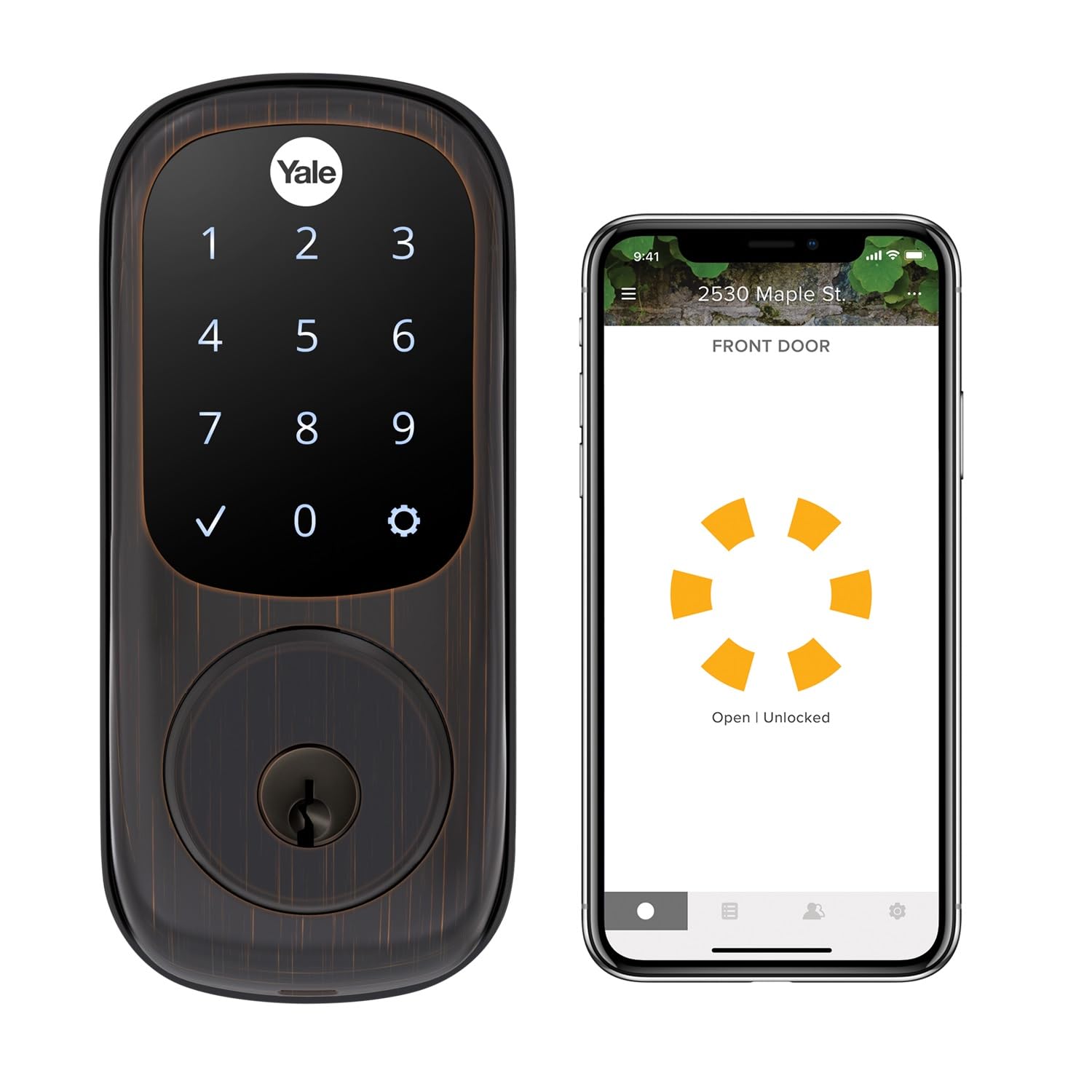
🔐 Unlock the future of home security—smart, sleek, and totally keyless.
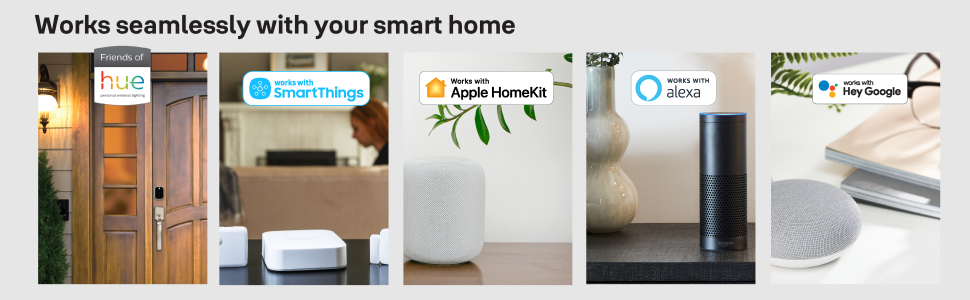
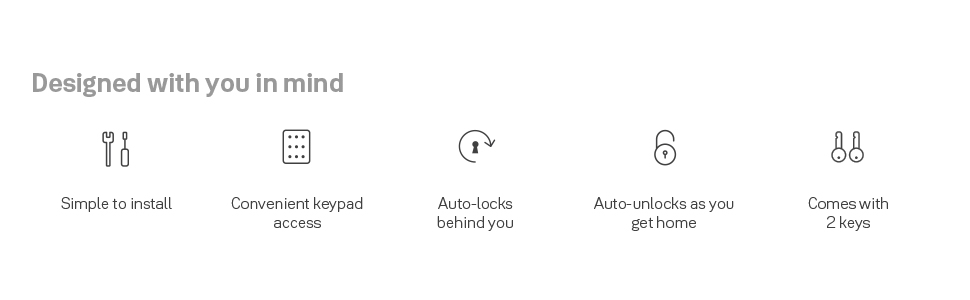
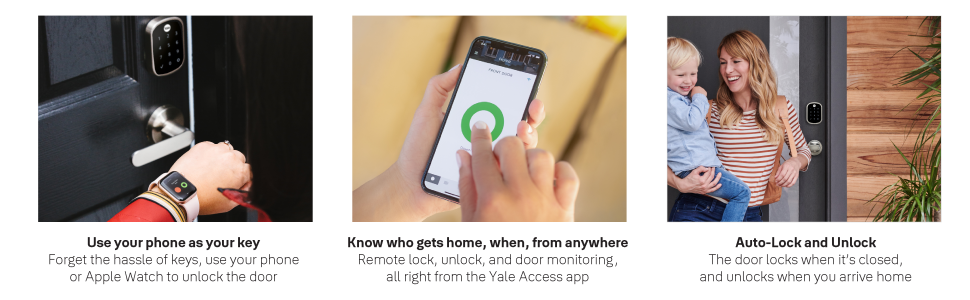
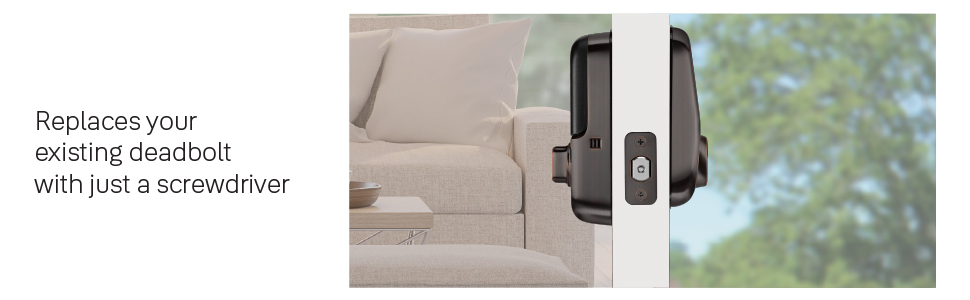
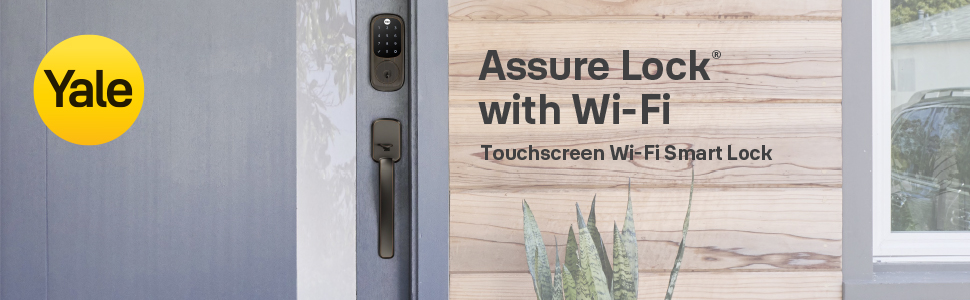
The Yale Assure Lock YRD226-CBA-0BP is a Wi-Fi connected smart lock in oil rubbed bronze finish featuring a digital touchscreen keypad and backup key. It offers hands-free auto-unlock and auto-lock with DoorSense, integrates seamlessly with major voice assistants and smart home systems without needing an extra hub, and allows secure sharing of digital keys. Powered by 4 included AA batteries, it installs easily on standard doors and provides real-time remote control and monitoring via the Yale Access app.
| ASIN | B07GQ71KCH |
| Batteries | 4 AA batteries required. (included) |
| Batteries Required? | Yes |
| Batteries included? | Yes |
| Battery Cell Type | Alkaline |
| Best Sellers Rank | 1,067,273 in DIY & Tools ( See Top 100 in DIY & Tools ) 1,009 in Dead Bolts |
| Colour | Oil Rubbed Bronze |
| Customer Reviews | 4.0 4.0 out of 5 stars (2,244) |
| Date First Available | 4 Sept. 2018 |
| Display style | Touchscreen |
| Finish | Brushed |
| Included Components | Yale Assure Lock Touhcscreen, Connected by August Module, August Connect Wi-Fi Bridge, August DoorSense, Deadbolt, Strike Plate, Mounting Hardware, Installation Manual, 2 keys |
| Item Package Quantity | 1 |
| Item Weight | 2.04 kg |
| Item model number | YRD226-CBA-0BP |
| Manufacturer | Yale Security Inc. |
| Material | Bronze |
| Number of Pieces | 1 |
| Part Number | YRD226-CBA-0BP |
| Pattern | With Key |
| Power Source | Battery |
| Product Dimensions | 3.49 x 6.99 x 15.39 cm; 2.04 kg |
| Shape | Rectangular |
| Size | Touchscreen - With Key |
| Special Features | Touchscreen |
| Style | Wi-Fi |
E**C
I finally found the perfect lock. I never leave reviews but I was so frustrated in my search for the perfect lock and so happy with what I found, I thought I would recount my saga to help anyone in my same position. I am an iPhone/iPad guy that likes to use Google Home wherever possible. It is a little tough to manage integration with Siri and Google Assistant but I mostly have it licked - except for the lock which had been the bane of my existence. I started with the Yale Nest lock. Should work great with google, right? It does, except google can only lock the door, not unlock it. I understand why for security purposes, but it defeated the purpose I was looking for - not having to use a key OR the keypad when my hands were full. I wanted quick and easy entry. I was going to set up a simple Siri shortcut so I could tell my Apple Watch to unlock the door, and it would tell Google. No dice. Strike one. I next tried the Sledge Sense. It says it works with Google Assistant and Siri. I knew going in that Google would not unlock this door either, but I read that Siri would. I figured I could make this work. I’ll leave all my google routines for inside the home (lock doors before bed, lock doors for when I am about to leave, etc.) and then just use a Siri routine for returning home (unlock door and disarm security system). Strike 2. First, the Sense does work with Google and HomeKit, but not at the same time. You have to choose one or the other. So no double routines. Still figured I could just cut the locking out of my Google routines by making it auto lock and then run it just on HomeKit to unlock with Siri. This kind of worked, but your iPhone has to be unlocked in order for Siri to unlock the door. This means that you cannot use Siri to unlock the door with your Apple Watch while the phone is in your pocket. So still not accomplishing the easy entry I was looking for. I was tired of spending money on locks that didn’t do what I wanted and about to give up when I decided I would give this one a try. And I struck gold. First of all, it works with Siri and Google, though I didn’t even bother to set it up with Siri because of the geofencing discussed below. Second, Google actually CAN lock AND unlock this one, unlike the other 2. You do have to speak your code Google to unlock which still makes quick entry awkward, but at least you can use google to unlock the door for a visitor if you are in another room of the house. But the best part is you don’t need to rely on Google OR Siri to unlock the door for yourself when coming home. Just set up geofencing with the Bluetooth on your iPhone, and it will unlock automatically when you get close. This has everything I was looking for in a lock. It seems to be well built and was easy to set up and get running. It still has a few little quirks that are annoying but not fatal. My only real complaint is how you wake up the keypad if you want to do a manual code entry. You would think you would press the home icon on the top but you would be wrong. You might also hope that you could touch anywhere on the screen to wake it up, but that’s not it either. Instead, you have to press on the bottom left hand side of the screen where the check mark would be (except you can’t see the check mark at that point because the screen is asleep). This is not a big deal at all once you get used to it, but I could see this being very confusing if I have a guest coming to my house and I just give them the code to punch in for the door. I’m sure I will be getting a few calls that the keypad “doesn’t work." I wish they would fix this. Also, I don’t think you can manage pin codes from the app. It appears you have to do this from the keypad. I might be wrong as I haven’t looked into this very much yet, but if you are someone who manages a lot of key codes (Airbnb), you need to look into this and this may not be the lock for you. Otherwise, I am so very thankful that I took a chance on this lock. It is everything I was looking for and more. I am buying 2 more for my other doors!
D**Y
I originally purchased this lock as part of the "Amazon Key" kit. The "Amazon Key" kit was terrible due to a poor design and crummy camera. The "Amazon Key" design forces the Yale lock to connect to the Amazon camera ... not your Home Automation system ! Even though I was disappointed in the Amazon Key system and sent it back for a refund, I fell in love with the Yale Lock. It was easy to install, looked really good on the front door and operated better than a Schlage or Kwikset. So, after sending the "Amazon Key" kit back for a refund, I ordered the ZigBee version of this lock. (cheaper than the Amazon Key version too !). Connecting it to our SmartThings home automation system was very easy. Programming the lock was also very easy. I really like the voice menus ... they make setting up the lock, entering user codes and setting options simple. Each time you press a button while in program mode, the lock speaks to you and helps you through whatever option or setting you are trying to change. I easily setup multiple user codes and configured the lock to automatically "relock itself" 60 seconds after unlocking. The SmartThings integration works well also. Not only can I lock or unlock the door from anywhere on the planet, I can instantly see the if our front door is currently locked or unlocked. It's also easy to set up notifications or text messages anytime someone unlocks the front door. SmartThings even tells me which lock code was used. I just wish that I could program user codes from the SmartThings app. From looking at the SmartThings device handler ... the Yale lock supports remote programming over ZigBee .. it just hasn't worked for me. But ... that really is a minor Home Automation issue and isn't a problem with the Yale Lock. I still give this lock 5 stars !
A**M
I bought this lock to allow entry by relatives without a key. Installation was straightforward, taking about 15 - 20 minutes, following the clear and concise instructions. The housing mates well to the door, and the lock is attached through the existing lock mortise. (Instructions are included if you don't have a mortise in your door. However, you will need a drill and you should have a mortiss alignment and drilling jig, specifically designed for doors, if you are starting without a hole in your door.) Programming multiple combinations into the lock is simple. I bought the version with a keyhole, which came with two keys, to safeguard against locking myself out if the batteries go dead. In operation, the lock is smooth and flawless. From the inside, a conventional lever operates the dead bolt. From the outside, one activates the lock by placing a hand over the electronic keypad, then entering a code to activate the mechanism. On exit, one places a hand over the keypad and the deadbolt is inserted. The manual and electronic operations do not conflict. A nice piece of hardware, well designed and executed.
J**O
Excelente producto.
A**R
The previous item spoilt due to battery leak. This is a replacement unit for easy installation.
Trustpilot
1 day ago
2 months ago