


🎥 Elevate Your Streaming Game with Crystal Clear 4K Quality!
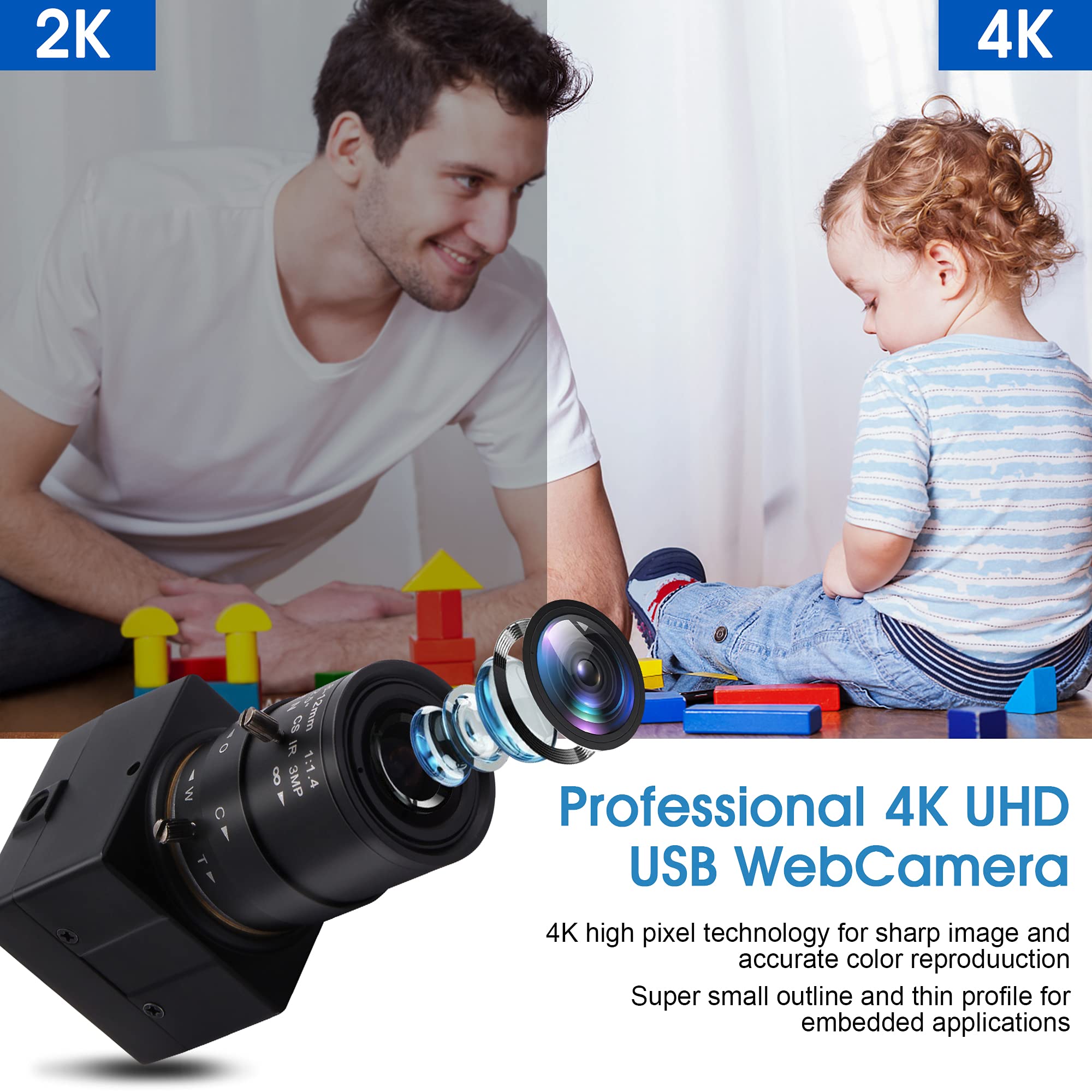
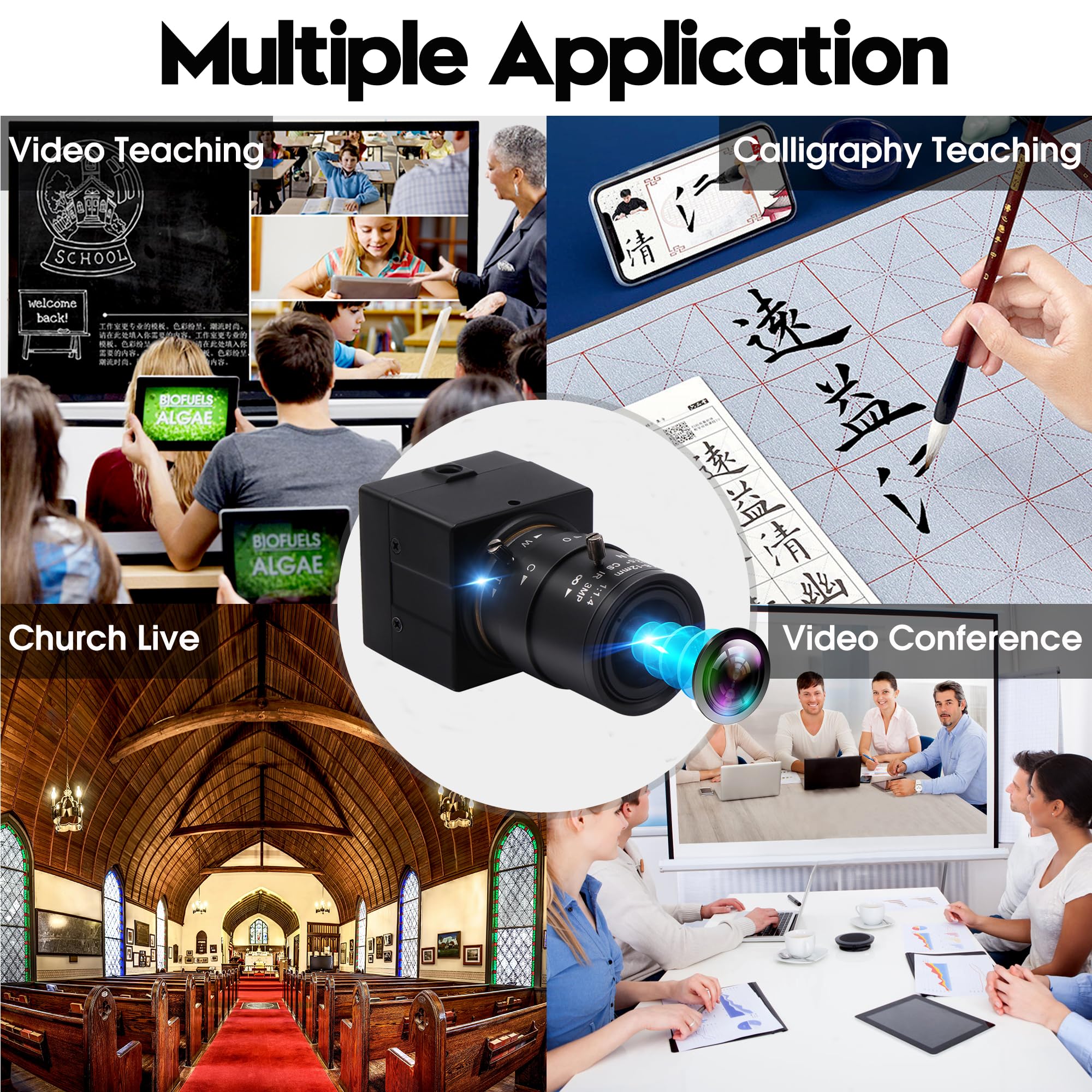
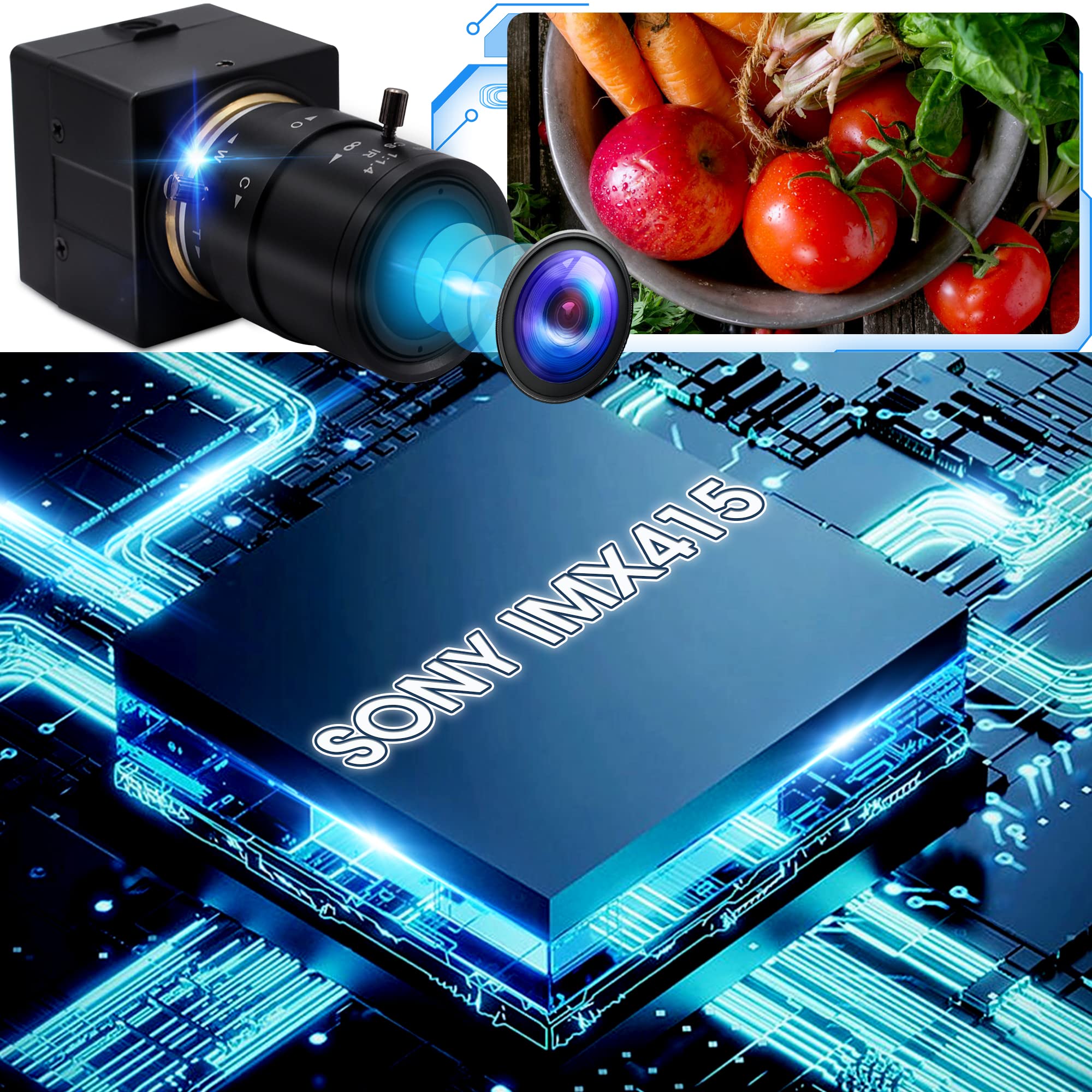
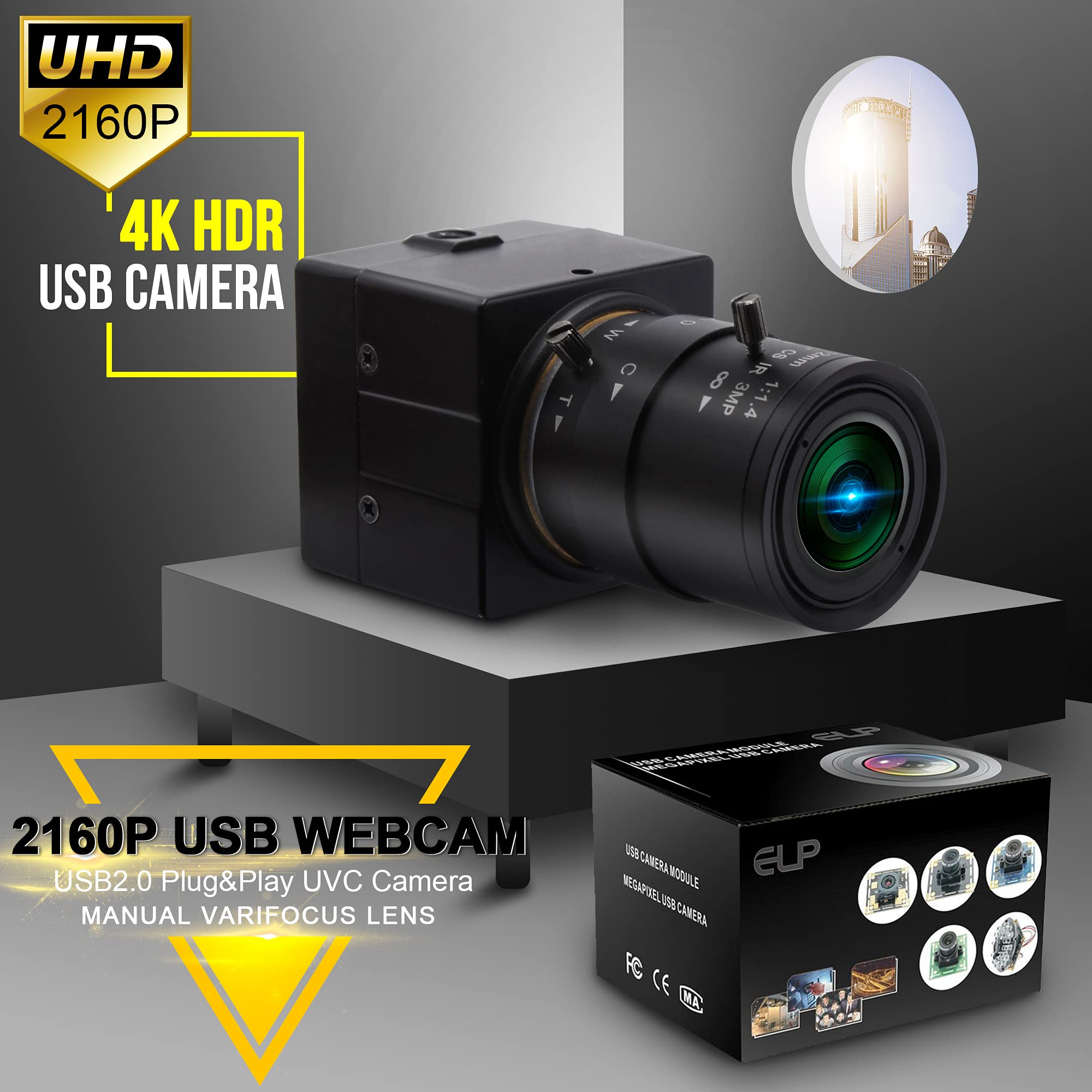
The 4K USB Camera features a 2.8-12mm varifocal manual lens and advanced Sony IMX415 image sensor, delivering ultra HD video at 3840x2160 resolution and 30fps. With a 10X optical zoom, automatic light correction, and wide compatibility across various operating systems, this camera is perfect for professional video conferencing, live streaming, and industrial applications.
| Screen Size | 2.8 Inches |
| Form Factor | Compact |
| Operating System | 4K Ultra HD USB Camera High Compatible with "WinXP/Vista/WIN7/WIN8/Linux with UVC/Mac-OS X 10.4.8 or later/Wince with UVC/Android 4.0 or above" |
| Style | 4k Usb Camera High Speed 2160p 30fps USB Camera 2.8-12mm Variable Focus Webcam Can Compatibel With 1/4" Tripod,Focus,Distance Adjustable,4K 3840x2160 High resolution USB Webcam Camera . 1/2.8” IMX415 sensor for high quality image. With HD 2.8-12mm manuals zoom and focus varifocal CS lens. High frame rate - MJPEG 3840x2160 30fps. |
| Water Resistance Level | Not Water Resistant |
| Has Image Stabilization | No |
| Image stabilization | Optical |
| Connectivity Technology | USB |
| Color | 2.8-12mm Varifocal Lens |
| Features | Ultra Hd 4k, 2160p Usb Wecam 2.8-12mm Varifocal Lens For All Kinds Of Distance Adjustable , Lightweight, Mini Black Housing For Any Place To Use. |
| Lens Type | Zoom |
| Focus Type | Manual Focus |
| Minimum Focal Length | 5 Millimeters |
| Maximum Focal Length | 12 Millimeters |
| Digital Zoom | 10 x |
| Zoom | Optical |
| Optical Zoom | 10 x |
| Flash Memory Type | SD |
| Compatible Devices | Computers, Laptops, Mobile Devices |
| Supported Image Format | MJPEG, YUY2 |
| White Balance Settings | Auto |
| File Format | mjpeg,mjpeg/yuy2 |
| Shooting Modes | Manual, Automatic |
| Video Resolution | 4K |
G**O
Maybe a little too good?
Do I want a crisp, clear web cam image at my age? Maybe the old camera that kept me out of focus wasn't so bad. It was like I had a youthful filter on my cam at all times. Problem was that people I conferenced with wanted to see my actual face, not a blur pretending to be my face. Hence, why I ordered this camera.I'm a technically challenged idiot, so keep that in mind when reading my review. The cam is small, but weighty. It has a long lens. I was able to get the cam plugged in and running, which made me giddy because I got the cam plugged in and running! The first thing that happened was my image popped up on my computer monitor and I saw my nose hairs. I'm only telling you this because this camera actually could tell I had nose hairs. This camera loves a close up! You can get suuuuper close and the focus is suuuuper sharp.You need a stand for this camera, don't forget to get a nice stand. I borrowed one from the teen kid, who stood there judging me from the doorway. I made sure they weren't filming me for social media. Maybe we should have, I would have gone viral. I kept getting close ups on my face that should not be seen in close up and having humorous/shocked/frightened/better call a plastic surgeon ASAP reactions.Once I got the little tripod stand and got the camera on it, and all settled, I had a lot of fun adjusting the little things on the side of the camera lens. See, I told you I'm technically challenged. I don't even know what those things are called. One lets in more or less light. One focuses the camera. Both are easy to use. Why would you want them? Those web show people need lots of control over the camera when filming. I think this would be an ideal camera for someone like that.For me? I realized I need less light than my old web, so I can conference without having to blind myself with my ring light. Oh yes, I have a ring light and I am not afraid to use it! I really can't get over how this cam delivers a way crisper image than the one I'm replacing. I need to get a tripod now with bendable legs because of my desk and how it's shaped, because this camera is top heavy like I am. Not a bad thing for the camera, or myself, just a little warning for those of you used to the smaller web cams. I should have thought of needing the tripod sooner, but I can't be expected to have a lifetime of info in my brain AND try to fit in all this new info, too.Those I conference with online are either going to be super happy they can actually see me in focus or absolutely stunned I'm not a glamorous, wrinkle free 22 year old. Hopefully they won't tell me to go plug in the old cam again. "We liked you better out of focus!" Well I'd like you better if you paid me more, but we can't have it all, now can we?
G**Y
A nice camera upgrade for the Octoprint 3D printer Server
The media could not be loaded. I was recently looking to upgrade the camera on my Octoprint server that controls my Ender 3 V2 3D printer. I used a Generic Raspberry Pi Camera, which worked OK, but dealing with that wide ribbon cable was a pain.I came across this 4K Ultra HD USB Camera, and thought I would give it a try. I plugged the USB cable into the Raspberry Pi, set the resolution to 1920X1080 and the frame rate to 15 fps in the config file and I was in business. (I would have used a higher resolution and frame rate, but the Raspberry Pi was struggling to keep up with the camera when I pushed it higher. Not a fault of the camera whatsoever.)I then configured the Timelapse function, and gave it a try. The attached video is my first attempt. (I realize Black PLA wasn't the best choice of color and the camera angle could have been better, but hey, it's a first try!)This is actually a nice, well made camera. The case is aluminum, and appears to be really rugged. The lens is a standard CS mount and is removable, in case you want to try a different focal length lens. The included lens on mine is a 2.8-12mm varifocal with manual zoom, focus and iris, and is perfect for my needs. I fact, for Octoprint a manual lens is greatly preferred. If you do try a different lens, use a manual one, since there is no provision on this camera to control an auto iris.There are standard 1/4 inch threaded tripod mounting holes on both the top and bottom which made it easy to mount to the printer.I initially tried the camera using Windows 10's "Camera" app. It worked fine, but I wasted a _LOT_ of time trying to figure out why the image was flipped horizontally - in other words, a mirror image. After extensive googling, it turns out that's the way Microsoft designed the Camera app! Every other application I tried it on worked perfectly, without a mirror image. (Microsoft can be a little weird at times.)There's one thing I wish was different - The USB cable is permanently attached to the camera, and it's at least 10 feet long. About 15 inches or so from the camera body the cable has a very small inline proprietary multipin connector, so you can detach the camera from the cable for camera mounting. But afterward, the only thing you can connect it to is that same 10 foot long cable. I really wish the camera had a standard micro USB connector on the camera body, so I could use whatever length cable I wanted.Other than that, the camera works fine for what I bought it for - Octoprint, and I definitely would do it again.
A**O
The camera lens has distortion around the edges
I used this with OBS software and there are a lot of camera options from brightness to color adjustment.the lens was the issue for me. It was blurry around the edges. by blurry I mean from the center and not the outer edges of the camera view. The glass seems to have defects in quality, and this is why I have a bad review of the quality of this camera.
Trustpilot
5 days ago
1 day ago



