


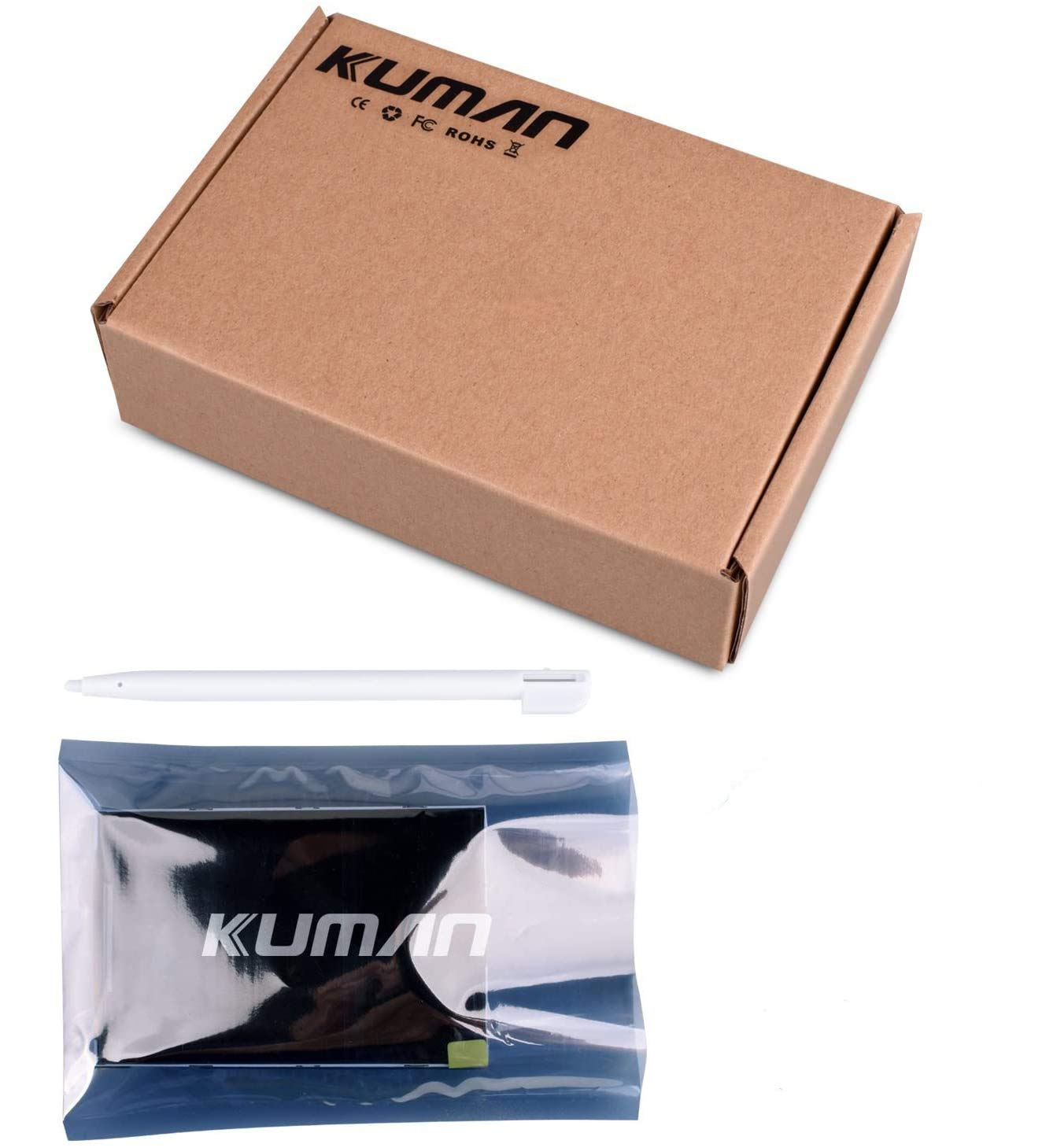
🚀 Elevate Your Arduino Experience!
The Kuman 3.5 inch TFT Touch Screen is a user-friendly display designed for seamless integration with the Arduino Mega2560. With a vibrant 320x240 resolution and no need for external power, this lightweight screen is perfect for both beginners and seasoned developers looking to enhance their projects.


| Standing screen display size | 3.5 Inches |
| Screen Resolution | 320 x 240 |
| Processor | 68lc040 |
| RAM | 2 |
| Card Description | Dedicated |
| Brand | kuman |
| Item model number | 8541612321 |
| Operating System | for Arduino |
| Item Weight | 3.2 ounces |
| Product Dimensions | 4.72 x 0.98 x 3.15 inches |
| Item Dimensions LxWxH | 4.72 x 0.98 x 3.15 inches |
| Processor Brand | VIA |
| Flash Memory Size | 1 Inches |
Z**Y
Good for Arduino, not for ESP32
This product is great for Arduino projects. I don't think it would be compatible with ESP32 boards... It is bright and gives a beautiful picture.
C**X
It works and is easy to use, but the library lacks convenience
The screen works as intended! I was surprised to find links for the examples in the documentation included. My biggest complaint is the library which is in an inconvenient rar file rather than a manageable and automated zip library you could add using Arduino IDE... even worse is the documentation on how to drive the screen is scattered in several folders. Once you get it all added manually and the documentation gathered, everything goes together just beautifully.To the creator of this product... have someone spend an hour repackaging the download and you'll have a very good product at a killer price.
B**.
Works well with Mega
Decent brightness and colors. Good for displaying simple text and numbers. Durability has been good, have mounted and removed multiple times. Seems to be 8 bit version. Too slow for showing pictures. Getting images off the SD card for screen displays is more than tricky. Some of the example programs work perfectly, others not so much.
K**N
Awesome screen, great quality. Kuman is also an outstanding service and seller
I used the display with Uno to create a digital photo frame for my car (3D printed the case, used a magnetic phone stand for car vent and ran a USB cable power).The display is a great quality, it's super-easy to incorporate and use.Kuman is an outstanding seller with awesome service. I purchased some displays on their site directly and they shipped them promptly. Unfortunately the shipment got stuck in Customs - Kuman was super-responsive and resolved the problem instantly. Strongly recommended seller.
L**Y
Worked perfectly right out of the box!
I hooked this LCD display up to an Arduino Uno that I had laying around. Using the included instruction sheet, I downloaded the .zip file and added the libraries to the Arduino install on my computer. All the demos worked just fine! It took just a few minutes to get the display up and running.
M**C
How I got Started with kuman 3.5 inch TFT
Plugged directly into uno. Be sure to line up pins so 3.3v & 5v pins line up. To install libraries, open folders until you get to and including install libraries folder. Copy these folders to your library folder. (Mine C:\Program Files (x86)\Arduino\libraries.) Then I loaded the examples directly off cd but then saved to my Arduino sketch folder before modifying. So far everything works great! No problems. Just a little confusing how to get started so I wrote this. Document folder contains lots of info.
T**S
Works but it’s really hard to get working with own code
The media could not be loaded. Arrived perfectly fine no damage or missing anything box was small and pen is cuteProsNo scratchesWorksSd card worksTouch screen worksConsOkay let me start by saying get ready sit down and be prepared to get angry for hrs lol I’m not lying had to find the library for it the disc has them but the code doesn’t work correctly at timesAlso if you don’t have a disc reader wellll 😂 good luck had to put a disc reader in my pc just to get the filesAfter getting the files it was painful to make a new code and use the screen or at least to get it to work hahahaha several trials and errors multiple white screens and nothing I finally got it was really hard 😂 but worth itIn all honesty probably would do something else then a disc 😂 but amazing screen would probably not buy again just because of knowing that the coding is going to be intense
M**R
FALSE ADVERTISING - No SD card support for MEGA2560/1280!
The title of this product reads "... SD Card Socket w/Tutorials in CD for Arduino Mega2560 ..." which is patently FALSE! You cannot use the SD card feature with a MEGA card unless you physically alter the pins (sheild) the display is sitting on. You either have to cut off the 4 SD SPI pins and solder some wires on or break the plastic base of of the 4 pins and bend them so they don't plug into the MEGA board and then rewire them to different board pins.Here is what they say on the CD with the tutorials files :"Attention:"SDCard Exten Example" only support the Arduino UNO board,not support the Mega2560,Because they use different SPI bus."So the guys who made the display can't get the SD reader to work on the MEGA; without the SD card capabilities the display is useless to me.
Trustpilot
2 months ago
5 days ago



