❄️ Keep your SSD chill and your workflow blazing fast!
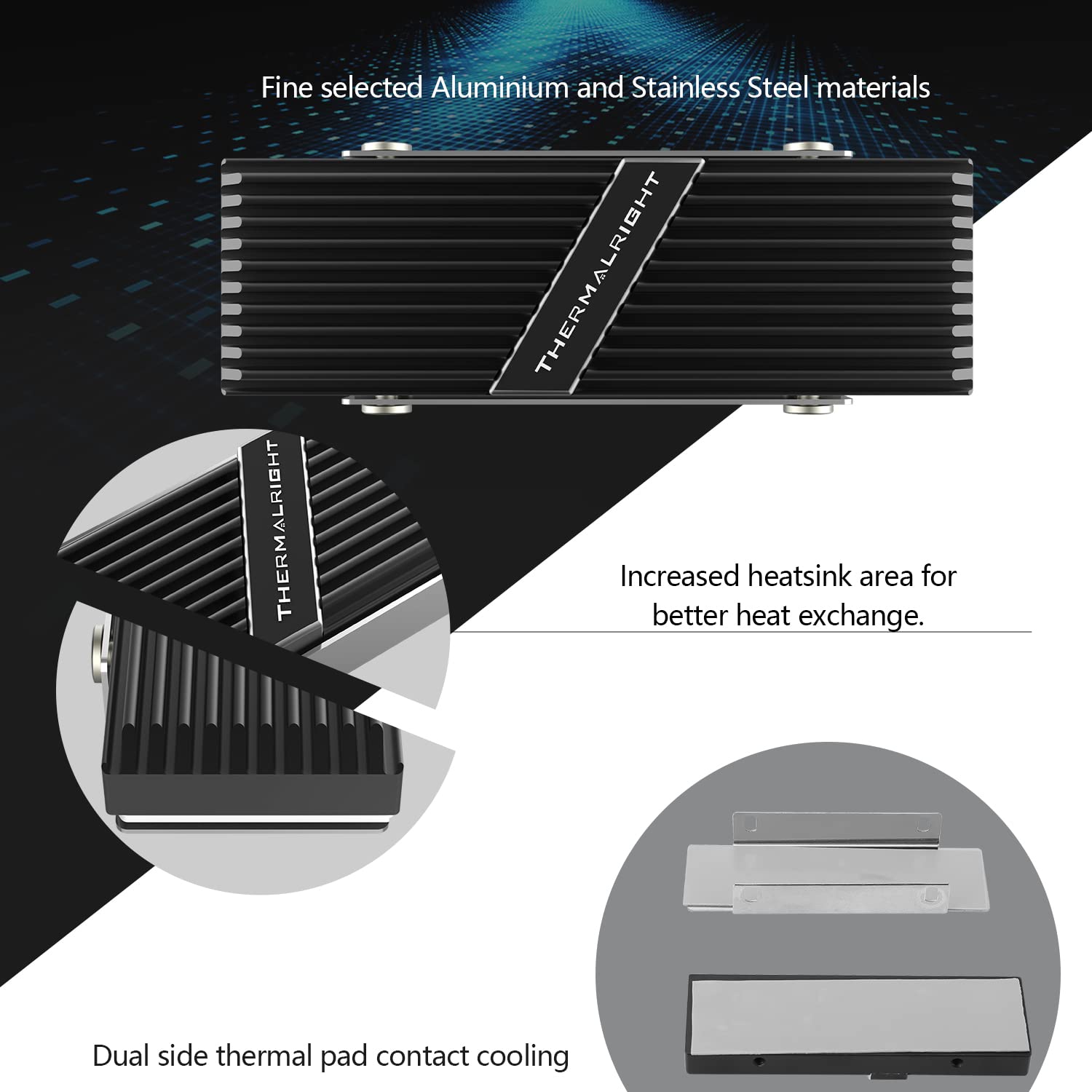
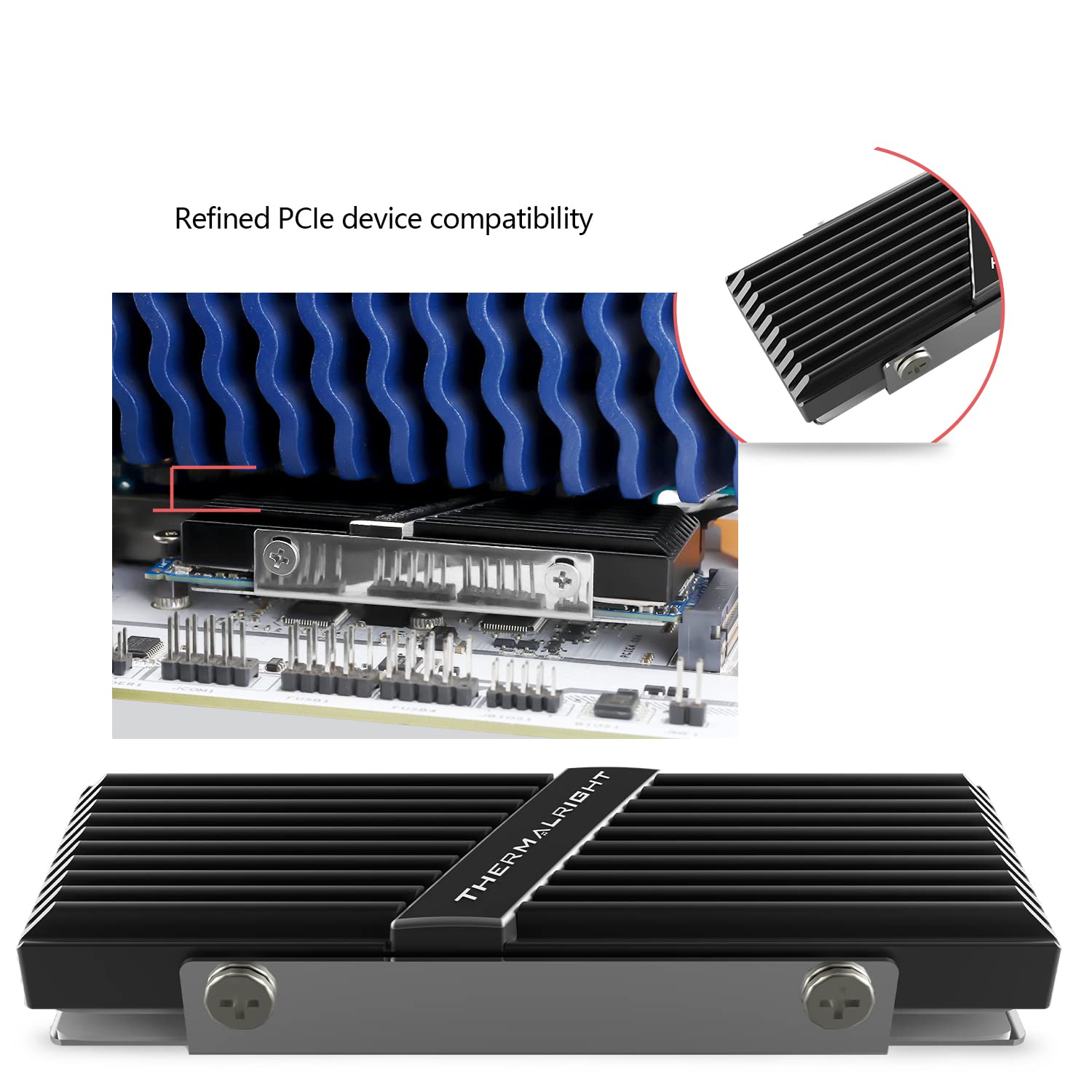
The Thermalright TR-M.2 2280 heatsink is a high-performance aluminum alloy cooler designed for M.2 2280 SSDs. Featuring double-sided heat dissipation with thermal silicone film, it reduces SSD temperatures by up to 30°C. Its easy-to-install clip and screw system ensures a secure fit compatible with major SSD models, enhancing both performance and longevity.


M**J
Best heatsinks I've used but big
These are super nice heatsinks and way, way better quality than any of the stuff I've gotten buying random stuff that came with those little thin black heatsinks. But these don't work on my minipc (aoostar gem12) they're too tall. Bummed I can't use them but still happy to rate them a 5. Just be aware and measure. With the nvme installed they're exactly .5" inch tall and the bottom bracket is a tiny, mm-ish bit taller than the heatsink. They hit the fan causing me to not be able to close my minipcs case. They also use the grey thermal pads instead of the blue ones from the cheapos I get. No idea if thats better or not, I assume so or equal.
E**C
Best heatsink you can get for the price. Adjacent SSDs require some tweaking though.
Great heatsinks, especially for the price. But be aware if you're using more than one side by side, they may be too wide. I was able to make them fit by removing a screw on each one. On the side where they were adjacent, I removed the top screw in one, and the bottom in the other. That way the screw that was left wasn't hitting the screw on the other heatsink. 3 screws is still plenty to hold it in place. I also moved one heatsink slightly higher than the other, so the screws and holes were a little more offset, but I'm not sure if this actually helped with the fit.Also, the pictures dont show it, but the heatsinks come with a thermal pad pre-installed on both sides, so your SSD is sandwiched between them. This will make sure the heat is transferred better.
B**Z
All I needed to draw heat off my NVME drive. Great price too.
All I needed to draw heat off my NVME drive. Easy to install, and still wasnt difficult to set in PC.Too large for most laptops though.
T**G
Good heatsink, poor thermal pad thickness
Heatsink works very well. I originally had my WD SN850x installed with no heatsink and it would reach 80c after large game installs and idle around 50c. After installing the heatsink it maxes out at 45c even with large file writes.HOWEVER, the thermal pads that come pre installed inside the heatsink are VERY THIN. When test fitting my SSD there was zero contact with the top heatsink using the supplied thermal pads. I have a large pack of my own pads to use and it was easy enough to replace the included one with a thicker size.If you're using this heatsink with a single side SSD you WILL need to use a thicker thermal pad to fill the gap between the heatsink and drive.Installation was easy you just remove the four small screws on each side. Remove the plastic stickers off the thermal pads and sandwich your ssd between the metal pieces. Squeeze and reinstall the screws.I had to fiddle the heatsink and drive back in between my cpu cooler (arctic freezer 36) and graphics card (rx 6800) but even with big hands it was relatively easy to fit in-between the other components.
R**.
I like it, working well for me
Installs very easy and reduces temperature more than another one I purchased with three screws on each side.
C**L
Works great; has kept my M.2 SSDs below 40°C under prolonged full load
I don't recall if it came with thermal pads, but I had a couple spares. Installation was mostly easy, though attention needs to be paid to the alignment of the top and bottom parts and the M.2 SSD when assembling—took a couple tries to get it perfect.Performance has been fantastic. Temperatures are nearly constant, ranging from 30°-38°C from idle to sustained full load, respectively.
N**S
Keeps M.2 cool
I was using a m.2 drive without any cooling and received warnings from the software about the temps. Bought this and it helped the m.2 drive stay much cooler. Quality is good and it still worked after multiple uninstall and reinstall of new drives.
K**N
Temps definitely dropped after adding these heat sinks
I have a new computer with 2 new NVME M.2 drives in it and they both seemed to be running hotter than they should and neither of them came with factory heatsinks, so I bought two of these Thermalrights to help the cause.Using CrystalDiskMark to stress each drive and using CPUZ HWmonitor to track the temperature of the drives before and after there was a significant difference from the heatsink.BEFORE HEATSINK:Samsung sensor 1 peaked at114 degrees Celcius before the heatsinkWD sensor 1 peaked at 96 degrees Celcius before the heatsinkAFTER HEATSINK:Samsung sensor 1 peaked at 72 degrees Celcius after the heatsinkWD sensor 1 peaked at 59 degrees Celcius after the heatsinkTo be fair, this wasn't the only modification I made in my case at the same time, so not 100% fair test and probably not all simply due to the heatsinks.I also added 3 more 120mm case fans into the bottom of the my new case, but it already had 3 x 140mm and 2 x 120mm.I still think the drive temperature is largely due to the heatsinks.
Trustpilot
2 weeks ago
3 weeks ago