We remain fully operational. Our teams are working around the clock to ensure your deliveries continue safely.

DOWNLOAD THE APP


Customer Services
Copyright © 2025 Desertcart Holdings Limited
DOWNLOAD THE APP


🚀 Upgrade your rig with speed and style — don’t get left behind!
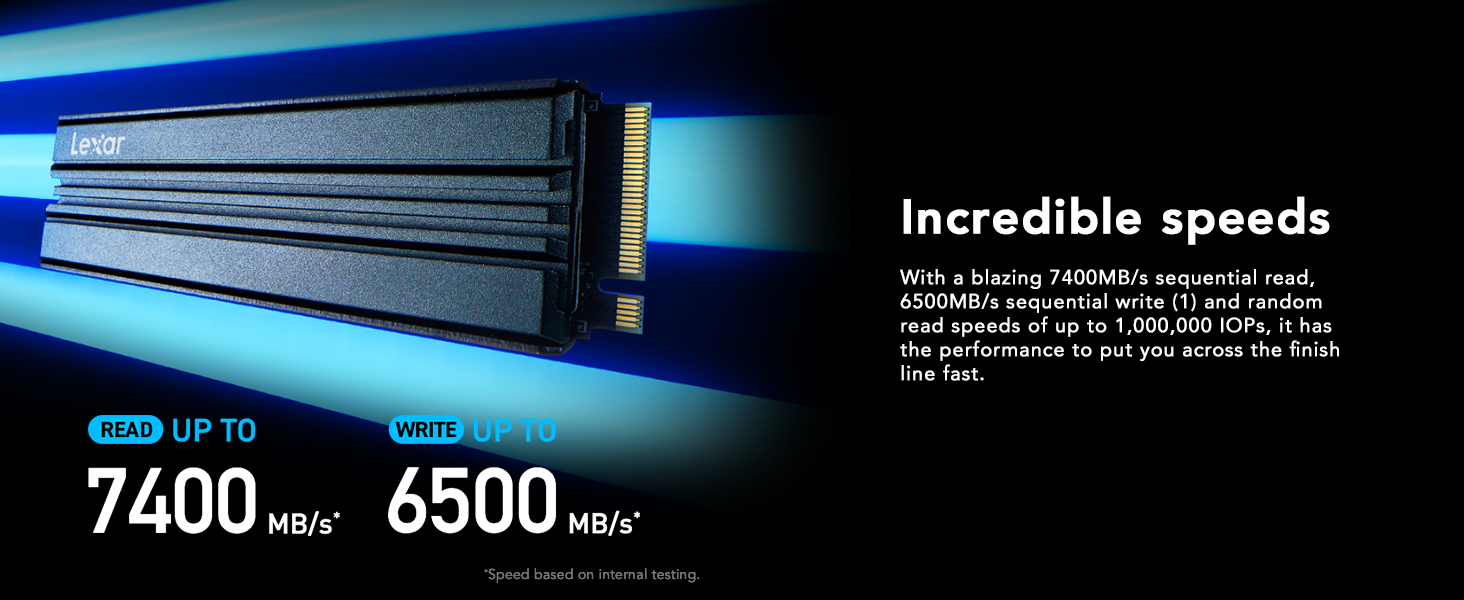
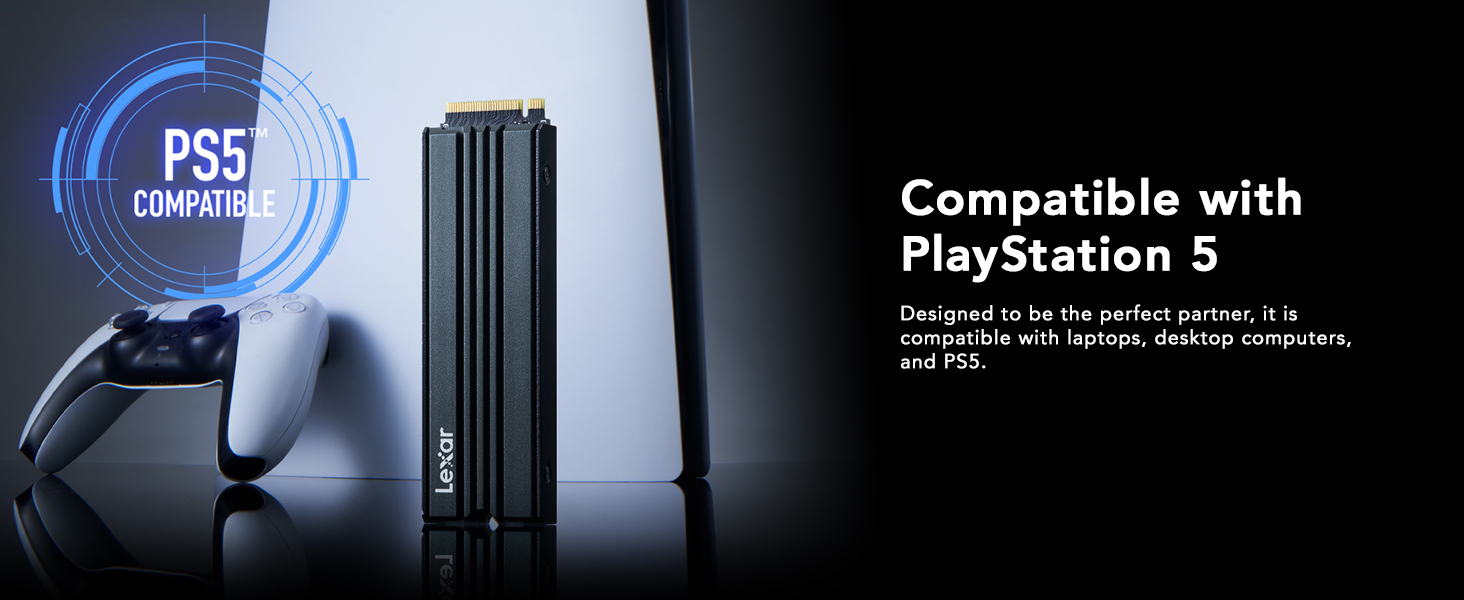
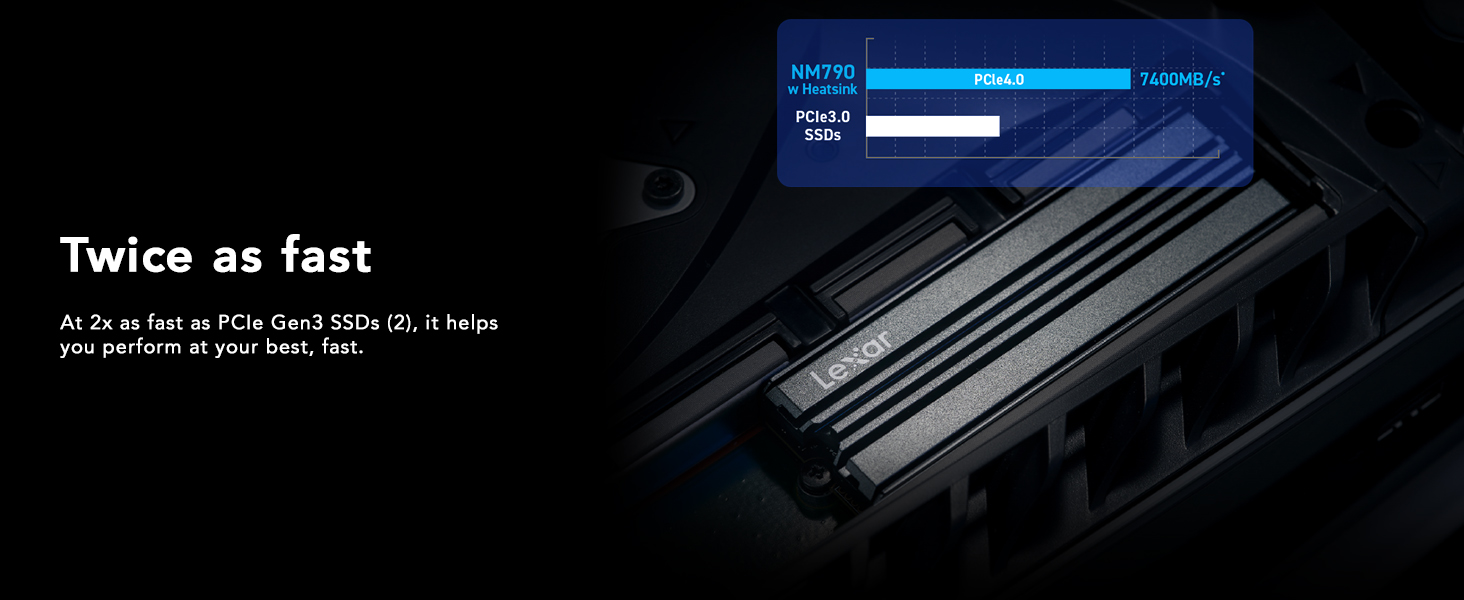
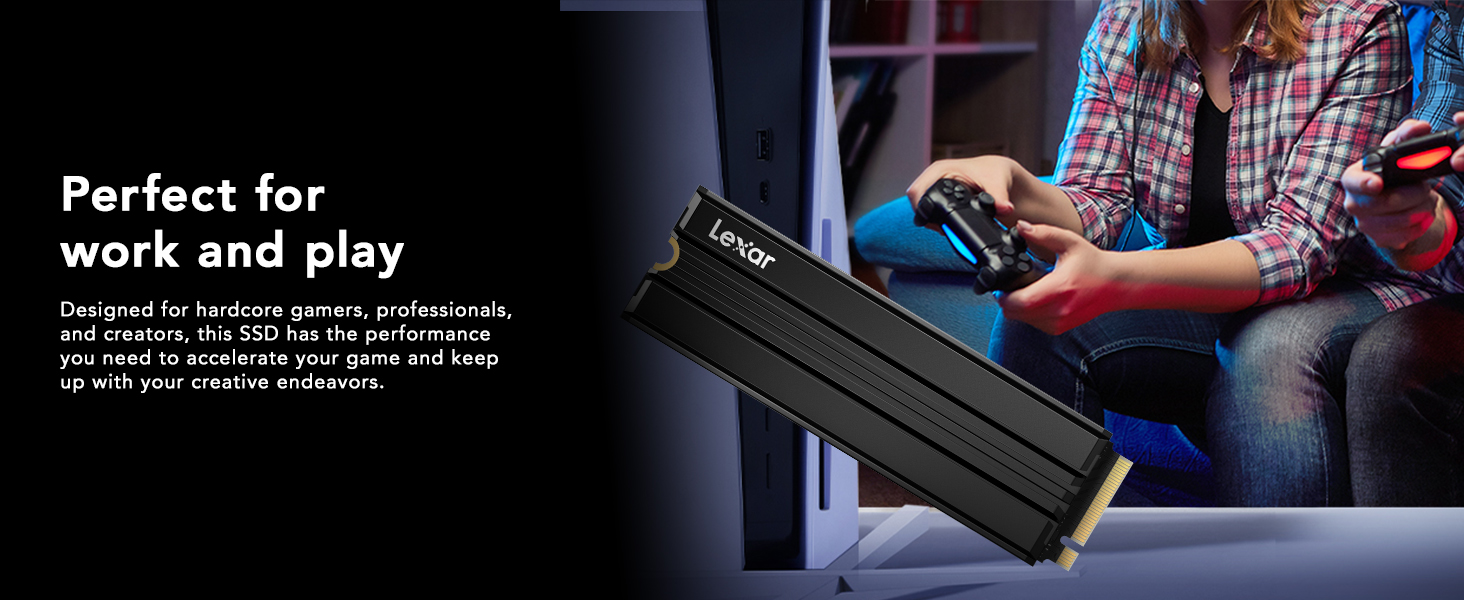
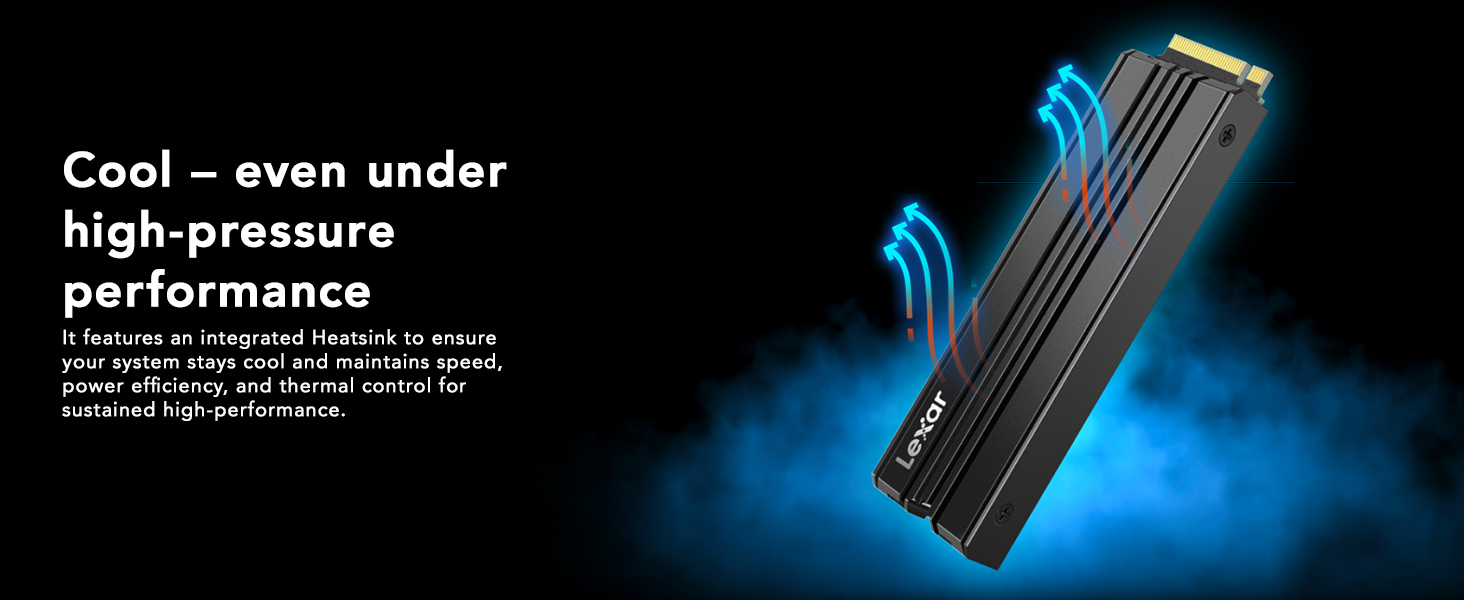
The Lexar 2TB NM790 SSD with Heatsink is a PCIe Gen4 NVMe M.2 2280 internal solid-state drive delivering blazing read/write speeds up to 7400/6500 MB/s. Designed for gamers and creators, it features a built-in heatsink for superior cooling, 2TB of high-speed storage, and power-efficient technology that reduces consumption by up to 40%. Fully compatible with PS5, it offers a seamless upgrade path backed by a five-year warranty, making it a top-tier choice for high-performance storage needs.
| ASIN | B0CGKHGMW5 |
| Best Sellers Rank | #90 in Internal Solid State Drives |
| Brand | Lexar |
| Color | Black |
| Customer Reviews | 4.8 4.8 out of 5 stars (2,440) |
| Date First Available | October 3, 2023 |
| Flash Memory Size | 2 TB |
| Hard Drive | 2 TB Solid State Drive |
| Hard Drive Interface | NVMe |
| Item Weight | 1.71 ounces |
| Item model number | LNM790X002T-RN9NU |
| Manufacturer | Lexar International |
| Package Dimensions | 6.34 x 4.09 x 0.71 inches |
| Series | NM790 |
C**D
Great value... if it lives. (EDIT: 6 month update)
Edited 4/27/2024- Increased overall rating to 5 stars. After 6+ months, this ssd is still working perfect and hasn't really lost any speed or health (see 2nd pic) even though it has had over 3TB of data on it for the last 4 months. Great drive and glad I purchased 2 before the prices increased. I still think it's worth it at the current price. I've been running 2x 2tb Samsung 980 Pro ssd's on my Lenovo Legion Pro 5 16IRX8 and was getting low on D: drive space. I could have shared some C drive space but with ssd prices being what they are at the present time, why bother? I decided it was time to step up to a 4TB ssd but I chose to try saving a little money and went with the Lexar NM790 4TB. I've used many Lexar storage products in digital cameras and digital audio players in the past and have never had one fail. It is my understanding that Lexar has changed hands so the jury is out as to whether this ssd will live a long reliable life, much like all of the previous Lexar products that I've owned. Having said this, so far I'm very happy with the drive, especially for my needs and the money spent. I am using it strictly as a game storage drive so my opinion may or may not be different if I were using it as an OS/boot drive. The Samsung 2tb 980P will continue to be my OS/boot drive since I know it's reliable, has DRAM and there's still plenty of room left for my DAWs and music. I did go ahead and run the CrystalDiskMark test set to the NVME settings. I only ran a single test in order to see what the drive was capable of when filled to 56% with over 2TB of data. In actual use, it works as good as the 980P and I have no complaints. Color me surprised- this drive is actually showing as good if not better numbers than the 35% full Samsung 980P 2TB. If this drive actually lives past the warranty, I will consider it an extremely good value. This is a much better deal than similarly priced QLC drives since this has TLC and is MUCH faster. Finally, someone produced a fast and affordable 4TB ssd without QLC.
C**R
Great & Easy Storage Upgrade for PS5
Works as advertised one of the more cost effective options for a PS5 storage upgrade. Read Write performance comparable to onboard storage. Upgrade process was surprisingly easy. Great experience overall, highly recommended. Sony's website has the installation video for all PS5 versions but generally it's sliding /popping off a plastic panel removing a small metal door with a Philips screwdriver seating and installing the drive in the port and reversing the process to seal it up. PS5 will need to format it on fist boot and you will need to choose / move installed games from the onboard storage to the new drive. I haven't noticed any difference in load times between the two so you may as well re-direct all new game installs to the new drive.
H**C
Expanded my storage nicely
Works, easy to install, is the speed and size to max out my computer
A**W
Great gaming drive
I bought this for my Asus ROG Ally X and it works perfectly. Easy to install and to get set up. The large capacity is excellent for playing multiple games at once, especially given the size of today's games. There was no change in boot time, and it runs cooler than the stock drive.
B**R
Becoming More Of A Fan Every Device
I've slowly been using Lexar more and more through the years. I haven't used them as my main brand for important things, but I have been trying them out for secondary devices or backups to see how well they function. Over the past five years, nothing has broken on me, which is why I decided to get this drive to put inside my desktop for my PC games. This is a Gen4 NVMe drive. I won't reiterate all the specs, but it is a DRAM-less drive, and substitutes HMB (host memory buffer) as the cache instead of being on the drive. This makes it a little slower, but you get the benefit of a lower operational temperature. For me, games already load and run fast, and having it be cooler was better for me, personally, as an IT guy. I prefer things to last longer than be faster and burn out. So far, this drive blazes. The heatsink looks nice, even though I won't ever see it in my desktop, and anything to help reduce heat is always a plus. However, if you get an NVMe with a heatsink, if you decide you want to turn it into an external drive, you have limited options when putting it in a portable external drive, at least currently. I had debated getting a plain drive without a heatsink, but it was actually cheaper to get it with the heatsink at the time of purchase. Overall, this NVMe was quick to install, easy to partition, and has been as quick as the Samsung 990s to use. Recommended.
A**E
Quality and value
Was very easy to install in my ps5 Lexar has always been a good company so I got a quality one with good value runs smooth as butter now my ps5 has so much room no more having to move stuff from one drive to another I downloaded so many games from my PlayStation plus library I can jump from game to game with ease now and still a lot of room left after call of duty spideman 2 last of us and so many more
S**L
Super fast and reliable SSD — perfect for gaming
Excellent drive! Extremely fast and responsive — I’m using it in my gaming PC and it performs flawlessly. Load times are instant, temperatures stay low thanks to the heatsink, and overall performance is top-tier. Nothing to complain about, everything to praise. Highly recommended!
N**R
Solid
Pretty solid ssd that I have been using as a windows boot drive and that's about the only thing. It loads up quite quickly and the price isn't terrible even when all ssd's seem to be skyrocketing in price. It could be a bit cheaper as it's simply just an ssd with no heatsink, no drivers, nothing, but it's solid enough so far.
S**Y
The Lexar NM790 1TB I get 7100mbps read and 6500+Mbps with this new drive as well I copied a 50gb file at about 2.5gbps sustained (copies at a consistent rate. No up and down speeds), this drive doesn't have a Dram module it uses the latest HMB 3.0 and Dynamic SLC Cache. I believe that it uses your DDR4 / DDR5 Ram as the cache. whereas... The Kingston Fury Renegade 1TB I get 6850+Mbps read and 6400+mbps This drive unlike the Lexar has a built in DRAM Module on the Drive. However the Lexar seems to be outperforming. So DRAM is not as necessary as it used to be. Although I've heard that very very large data transfers do work better with DRAM. But I am happy with this purchase. Also has a 5 year warranty provided by Lexar. Cheers:)
N**Y
ممتاز
T**R
No issue
H**T
Schneller guter Speicher. Habe schon den zweiten Speicher für Laptop und PC.
R**H
Working great for the ps5. The extra space is handy. Installation was breeze.
Trustpilot
3 weeks ago
2 weeks ago