
DOWNLOAD THE APP



Desert Online General Trading LLC
Warehouse # 7, 4th Street, Umm Ramool, Dubai, 30183, Dubai
DOWNLOAD THE APP
Desert Online General Trading LLC
Warehouse # 7, 4th Street, Umm Ramool, Dubai, 30183, Dubai


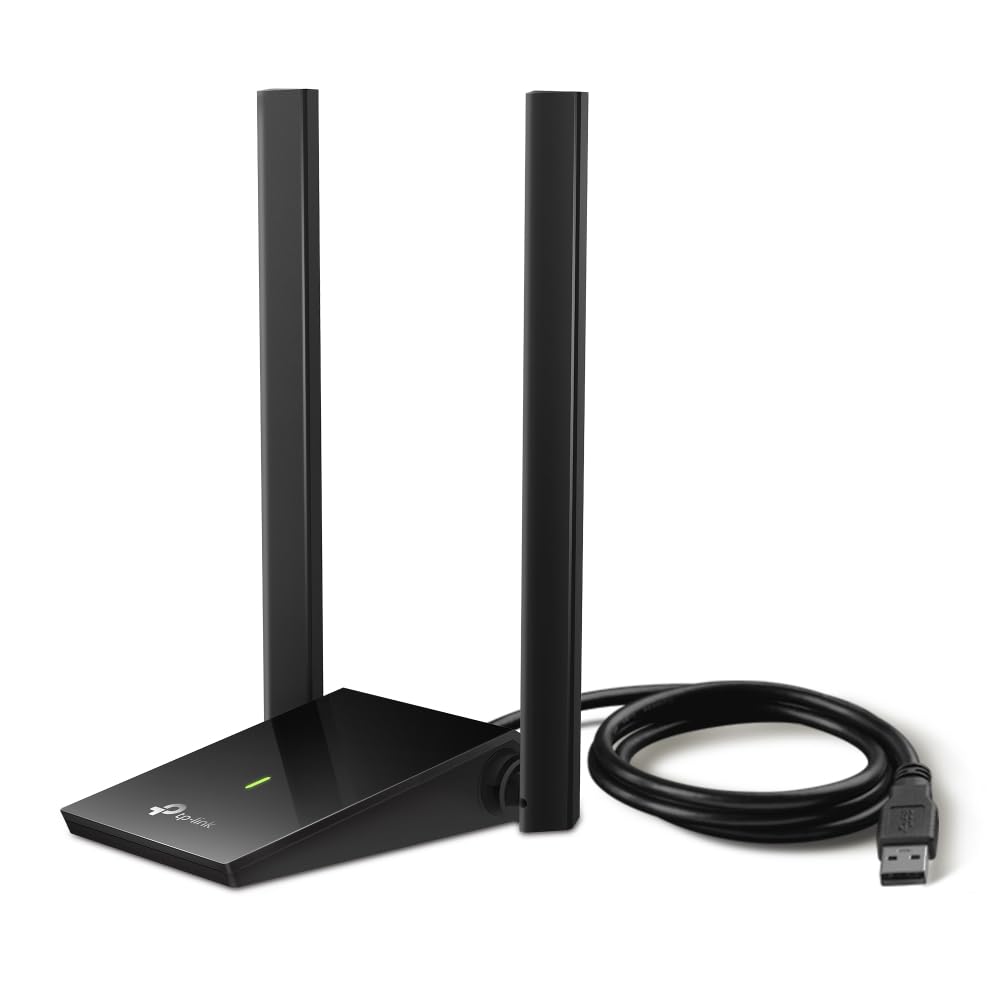


🚀 Upgrade your connection, upgrade your life!
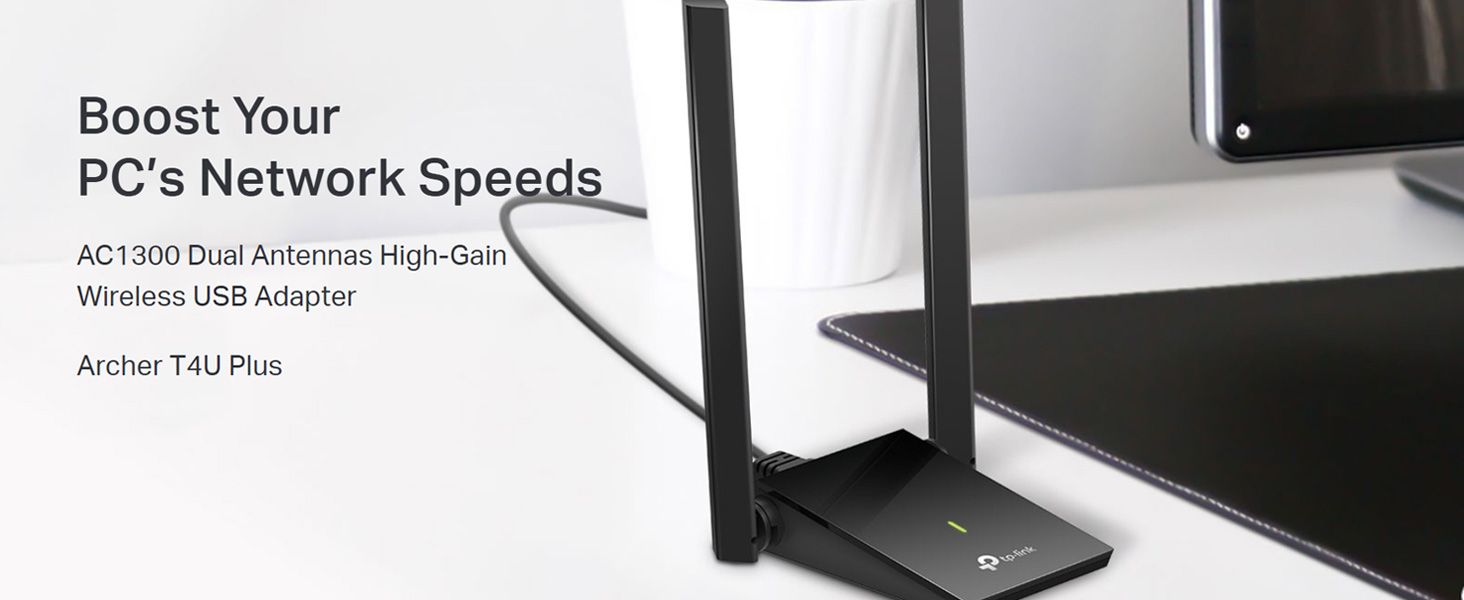
The TP-Link Archer T4U Plus USB WiFi Adapter delivers ultra-fast AC1300 dual-band wireless speeds with 2.4GHz and 5GHz support, enhanced by dual 5dBi high-gain antennas for superior range and signal quality. Featuring MU-MIMO technology and a USB 3.0 interface, it ensures efficient, lag-free connectivity compatible with Windows and Mac OS, making it the perfect upgrade for desktop users seeking reliable, high-performance wireless networking.
| Brand | TP-Link |
| Manufacturer | TP-Link, TP-Link Corporation, South Building, No.5 Keyuan Road, Central Zone, Science & Technology Park, Nanshan, Shenzhen, P.R. China'. If you believe that the value is incorrect, then please contact Support |
| Colour | Black |
| Item Height | 15.6 Centimeters |
| Item Width | 8.4 Centimeters |
| Product Dimensions | 1.92 x 8.4 x 15.63 cm; 100 g |
| Batteries | 1 Lithium Ion batteries required. |
| Item model number | Archer T4U Plus |
| Wireless Type | 802.11a |
| Voltage | 28 Volts |
| Wattage | 50 Watts |
| Operating System | Windows 10 |
| Are Batteries Included | No |
| Lithium Battery Energy Content | 2 Kilowatt Hours |
| Lithium Battery Weight | 2 Grams |
| Number of Lithium Ion Cells | 5 |
| Number of Lithium Metal Cells | 5 |
| Included Components | 1-meter USB 3.0 Cable, AC1300 Dual Antennas High-Gain Wireless USB Adapter Archer T4U Plus, Quick Installation Guide, Resource CD |
| Manufacturer | TP-Link |
| Country of Origin | China |
| Item Weight | 100 g |
S**.
Very good product from TP link
Very nice adapter from TP link . It is working very well and maintaining constant wifi speed and coverage also very good.
V**R
I'm glad this exists
I was facing constant disconnections and bottom-tier speeds since my desk in the far end of a room, and the router was at a distance and 2 walls + a wooden door apart. This solved my range problem easily. This is the only USB device I found that is not just an antenna. It has a 1-meter-long cable to keep the device near the router, and you can sit with your laptop at a distance from it. Only nitpicks are on every system restart, it takes around 3-5 minutes to boot up properly to connect to the internet, and at max load you'll hear faint static/hissing sound from it(due to its capacitor stress). But it gets the work done.
I**A
Good product and doubles the download speed in weak signal areas
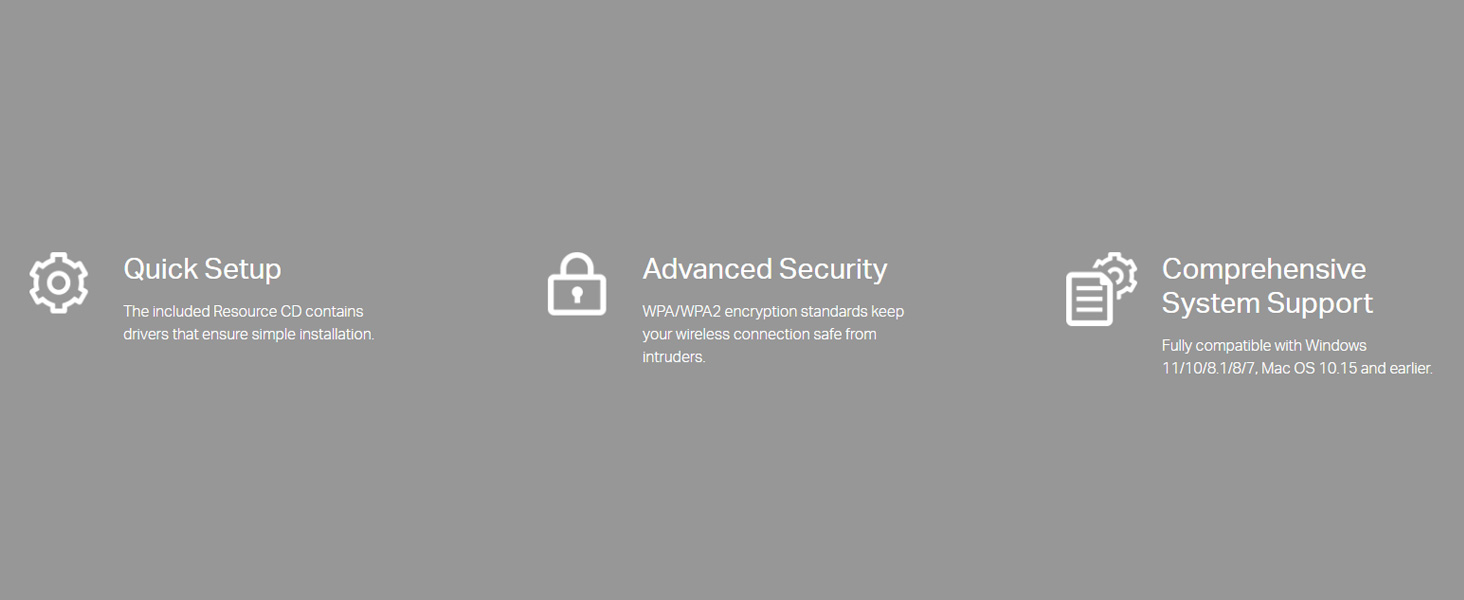
It's good product to have as Wi-Fi booster. It helps to increasd the signal strenth and I have observed that it helped to double the download speed in weak signal areas (Trick - You need to adjust the antenna and it's position). The given CD drive is not much useful. Win 11 detects and install it's driver. You can add the device through system setting. Once intalled; you can see this Device in Device manager > Network Adaptor. It laches to Wi-Fi Network, with whom you are already connected before. This is recommended product for the built-purpose.
H**A
Good
Good Product with strong Signal
R**3
Works out of the box on Fedora 42.
Works perfectly on my Fedora 42. Connection is very good. Does not require setup, just plug and play. Speed is very good, same as what I get on my phone.
S**.
It works as advertised
Yes, it works. WiFi reception is good
V**D
Good
Good
P**R
Ok ok products
It's ok products. Sudden disconnect is big problem otherwise speed wise worth it
R**.
Prodotto piuttosto valido, nessuna particolare nota da evidenziare, prestazioni in upload eccellenti e installazione guidata di facile comprensione. La luce a led posta sul fronte non lampeggia o trema in funzione del transfert-rate ma è fissa. Nel complesso vale il suo costo. Prodotto consigliato
M**C
Bra produkt 👍
C**N
Picks up strong signal from across the house through 3 thick concrete walls.
P**R
Co można więcej napisać? Po prostu spełnia swoje funkcje bez zarzutu. Lubię Tp-Link za niedrogie i dobrze działające sprzęty.
A**E
This adapter has good range and can be placed away from PC to get better signal if needed. Reviews of hardware abilities are confirmed and for Mac or Windows users plug in and play. For Linux, you need to prepare your PC or it will not communicate with OS. Search cudytech WU1200 for compatible driver. Under their download page there are Terminal instructions how to install driver. On PC using Linux Mint this worked easily. On dualboot laptop, Windows worked out of box. To install drivers under Linux I needed to switch off secureboot in bios for install to work. By recent upgrade in Mint from 20.2 to 20.3 driver dropped and I had to reinstall it same as original. The strong reception means I don’t need a WiFi repeater any longer in upstairs and attic rooms. Even at 50% in attic I can now stream in HD with stable signal. Download 25mbs from max 32mbs is not too bad as before purchase 17% on laptop and 1mbs if I was lucky was too slow. Recommended device for WiFi reception improvements over repeater.
Trustpilot
2 months ago
2 days ago