
DOWNLOAD THE APP


Customer Services
Copyright © 2025 Desertcart Holdings Limited
DOWNLOAD THE APP


⚡ Light up your performance, own the future of speed!
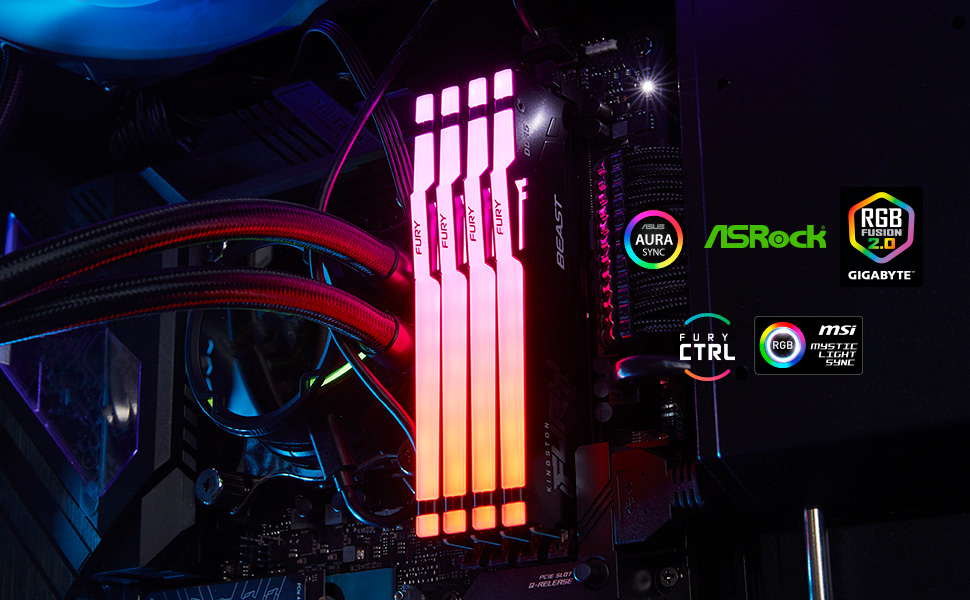
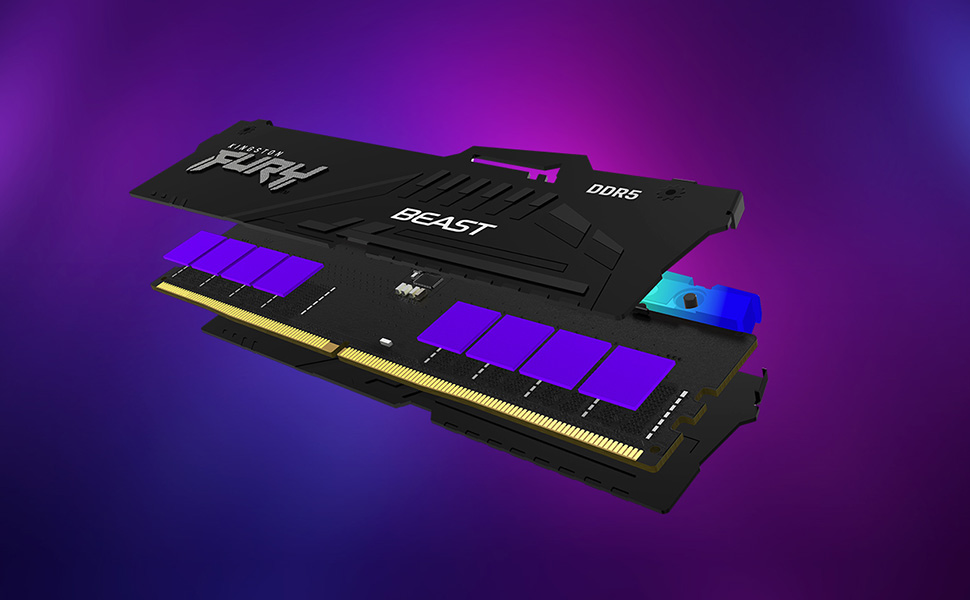
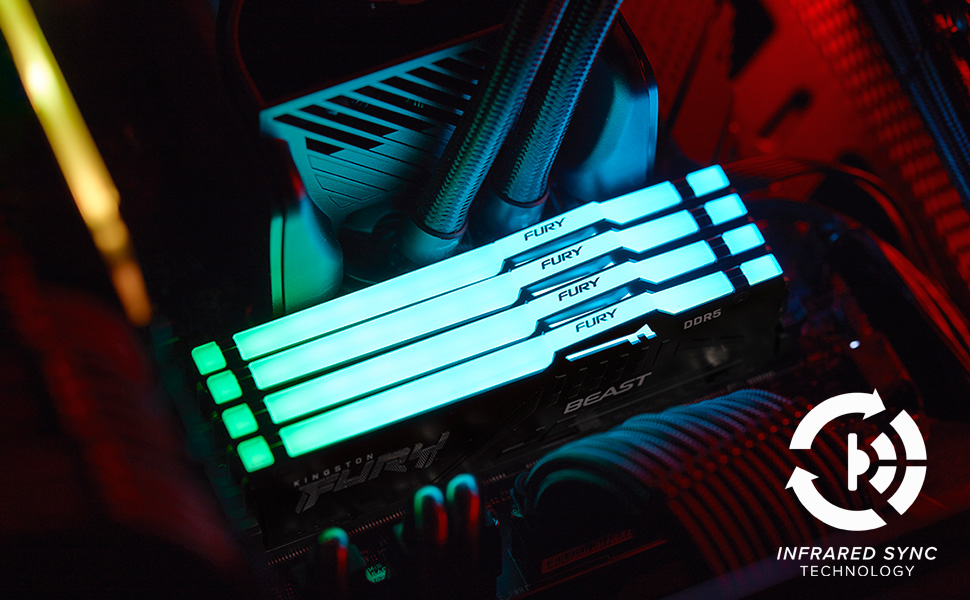
Kingston Fury Beast RGB 64GB DDR5 memory kit delivers ultra-fast 6000MT/s speeds with low latency CL30 timing, enhanced by dynamic RGB lighting and patented Infrared Sync technology. Designed for seamless compatibility with AMD EXPO and Intel XMP 3.0 profiles, it features a robust heat spreader for superior thermal management and overclocking stability, making it the ultimate upgrade for high-performance desktops.


| RAM | 64 GB DDR5 |
| Brand | Kingston |
| Series | Kingston FURY Beast DDR5 RGB Memory |
| Item model number | KF560C30BBEAK2-64 |
| Item Weight | 1.48 ounces |
| Product Dimensions | 5.25 x 0.26 x 1.66 inches |
| Item Dimensions LxWxH | 5.25 x 0.26 x 1.66 inches |
| Color | Black |
| Computer Memory Type | DDR5 SDRAM |
| Voltage | 1.35 Volts |
| Manufacturer | Kingston Technology Company, Inc. |
| ASIN | B0CYM3WCXM |
| Date First Available | March 20, 2024 |
R**E
Amazing!
This worked flawlessly for me and was incredibly easy to install. It’s also highly compatible with my PC. The RGB lighting is particularly impressive, as it perfectly matches all the colors of the other components in my system. I recently upgraded to the 64-gigabyte kit, and these RAM sticks offer excellent value for the money, providing both speed and durability.
A**R
Great addition to Gaming Rig
The Kingston Fury Beast RGB 32GB (2×16GB) 6800MT/s kit delivers extremely fast speeds that make a noticeable difference in both gaming and productivity. Load times feel quicker, multitasking is smoother, and performance stays consistent even under heavy workloads. The customizable RGB lighting is another highlight. It looks great in cases with good visibility and syncs well with other components, adding a clean and vibrant aesthetic without feeling overdone. Overall, this memory kit combines high-end performance with eye-catching visuals, making it an excellent choice for a powerful and stylish PC build.
L**X
OMEN 35L Gaming Desktop GT16-0044 - Ryzen 7 8700G, B650 Wolant board, Bios version F11
Okay, so after scouring the internet, including YouTube videos, Reddit posts, Amazon reviews of different makes of individual DDR5-6000 Ram, looking to upgrade my Memory on my OMEN 35L Gaming Desktop - GT16-0044 - equipped with a Ryzen 7 8700G, RTX GeForce 4060ti 8GB, and previously 2x8gb Kingston Fury (HP version) DDR5 Ram. At first I was getting mixed information, certain retailers stated that the ram with this machine is 5200 MT/s. CPUz shows the Ram as DDR5-6000 (3000 MHZ). HP Assistant Desktop specs shows DDR5-5600. At first I ordered two 8gb RAM sticks from Kingston to go with the two that were already installed, however when I went into BIOS and selected Expo (1 or 2) it was unstable and would not post or boot, it was registering at a very low speed, like 4800 MT/s, due to the BIOS JEDEC default, and I had zero luck overclocking it using Expo profiles within the BIOS. I returned those two sticks. I read that it is best to just run two sticks of memory instead of four, even though there is four memory slots, it is too much for the memory controller to handle running all four slots. I then ordered these: Kingston Fury Beast RGB 32GB (2x16GB) 6000MT/s DDR5 CL30 Desktop Memory | AMD Expo | Plug N Play | Kit of 2 | KF560C30BBEAK2-32 Obviously, I took the existing two sticks out and hated doing that because I don't want to just set them aside and not use them, but in this case, for me it was worth it. So I inserted the two 16 GB DDR5-6000 sticks and it booted up right away but was showing 5200 MT/s by default in task manager, so I restarted and went into my bios into the advanced options, and selected the Expo 1 Profile showing 6000 MT/s, but again The computer would not boot up, so after powering down and unplugging and then turning back on and resetting several times, I had to take the new Ram sticks out and reinstall the old memory again to get it to boot up. After I was able to get it to boot up I again uninstalled the old memory and installed the new memory, and this time I went into bios, into the advanced menu, and selected Expo Profile 2 (5600 MT/s), I selected save and exit and when the computer rebooted it took a little bit more time but it booted right up and indeed I had 5600 MT/s in task manager. After much more reading I then downloaded and opened up the app Ryzen Master, and on the basic view, on the right hand side, it shows Expo Profile options, and showed Expo as off, even though I just enabled it in BIOS. With that being said, I selected Expo profile one in the AMD Ryzen Master app, and then, at the bottom of the app, I selected "apply and test" This reboots the computer and then when it boots back up, it takes a little bit, you then wait and you let Ryzen Master load on its own again and it will run a stress test to test the memory on the profile that you selected. It passed the test and so I went to task manager to check it and indeed it was now running at 6000 MT/s CL 30. I was extremely happy so I powered down the computer and then started it back up just to make sure it would hold the speed, and it did hold the speed of the memory at 6000 MT/s, and at that time I tested some apps and everything seems to be working very stable. If you have the same PC or you're running a Ryzen processor with a B650 chipset, but you can't get Expo in Bios to work properly, you have to use the AMD Ryzen Master app and enable an Expo profile within the app. So far everything is running extremely stable, also performed a few memory tests and all passed with no errors, and I really hope that this review and information helps someone and saves them the hours and hours of reading and researching as I have done because it just gets more and more complicated. Now I have upgraded my RAM and I'm running on a much better speed with much lower latency and I could not be happier. (I did not have to change any timings, or voltage parameters, or anything else.) 100% reccomended.
J**K
Glad to have gotten my order in when I did, satisfactory performance/cost
Very nice lighting, super simple to install and replace my 16GB sticks I bought and installed while I waited for Amazon to fulfill my order of two of these sticks. Didn't get a matching set and have still had no issues and love having the extra memory, 64GB vs 32GB. Speed is almost the exact same as my previous set, especially when OCing clock timings to match and leaving MT/s to 6000 which is optimal for my AMD 9800X3D CPU IMO. Quality is great, I think this may be the first Kingston set I've used in over 15 years of PC building/gaming. Amazing value for my money when I ordered these, they were the last listing of any kit I could find in November 2025 at $150/32GB stick. Just took about 2 months to finally get my order due to foreseen supply issues when the AI overlords took their wrath out on the people of the world.
E**V
⭐️ Fantastic DDR5 RGB Memory Kit – Fast & Reliable! ⭐️
The Kingston FURY Beast 16GB (2×8GB) DDR5 5600MT/s CL36 kit delivers excellent performance for gaming and multitasking. Installation was easy, and the RGB lighting looks great with my build. The speed and stability have noticeably improved system responsiveness compared to my old RAM. Great choice if you want reliable, high-speed DDR5 memory with stylish RGB — solid performance for modern desktops!
W**G
Got some prep H you can lend me?
Bought this set for $670 total. Rampocalypse is still pocalypsing and 2 weeks later they're up to $900. Absolutely insane. My machine is down for a rebuild right now, waiting for the 9850x3d and aorus master mobo to come in. I popped them in my gf's (9800x3d/aorus pro) for a quick trip through clockville though and initial results were great. Tightened the timing to 30 while maintaining 6400 and ran memtest for an hour before I got kicked off so she could go farm onions in palia. If prices ever come down, this is a solid kit. Otherwise pay your rent. I'm finding it hard to keep her rig dry with recycled trash bags behind the library.
J**R
It’s fast
Good stick of ram, it was at a good price when I bought it and it works well.
A**N
top notch
thankfully bought these before the prices went crazy, great quality ram that ran at advertised speeds on first try. RGB looks great! Paired with 7800x3d on a MAG X870 TOMAHAWK WIFI
M**K
Malgré le prix de la RAM en cette fin d'année , une offre intéressante et une livraison plus rapide que prévue . Je recommande !
R**O
Bonita e funciona super rápido. Recomendo.
J**R
Parfait pour ce que j'en fait et vu que j'ai touché le pack de 64gb à 200 balles début 2025 et qu'on voit la folie des prix de maintenant, je dirais que j'en suis deux fois plus satisfait.
3**L
They were qualified for my mobo and putting the EXPO profile gave me 0 trouble.
J**T
Parfait
Trustpilot
1 week ago
1 month ago