
DOWNLOAD THE APP


Customer Services
Copyright © 2025 Desertcart Holdings Limited
DOWNLOAD THE APP
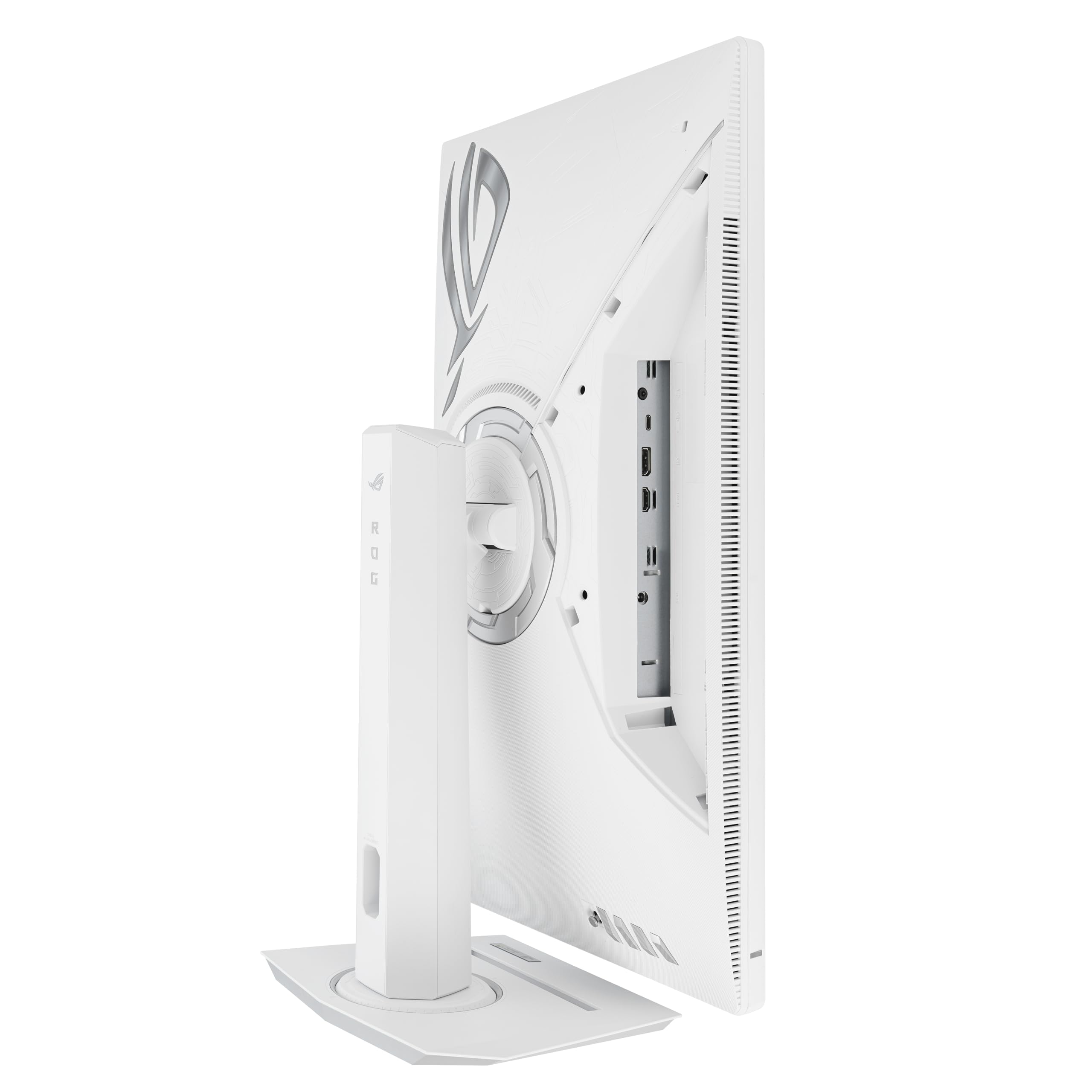

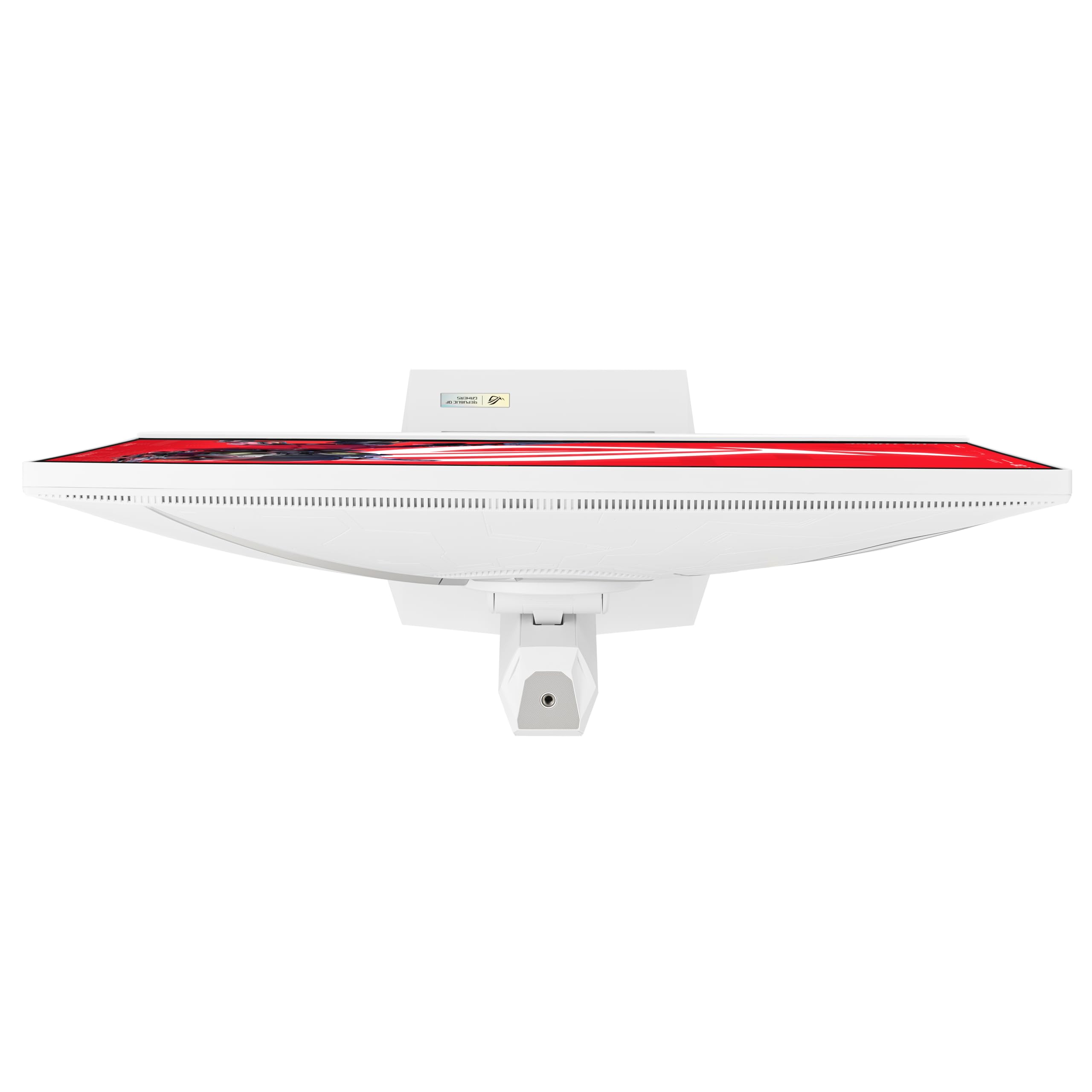

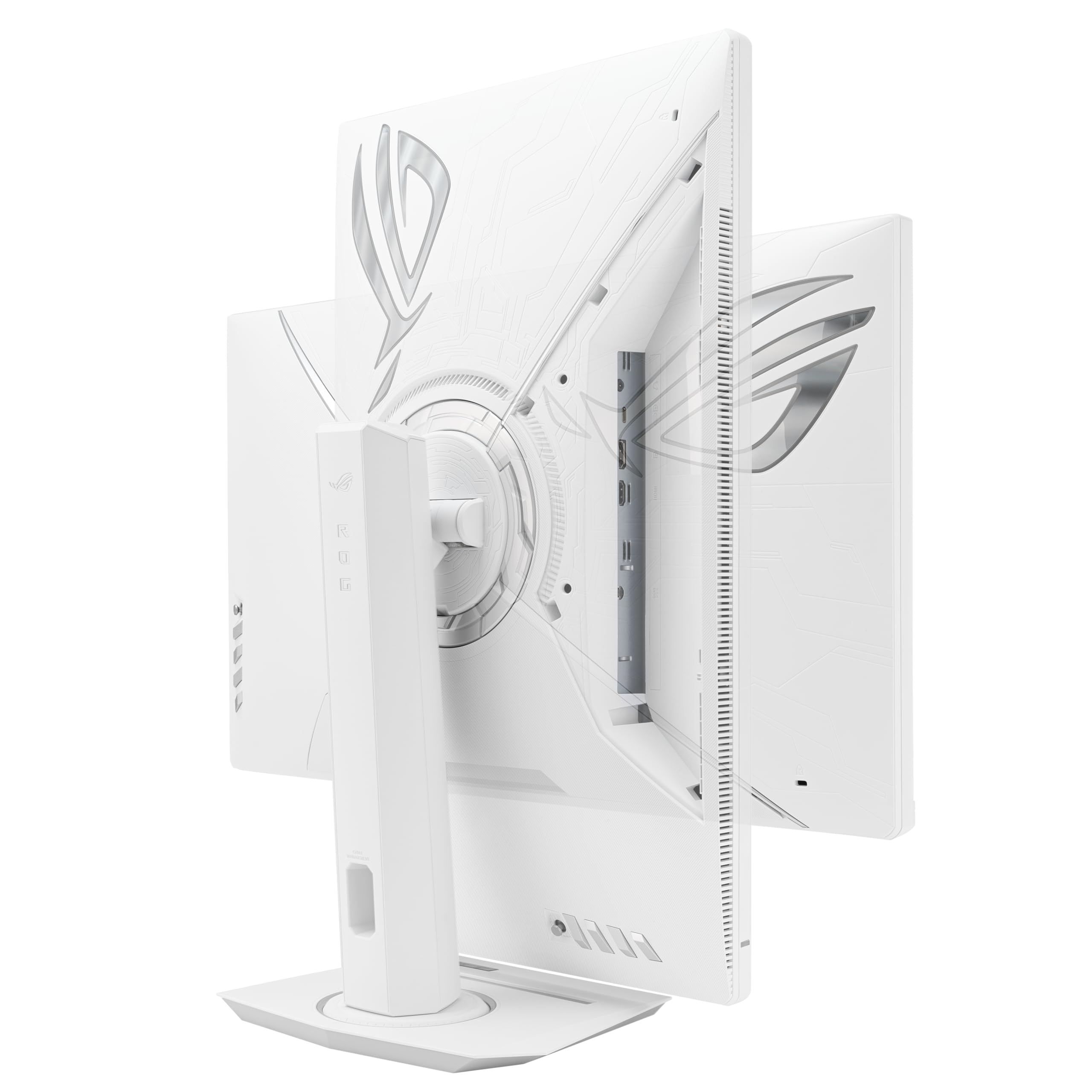
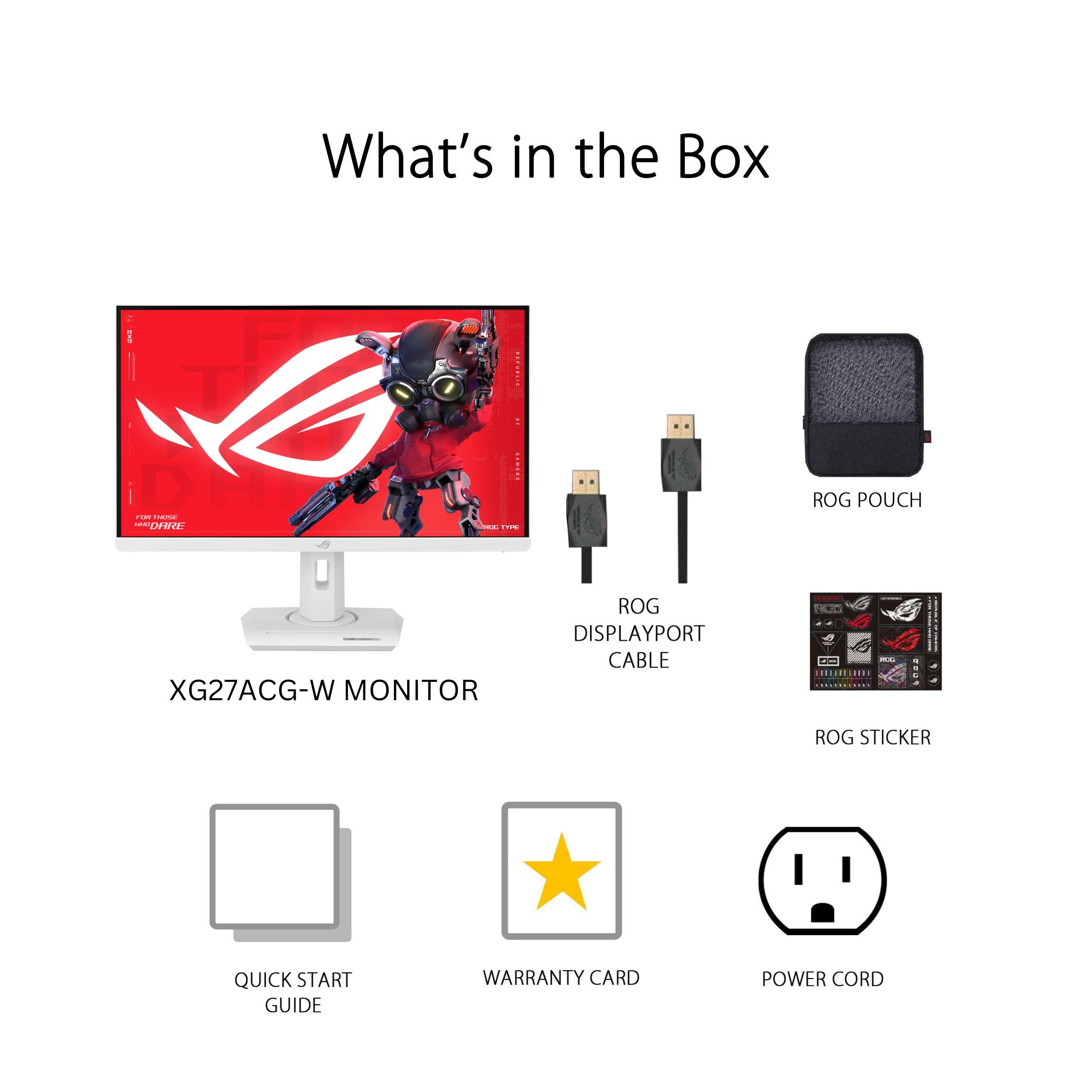


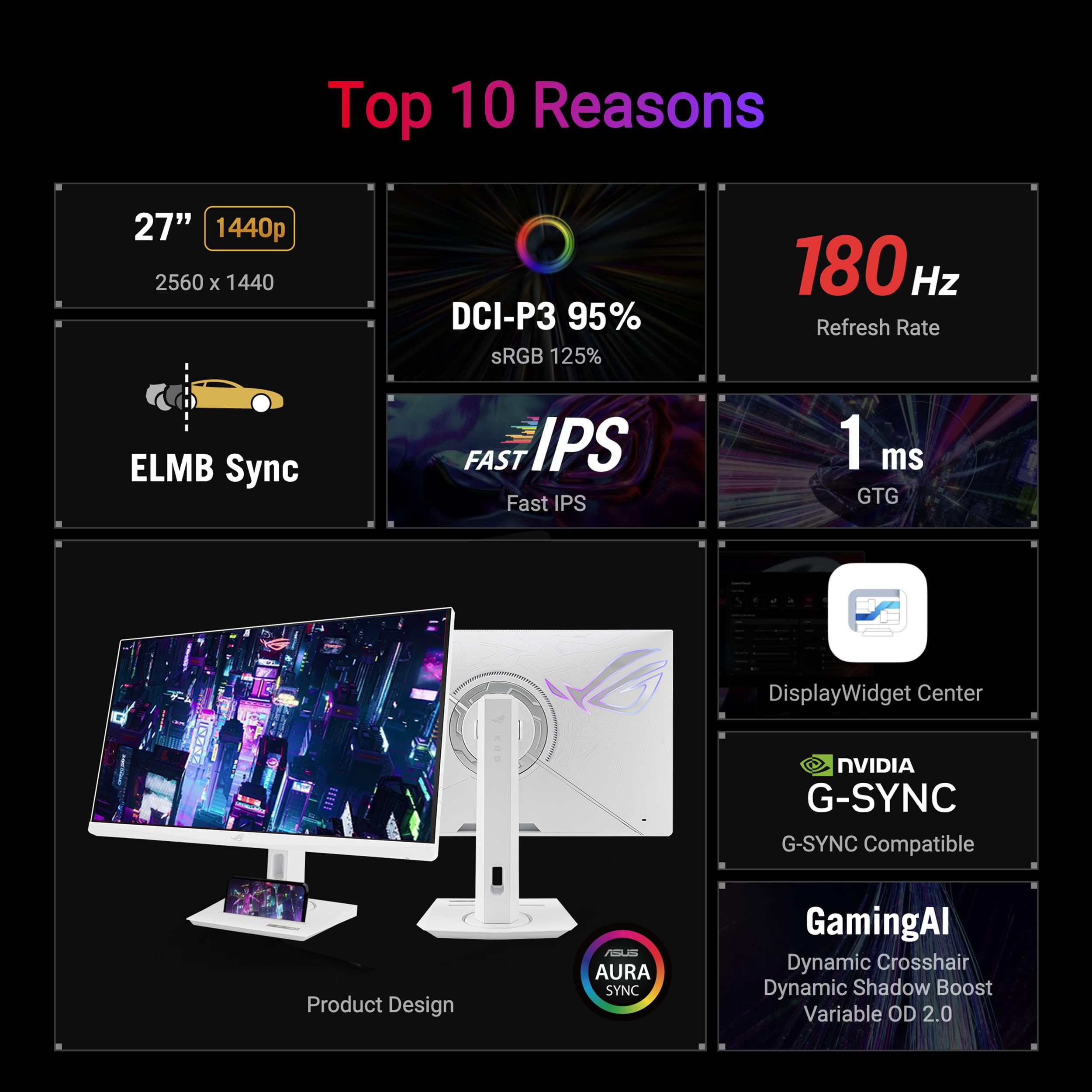



🎮 Dominate your game with speed, color, and clarity that others only dream of!
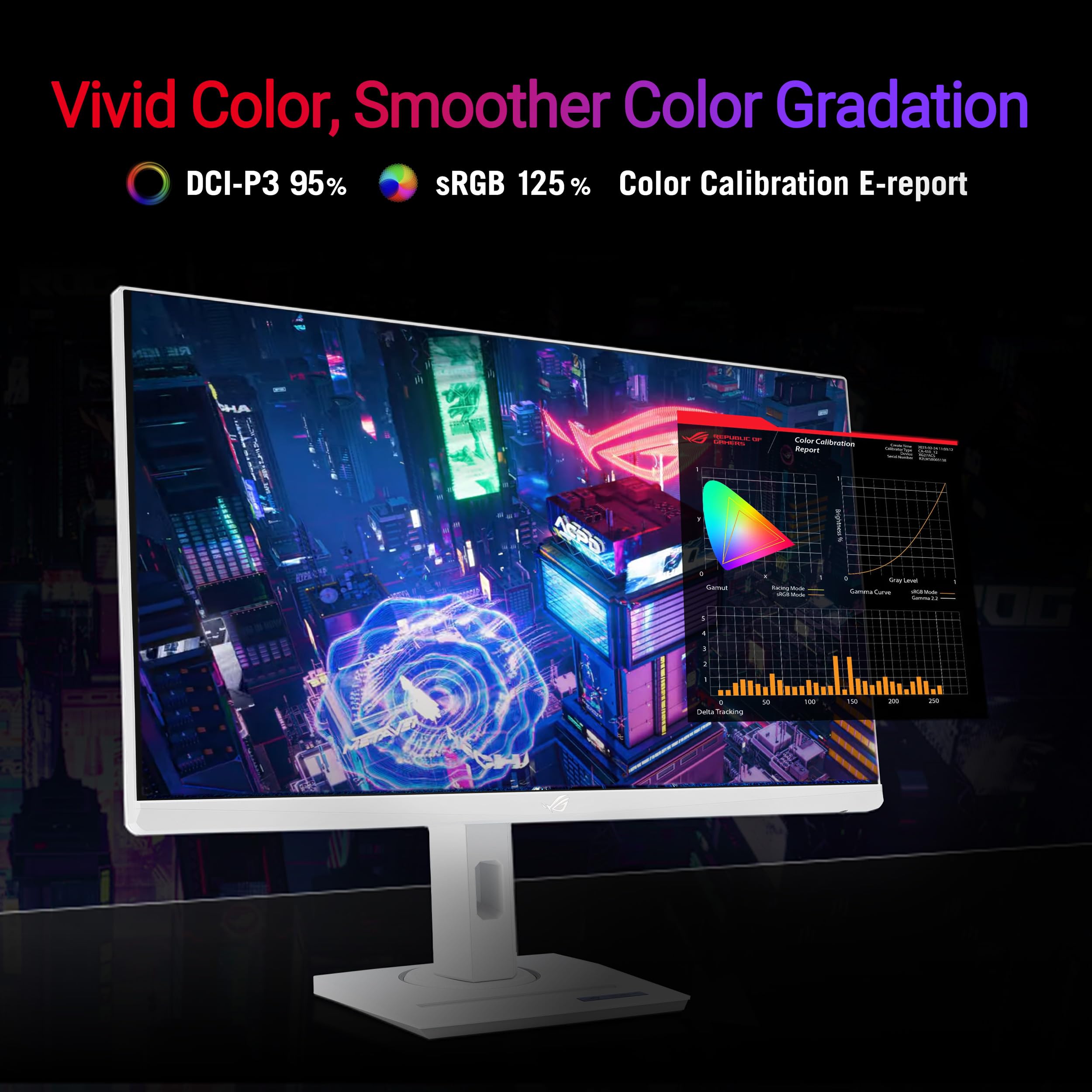
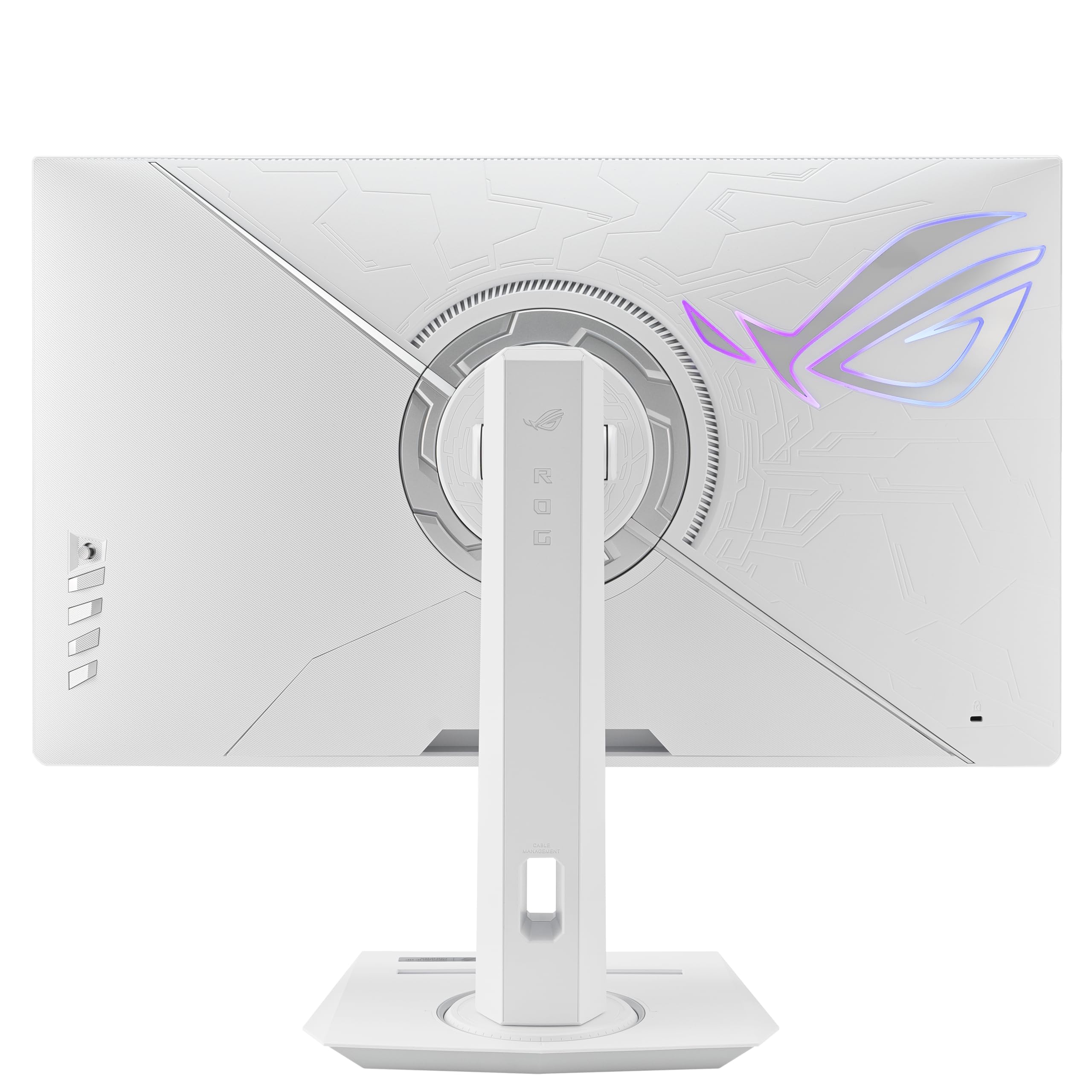
The ASUS ROG Strix XG27ACG-W is a 27-inch QHD HDR gaming monitor featuring a blazing 180Hz refresh rate and 1ms Fast IPS response time. Designed for pro gamers, it offers Extreme Low Motion Blur Sync and G-Sync compatibility to eliminate visual artifacts. With 95% DCI-P3 color accuracy and USB-C connectivity, it combines stunning visuals with versatile modern features, backed by a 3-year warranty and exclusive Adobe Creative Cloud access.



























| ASIN | B0CZWZKQP3 |
| Are Batteries Included | No |
| Best Sellers Rank | #53,011 in Computers ( See Top 100 in Computers ) #1,465 in Computer Monitors |
| Brand | ASUS |
| Color | BLACK |
| Customer Reviews | 4.4 4.4 out of 5 stars (154) |
| Date First Available | 28 August 2024 |
| Item Weight | 6.62 Kilograms |
| Item model number | XG27ACG-W |
| Manufacturer | ASUS |
| Number of HDMI Ports | 3 |
| Number of USB 3.0 Ports | 1 |
| Product Dimensions | 21.84 x 61.47 x 51.05 cm; 6.62 kg |
| Resolution | 2560 x 1440 Pixels |
| Screen Resolution | 2560x1440 |
| Series | MONITOR |
| Standing screen display size | 27 Inches |
K**H
Pixelation and Overheating After One Year, Very Slow Repair
After about one year of use, my ASUS ROG gaming monitor suddenly became pixelated and the bottom area near the buttons overheated. The issue was covered under warranty, but the repair took a very long time. Disappointing experience and not what I expected in terms of reliability.
I**Z
Muy buena calidad de materiales y de imagen, se nota el cambio de 1080p a 1440p y el color blanco combina con mi set up.
D**E
Tardo mucho en llegar pero fue más de lo que esperaba, contento con el QHD
Z**H
Awesome monitor.
P**O
Excelente, llego en perfecto estado, hice las pruebas y ni tiene ningun pixel muerto o fuga de luz
A**G
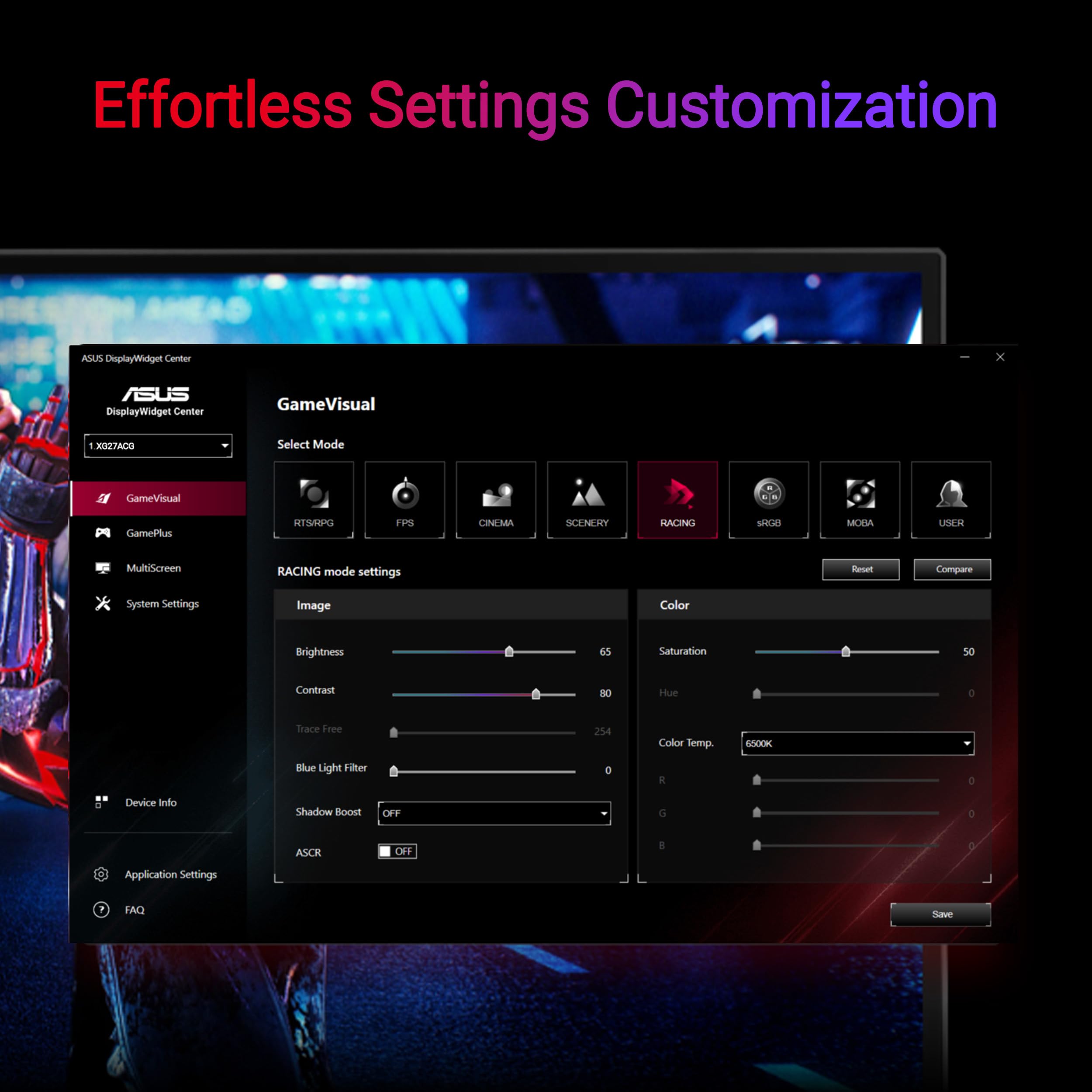
The monitor has good picture quality and build. I do not think anything lesser than an OLED monitor would surpass. A few things I would like to see improved: * If it does not find the signal, it shuts off in like one second. Damned, need to leave some time for the user to figure what is going on. I get it energy saving is important, but should stay on for at least some ten seconds?! This is really annoying, all the more so because HDMI seems to have issues with waking up when the laptop is put to sleep. * Between day time and night time, monitor brightness needs adjusting. There should have been some easier means to do this, ideally even automated with an ambient light sensor. However, various monitors do not seem to support this. This monitor does allow having two setting profiles and you can customize the button to switching between these with just two clicks (I have set up upward click on its button to open setting 1 with larger brightness and downward click to open setting 2 with lower brightness. * For some reason, monitors do not allow lowering the brightness below a certain level, which itself I find too high for night environments. I wish they allow letting the brightness scale do all the way to zero.
Trustpilot
4 days ago
3 weeks ago